
Internal tool guide
Build an internal tool with AI
CRMs, admin panels, ops dashboards - the apps your team needs but won't pay an agency to build. Generated, deployed, and yours to own. No Retool lock-in, no per-user pricing trap.
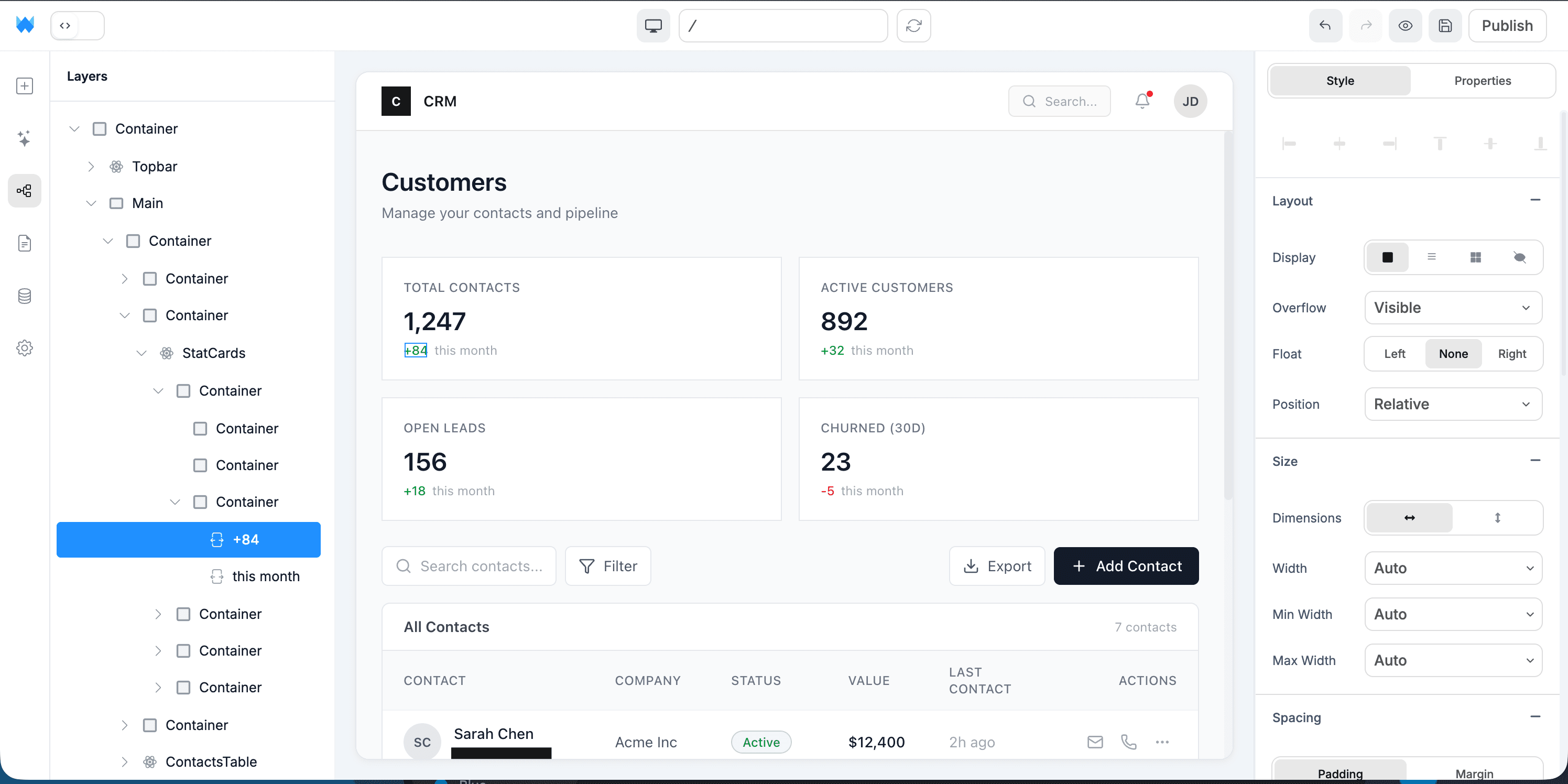
01 / What you can build
Real projects, not toy examples.
People are shipping these internal tools on Webtwizz this quarter. Each one is a complete app: real auth, real data, real money flowing through Stripe.
CRMs
Custom contact management built around your actual sales process - not Salesforce-shaped.
Admin panels
Manage users, content, refunds, and feature flags for your main product. Connect to your existing DB.
Ops dashboards
Real-time views of metrics, tickets, queue states. Built around what your team actually needs to see.
Inventory + asset trackers
Equipment, parts, software licenses, freelancer hours - track whatever your business runs on.
02 / The build
From a sentence to a deployed app.
4 ordered steps. No config files, no devops, no SQL migrations to write by hand.
STEP 01
Describe what your team needs
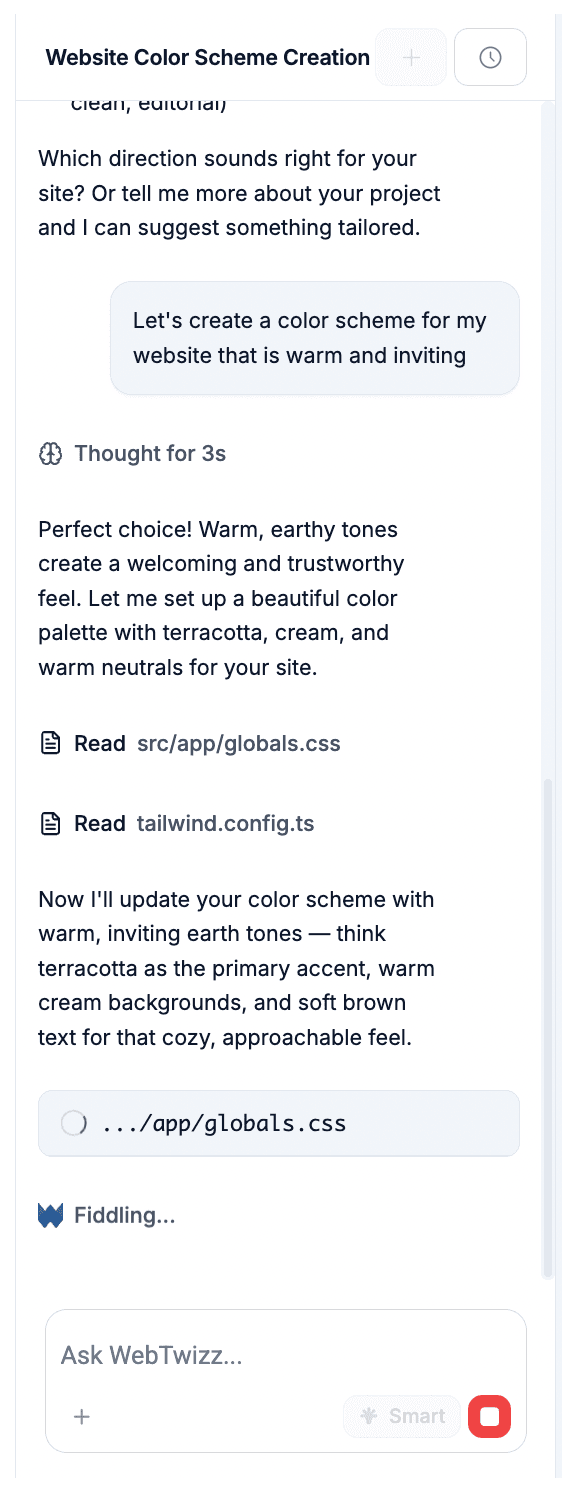
Write a prompt like "An admin tool where our support team can search users, refund their last payment, and toggle their account status." Webtwizz scaffolds the UI and queries.
STEP 02
Connect to your data
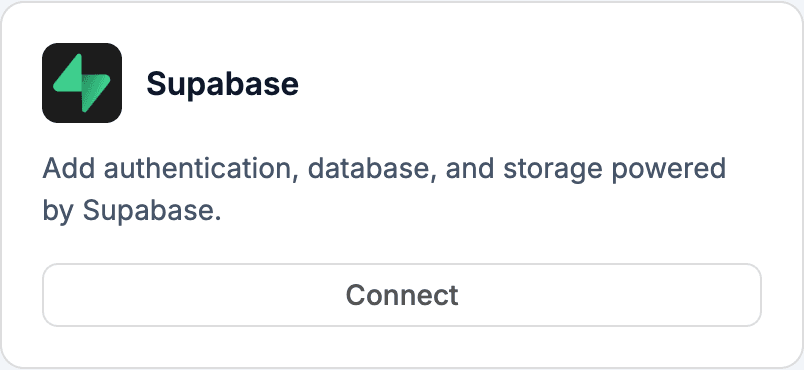
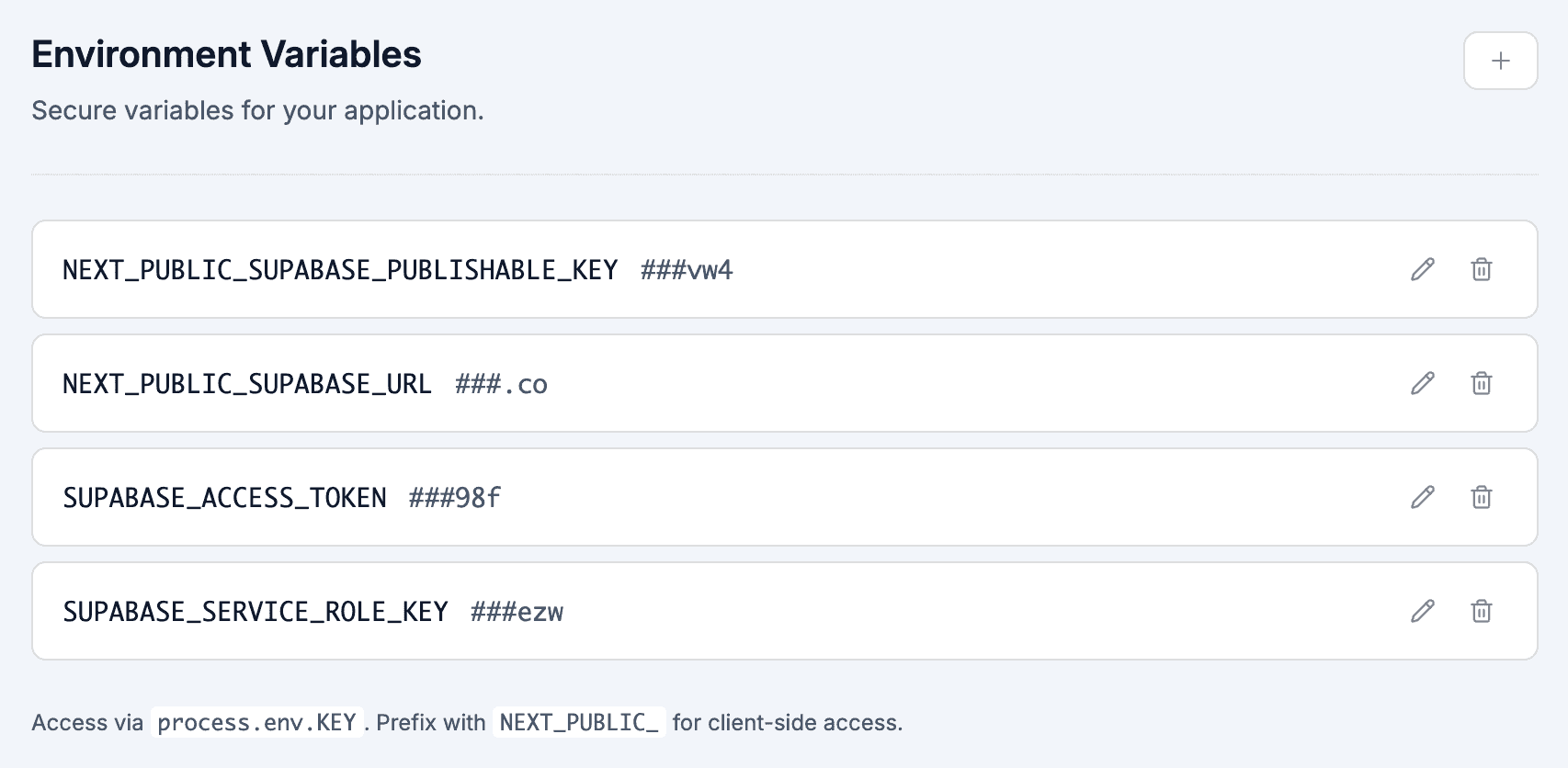
If your data is in Supabase, one click. If it's in Postgres, MySQL, or another database, expose it through Supabase's foreign data wrappers or a thin API layer. Webtwizz adapts to the schema.
STEP 03
Add role-based access
Internal tools always need permissions - admins vs support vs read-only. Webtwizz scaffolds role checks at the route and component level. RLS policies on Supabase enforce them at the DB layer.
STEP 04
Iterate as your team uses it
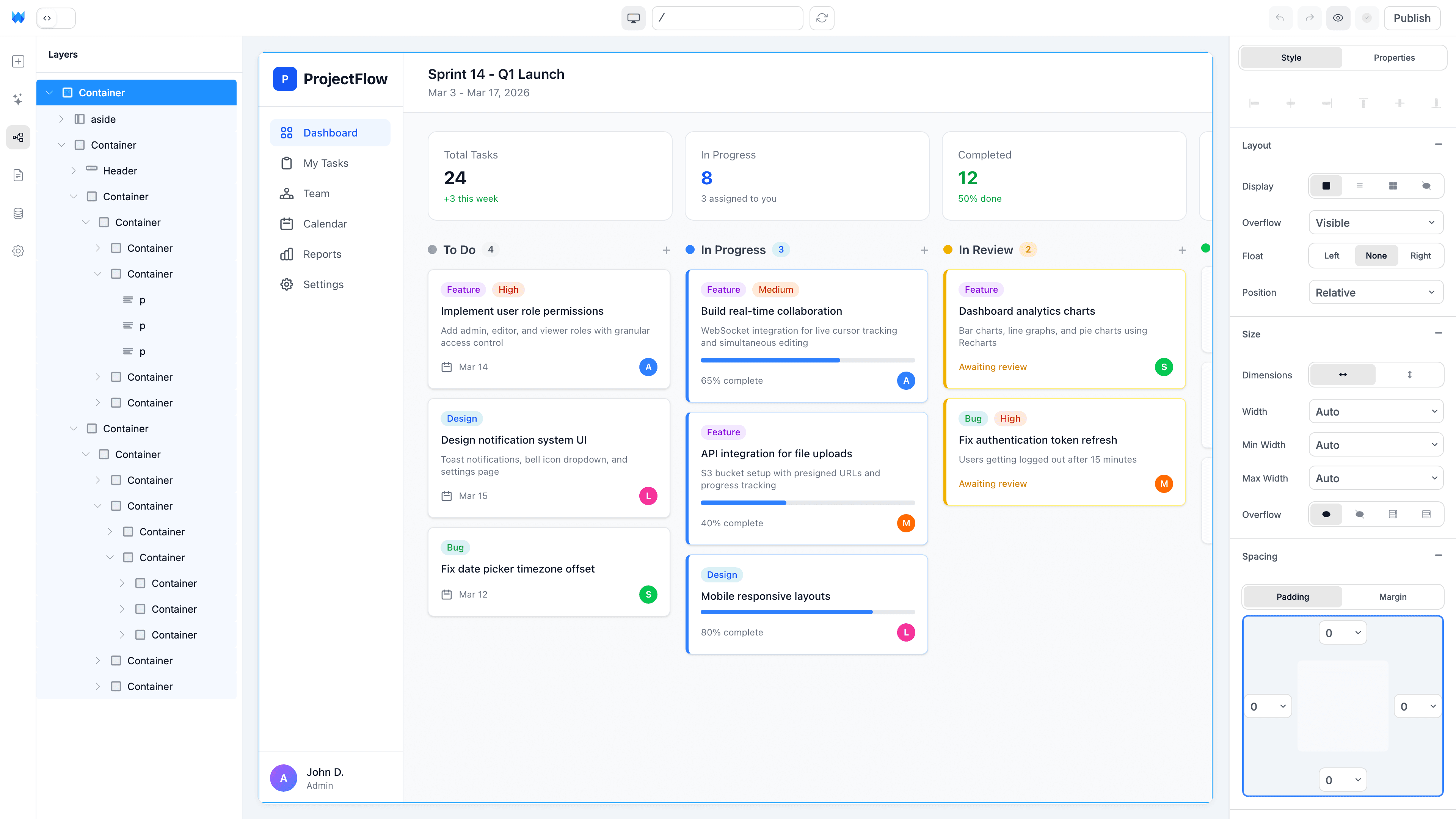
The whole point of an internal tool is fitting your team's workflow. Use the visual editor for layout tweaks, AI for new actions, and the code editor for custom queries.
03 / Why it works
The parts other AI builders skip.
Anyone can scaffold a CRUD app. The reason these projects ship is the integration plumbing other builders leave for you.
No per-user pricing trap
Retool charges per user. Webtwizz doesn't. Add unlimited internal users at no extra cost - they all use one Webtwizz subscription.
Real Next.js, not Retool's drag-and-drop
Internal tools tend to become critical infrastructure. Retool keeps your tool inside their proprietary editor; Webtwizz generates standard Next.js + Tailwind, visible and editable in the built-in code editor.
Connect any database
Supabase native, but Postgres, MySQL, MongoDB all work via Supabase wrappers or custom API routes.
Faster than Retool for the first 80%
Retool is great when you've used it for years. AI generation gets you to a working tool in 30 minutes - and the visual editor handles the polish that Retool's drag-and-drop UI promises but rarely delivers.
04 / The stack
Wired up. One click each.
Supabase, Stripe, the email layer, the analytics layer. OAuth, env vars, webhooks, scaffolded routes, all generated correctly the first time.

Supabase
User table + role-based access. Often connected to your existing data via foreign data wrappers.

Stripe
Look up payments, refund processing, subscription management for support staff.

Resend
Send transactional emails from the admin tool - password resets, manual notifications.

PostHog
See user activity inside the admin tool when investigating support tickets.
05 / Questions
The honest answers.
The questions founders actually ask before they commit to a stack.
Is Webtwizz a Retool alternative?
Yes, for the use case 'build internal tools with AI.' Webtwizz generates standard Next.js (vs Retool's proprietary editor format), uses AI generation (vs Retool's drag-and-drop), and has no per-user pricing trap.
Can it connect to my existing database?
If it's Supabase, natively. For Postgres or MySQL, use Supabase's foreign data wrapper. For MongoDB or anything else, write a Next.js API route to expose it (Webtwizz can scaffold this).
How do I handle internal-user permissions?
Webtwizz scaffolds role-based access at the route and component level. Use Supabase's RLS policies to enforce it at the database. Roles like admin, support, viewer are common patterns.
Is this faster than building it ourselves?
Yes - almost always. The pattern that takes a week to build manually (auth, role checks, CRUD UI, search, basic CRUD logic) takes ~30 minutes in Webtwizz. The remaining time is custom business logic and polish.
Where does the tool actually run?
Each Webtwizz project runs on its own dedicated machine, with hosting, custom domain, SSL, and zero-downtime publishes handled for you. There's no separate devops or server setup.
Build it visually. Ship it today.
Webtwizz is the AI app builder that lets you edit AI-generated code visually, and ship full-stack apps with auth, databases, and payments.
120 free credits · No credit card required