Stripe Integration
OAuth into Stripe Connect once. Your account ID and keys are stored encrypted and exposed as environment variables, so the AI can write checkout, subscription, and payout code that just works.

01 / The integration
The Stripe integration runs the full Stripe Connect OAuth flow, encrypts your access token and refresh token, and writes four environment variables onto your project. From there, anything the AI generates can call Stripe with the right keys already in place. Webtwizz doesn't proxy your traffic and doesn't take a cut.
02 / What you can build
The flows Webtwizz scaffolds correctly the first time, so you don't spend three days reading Stripe docs.
Ask the AI for a paid plan or one-time payment. It writes the checkout session route using the keys the integration already set.
The integration uses the standard Stripe Connect OAuth scope (read_write), so split-payment and platform-fee patterns work end to end.
If you also connect Supabase, ask the AI to persist subscription status. It will use both sets of env vars together.
There's no auto-generated /api/stripe/webhook. Ask the AI for one and it will scaffold it using STRIPE_SECRET_KEY. You set the webhook secret in env vars yourself.
03 / Setup
3 ordered steps. Open Integrations, click Connect, paste the key. The plumbing scaffolds itself.
STEP 01
Inside any Webtwizz project, open the Integrations panel and click Connect on the Stripe card.

STEP 02
You'll be redirected to Stripe's hosted OAuth page. Approve access. Webtwizz exchanges the code for an access token and stores it encrypted.

STEP 03
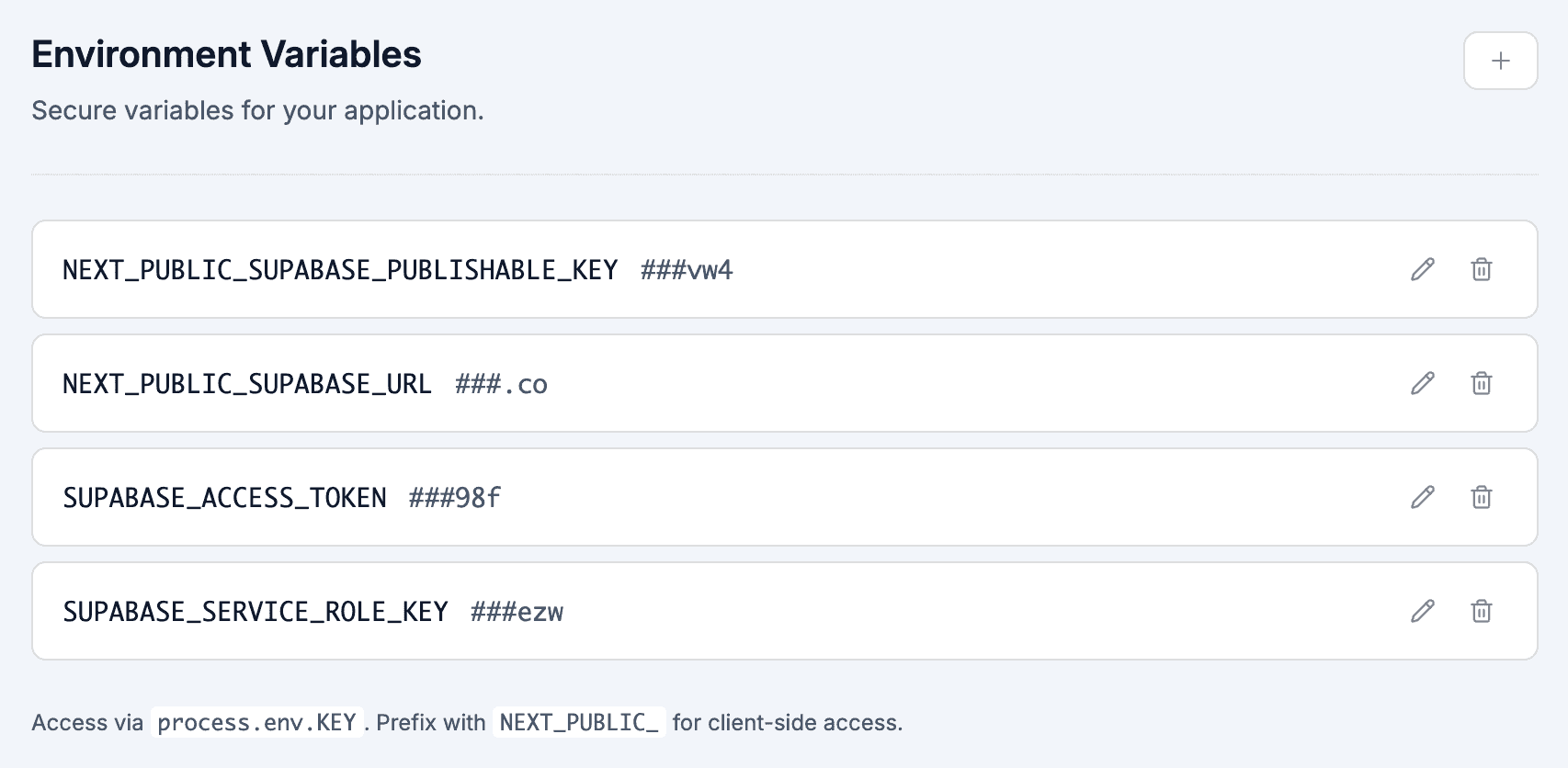
Four variables land in your project's environment panel: NEXT_PUBLIC_STRIPE_PUBLISHABLE_KEY, STRIPE_PUBLISHABLE_KEY, STRIPE_SECRET_KEY, and STRIPE_ACCOUNT_ID. From here, the AI can write Stripe code that runs.

04 / Environment
These show up in your project's environment variables panel the moment you connect Stripe. No copy-paste, no .env files.
NEXT_PUBLIC_STRIPE_PUBLISHABLE_KEY
Publishable key, exposed to the client for Stripe.js / Checkout redirects.
STRIPE_PUBLISHABLE_KEY
Same publishable key, available server-side without the NEXT_PUBLIC prefix.
STRIPE_SECRET_KEY
Server-only access token from the Stripe Connect OAuth exchange. Used to call the Stripe API as the connected account.
STRIPE_ACCOUNT_ID
The connected account ID returned from Stripe Connect.
05 / Questions
What founders actually ask before they wire up Stripe.
No. Webtwizz writes the Stripe env vars and stores your OAuth token, but does not auto-create a /api/stripe/webhook route. Ask the AI to scaffold one and it will. You'll need to add STRIPE_WEBHOOK_SECRET to env vars yourself once you create the endpoint in your Stripe dashboard.
Yes. The integration uses Stripe Connect's OAuth flow with read_write scope, exactly the scope marketplaces need. The connected account ID is stored as STRIPE_ACCOUNT_ID so server-side code can act on behalf of the connected account.
No. You connect your own Stripe account and Stripe pays you directly. Webtwizz never touches the money flow.
Stripe's livemode flag from the OAuth exchange is recorded in your project's integration record. The publishable and secret keys reflect whichever account you OAuth into. To use test keys, OAuth into a test-mode Stripe account.
Webtwizz removes the four Stripe env vars from your project and clears the stored access token. Anything the AI previously wrote that depends on those vars will stop working until you reconnect.
Webtwizz is the AI app builder that lets you edit AI-generated code visually, and ship full-stack apps with auth, databases, and payments.
120 free credits · No credit card required