

Stripe connector
Take payments by asking for them.
Connect your Stripe account in one click. Then tell the AI what you want to sell, and it builds the checkout. The money goes straight to you.
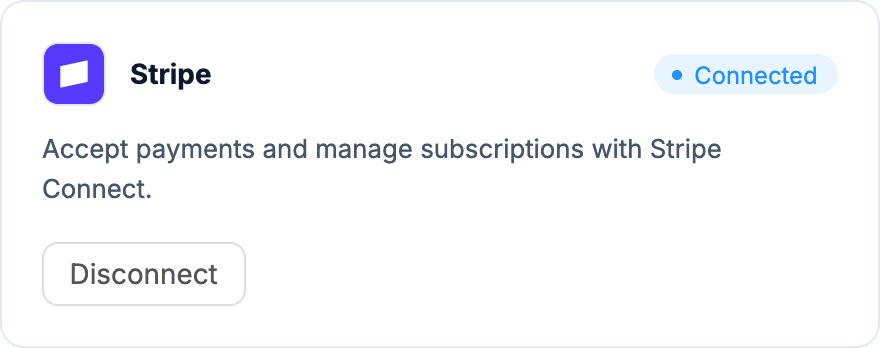
One click to connect.
Your app uses your own Stripe account, so payouts, refunds and customers stay where you already manage them.
- Click Connect on Stripe in Connectors
- Sign in to Stripe, or create an account, and approve
- No keys to find or paste
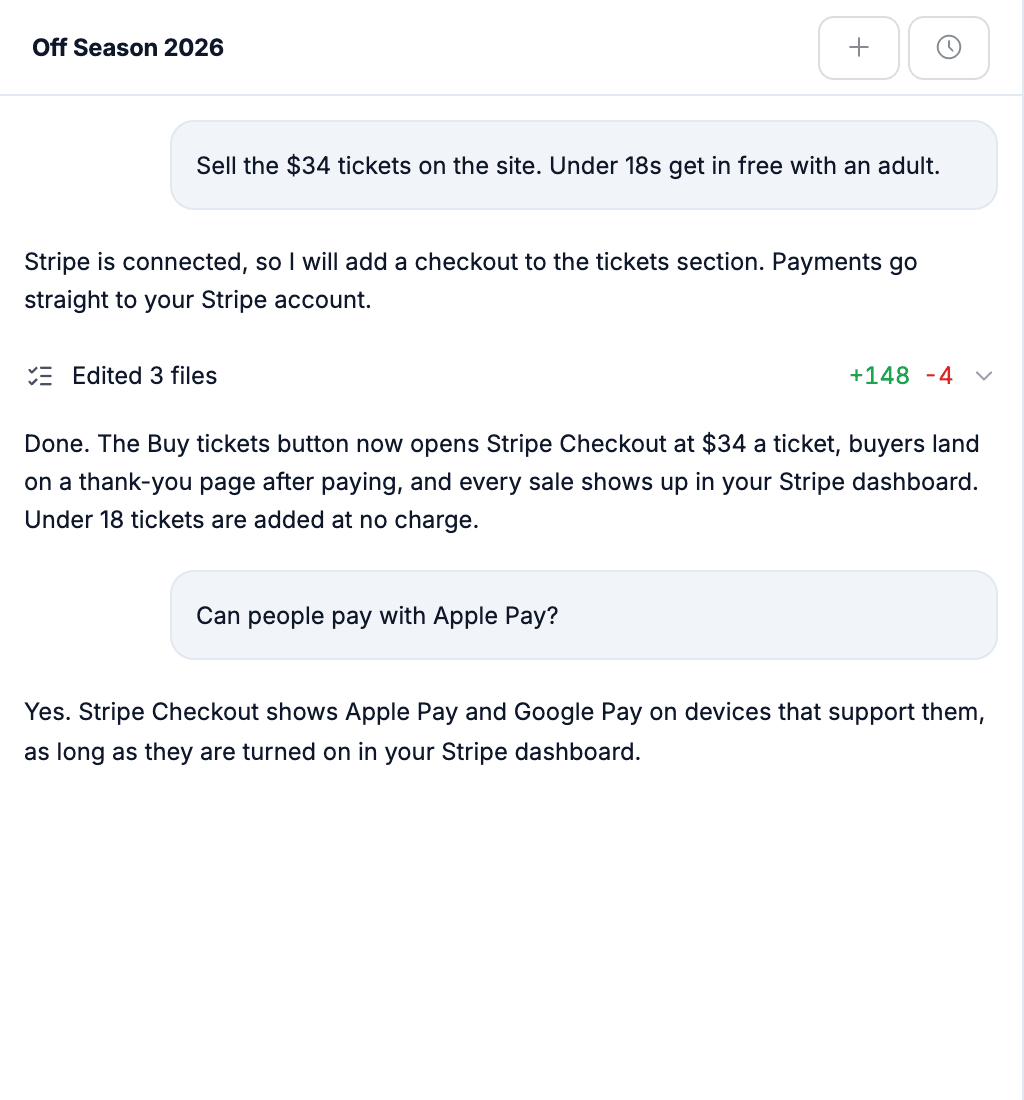
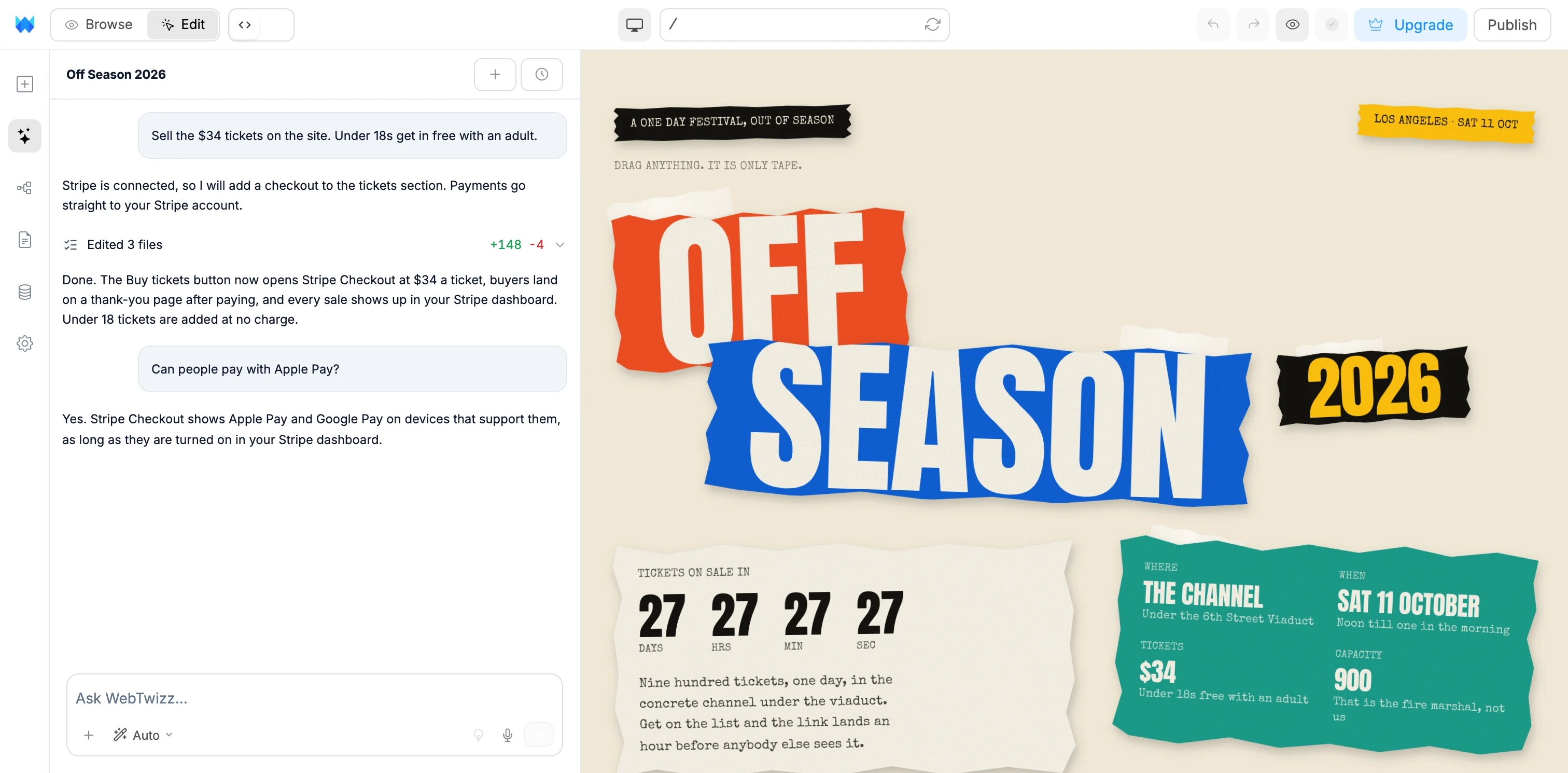
Say what you sell. The AI builds the checkout.
Describe the product and the price. The AI builds it with your Stripe account and tells you what changed.
- Checkouts for tickets, products or bookings
- Monthly and yearly subscriptions
- Pay buttons on any page
- Thank-you pages after payment
Stripe, answered.
What people ask before they connect Stripe. Anything else, our team is one email away.
No. Click Connect on Stripe in Connectors, sign in to Stripe and approve access. WebTwizz takes care of the rest.
Yes. If you do not have one yet, you can create it during the connect step on Stripe.
Straight to your own Stripe account. Every payment shows up in your Stripe dashboard, where you manage payouts, refunds and customers as usual.
Ask for it in plain words: a checkout for tickets or products, a monthly subscription, or a pay button on any page. The AI builds it into your app using your connected account.
Stripe Checkout shows them on devices that support them, as long as they are turned on in your Stripe dashboard.
WebTwizz loses access to your Stripe account, and checkouts in your app stop working until you reconnect. Your Stripe account, customers and past payments stay in Stripe.
Start selling from your app.
Describe what you want to sell. WebTwizz builds the app and the checkout, and the money goes to your Stripe account.
Get started for free, no credit card needed.