

Supabase connector
A real database for your app, set up by asking.
Connect your Supabase account in one click. Then tell the AI what to save, like orders, sign-ups or bookings, and it builds the tables, the sign-in and the pages that use them.
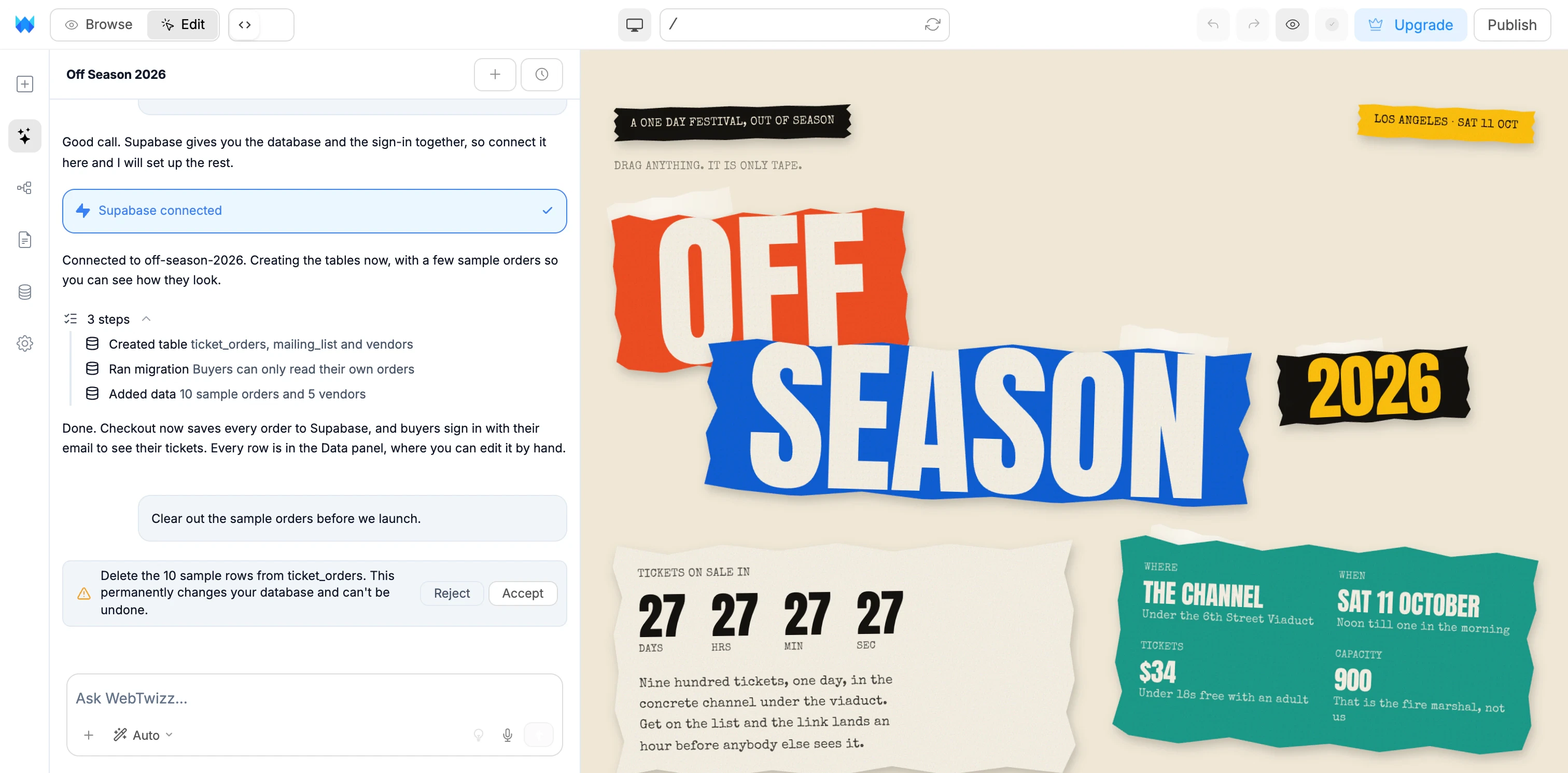
One click. No keys to copy.
Connect from the Data panel, or from the button the AI shows you in the chat.
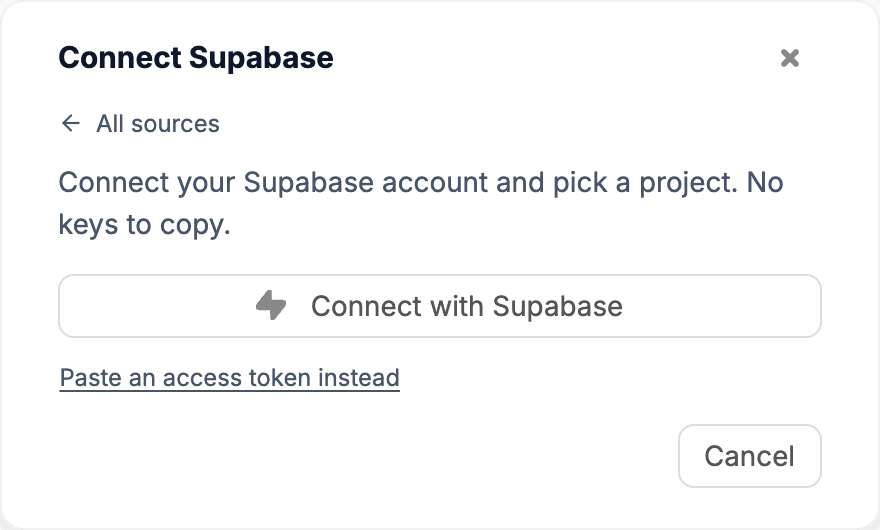
Step 1
Connect with Supabase
Sign in to Supabase and approve access. No keys to copy.
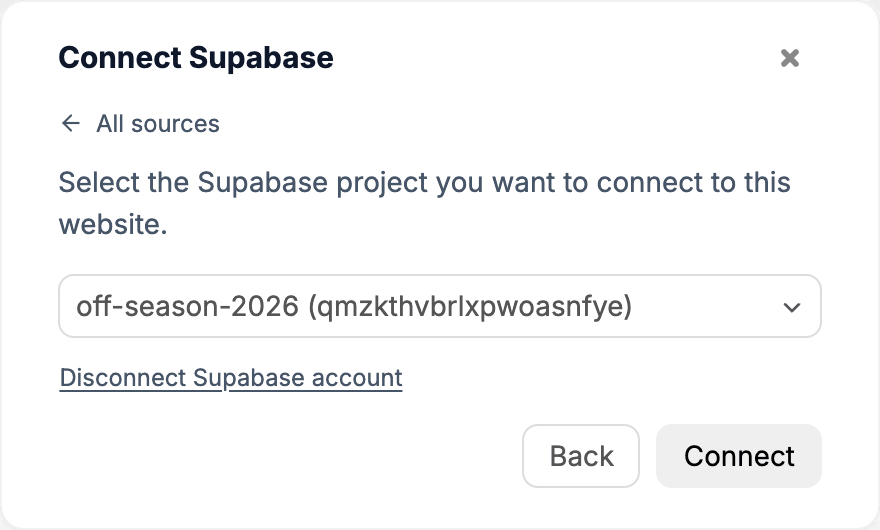
Step 2
Pick a project
Choose one of your Supabase projects for this app.
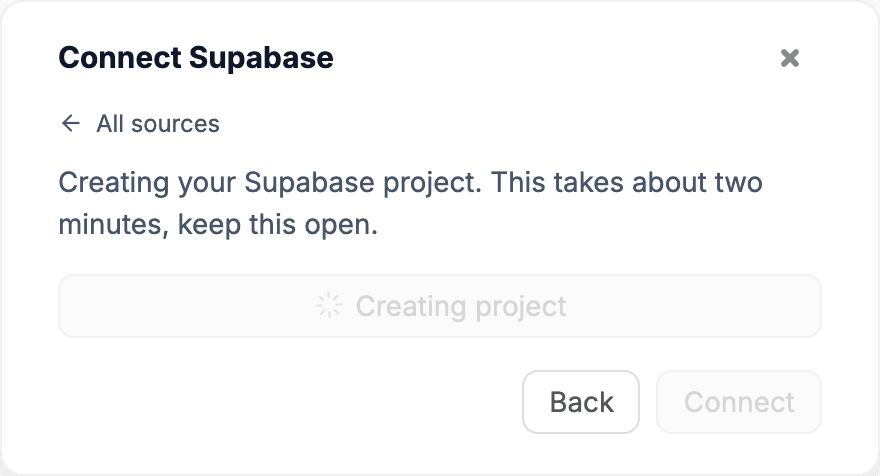
Or
Create a new project
No project yet? Make one here. It is ready in about two minutes.
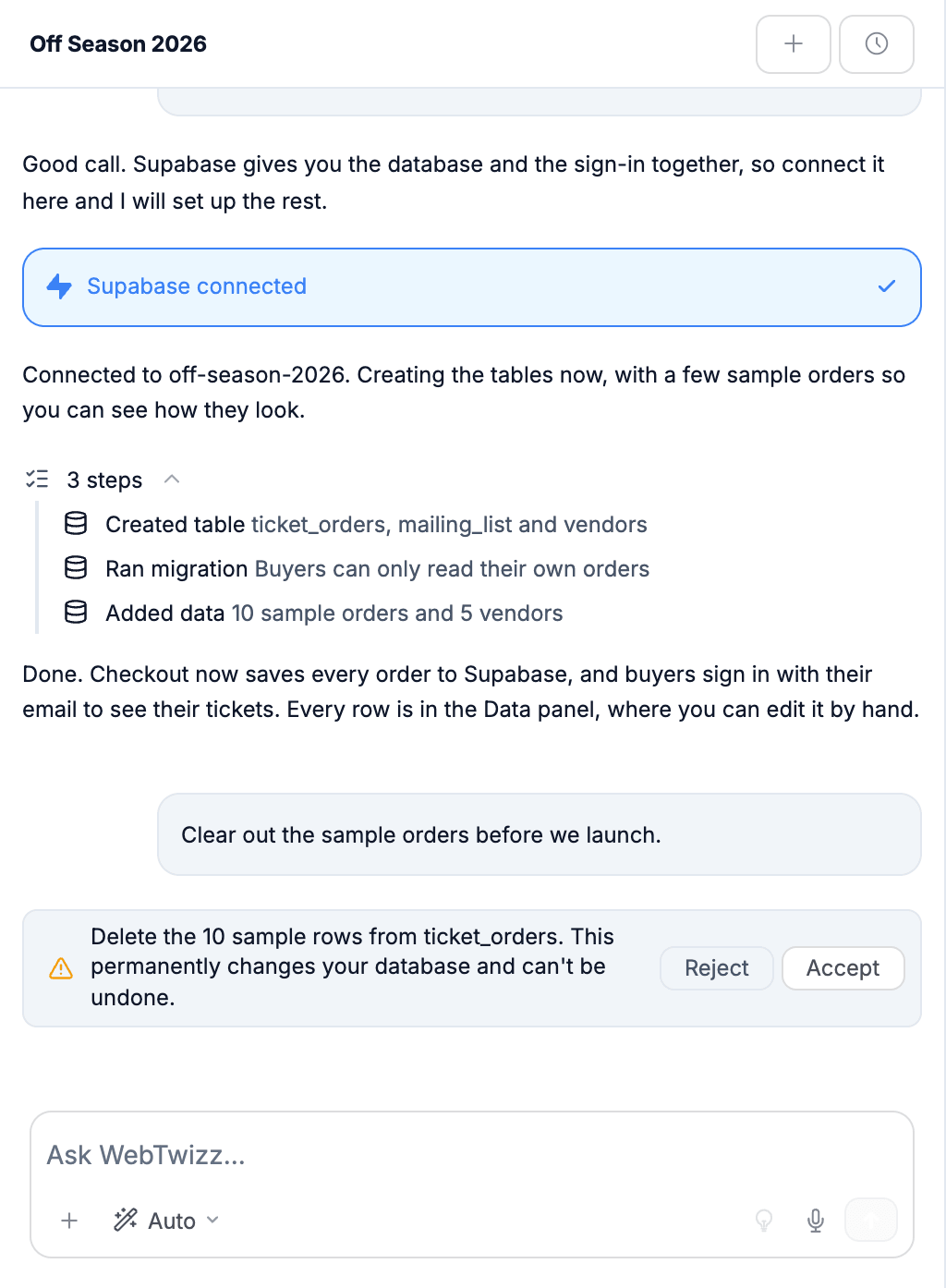
Say what to save. The AI does the database work.
You describe the app. It sets up Supabase to match, and tells you what it did in plain words.
- Creates the tables your app needs
- Adds access rules, so people only see their own data
- Fills in sample rows, so nothing starts empty
- Builds real sign-up and sign-in
- Asks before deleting anything
Every row, editable by hand.
Once Supabase is connected, the Data panel lists your tables and lets you work with the data directly. No spreadsheets to export, no dashboard to learn.
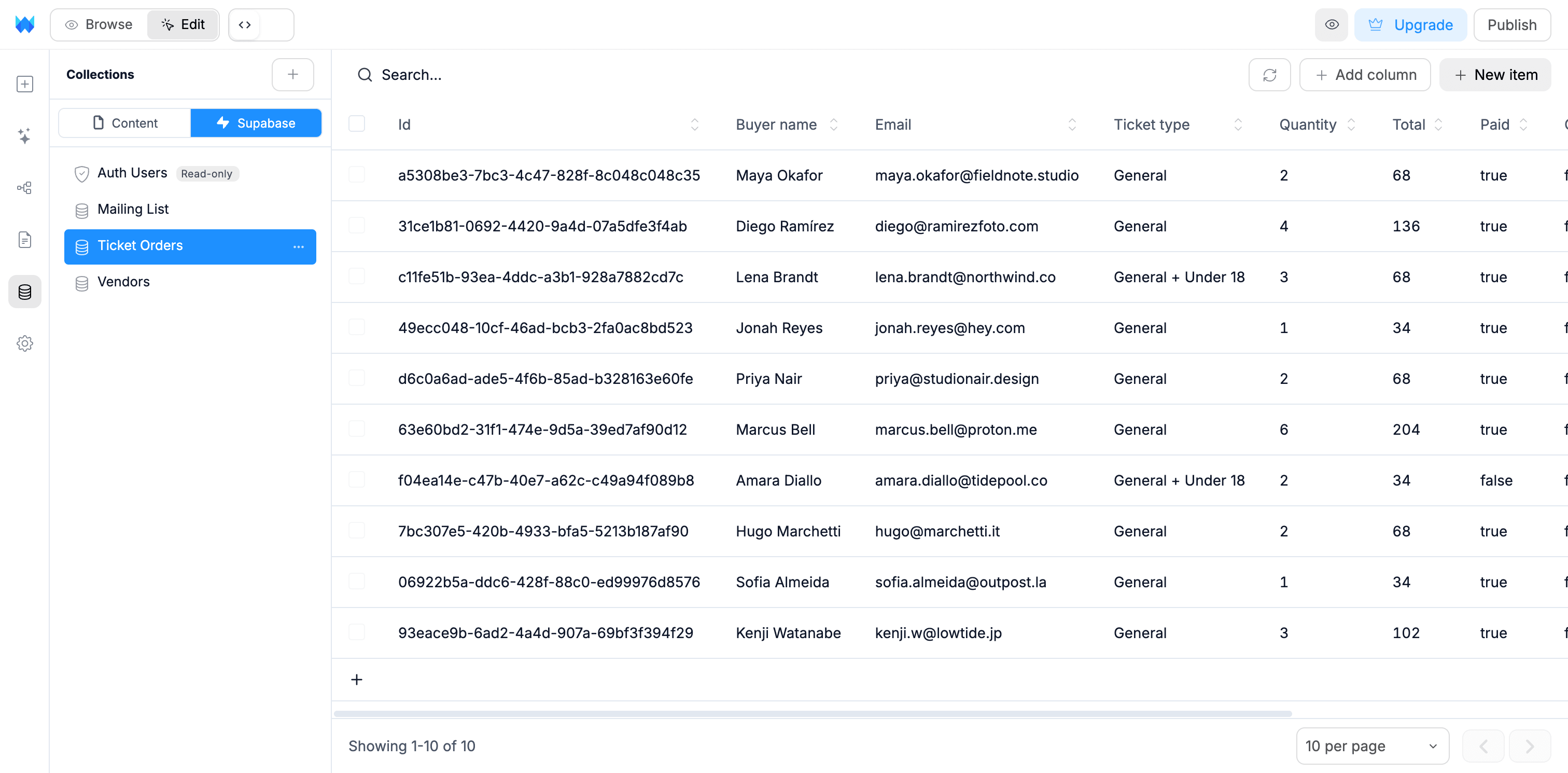
- Create, rename, duplicate and delete tables
- Add, edit, duplicate and delete rows, one at a time or in bulk
- Add columns, sort, search and page through your data
- See who has signed up to your app
Supabase, answered.
What people ask before they connect Supabase. Anything else, our team is one email away.
No. Click Connect with Supabase, approve access, and pick a project. WebTwizz saves the project address and keys to your app for you. If you would rather paste a Supabase access token, that option is there too.
Yes. Supabase has a free plan, which is enough to get started. If you do not have a project yet, you can create one from inside WebTwizz and it connects automatically once it is ready, usually in about two minutes.
No. The AI can create tables and add or update rows when you ask. Anything that deletes rows or removes a table or column waits for you to click Accept, because it cannot be undone.
Yes. The Data panel lists every table in your project. You can create tables, add columns, and add, edit, duplicate or delete rows, with search and sorting. You can also see the people who have signed up to your app.
Yes. When you ask for accounts, the AI builds real sign-up and sign-in with Supabase, and private pages check who is signed in before showing anything.
In your own Supabase project, on your own Supabase account. You can open it in the Supabase dashboard at any time from the Data panel menu.
WebTwizz tells you when a project is paused. Restore it from your Supabase dashboard, then connect again.
Your app stops reading and writing data through Supabase, and the saved keys are removed from your app. Nothing is deleted in Supabase, and you can reconnect at any time.
Yes. WebTwizz also connects to Postgres, MySQL, MongoDB and Google Sheets. Each app uses one data source at a time, and Supabase is the recommended choice because it includes user accounts and file storage.
Give your app a real database.
Describe what you want to build. WebTwizz connects Supabase, sets up the data, and builds the pages around it.
Get started for free, no credit card needed.