
WebTwizz

WebTwizz

Visual + AI builder

Codex

Codex

OpenAI coding agent

The honest comparison

WebTwizz vs CodexApp you can sell vs agent that writes code

Codex is a coding agent included in every ChatGPT plan. It works in your command line, your code editor and the cloud, and proposes changes to your code on GitHub for review. Its ChatGPT Sites beta can also host a site or web app from a prompt, which is what makes people compare the two. The limits matter: Sites has no visual editor, and OpenAI does not allow it to be used for payments. WebTwizz builds a full app, hosts it on your own domain and connects Stripe, so you can charge customers.

TL;DR

  • Codex is a coding agent, not a builder. It edits code in any programming language and proposes changes for review, and it is included in every ChatGPT plan, including Free.
  • ChatGPT Sites, in public beta, hosts sites and web apps built from a prompt, with a database, file storage, sign-in with ChatGPT and custom domains.
  • OpenAI's documentation says Sites must not be used for payment card data or to enable financial transactions, so it does not suit a product that charges customers.
  • WebTwizz builds a full app with a database, sign-ins, Stripe and your own domain, and adds a visual editor. Sites and Codex are prompt-only.
  • Pick Codex if you write code and want an agent everywhere. Pick WebTwizz if you want a product you can sell.

01 / Side by side

What's inside each.

What the two products actually look like, and what they include out of the box.

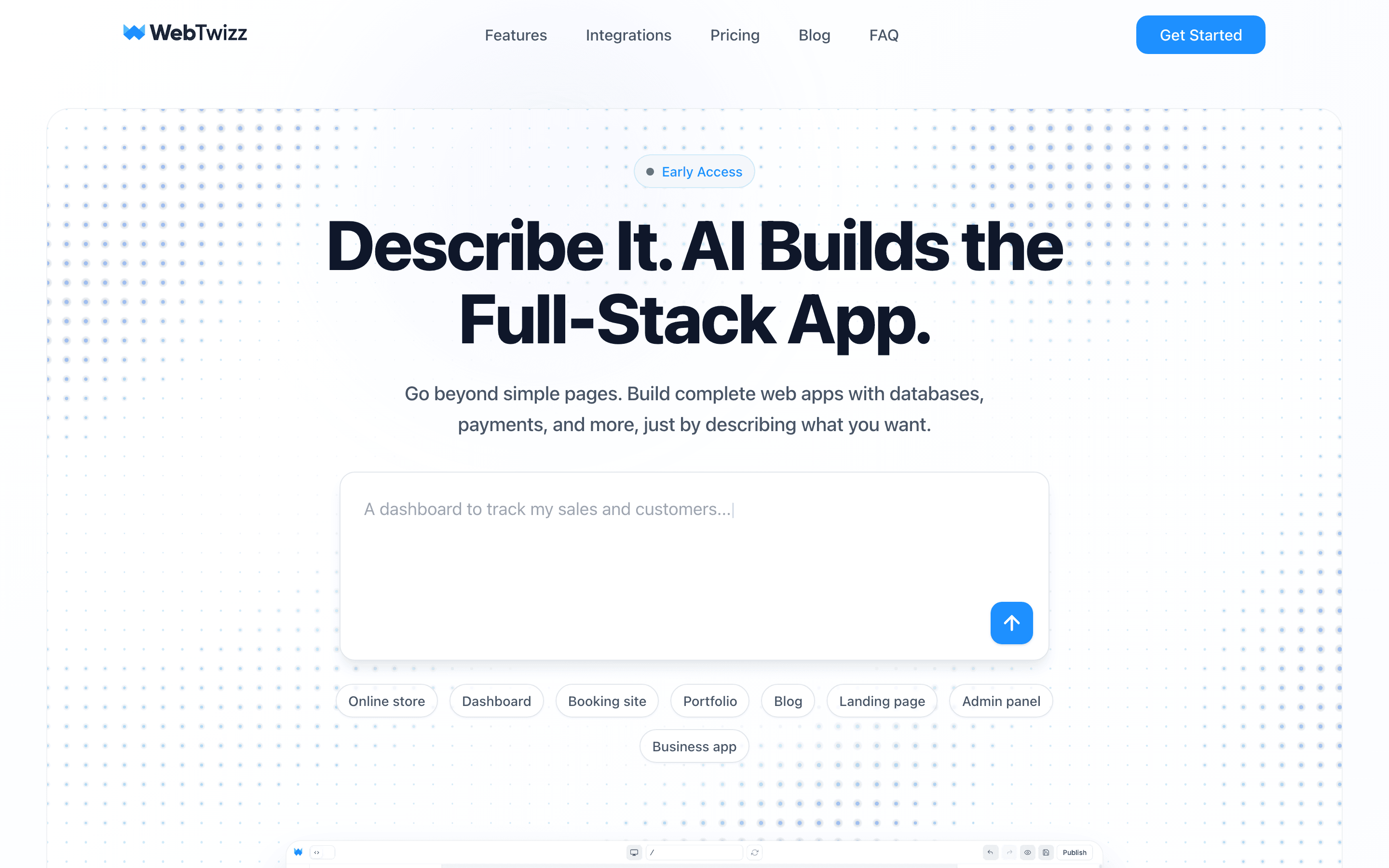
WebTwizz landing page
WebTwizzWebTwizz

An AI app builder that turns a prompt into a full app you own, then lets you refine it with AI, a visual editor or the code editor. Hosting, custom domains, Stripe payments, a database and sign-ins are part of the product.

What you get

  • A full app from a prompt, with standard code you own
  • Visual editor for click-to-edit text, styles and layout
  • Stripe payments and email
  • WebTwizz Cloud built in: database, sign-ins, files, jobs, logs, analytics
  • One-click publish, custom domain and version history
  • Code editor and full export on paid plans
  • Two-way GitHub sync, asked for in plain language
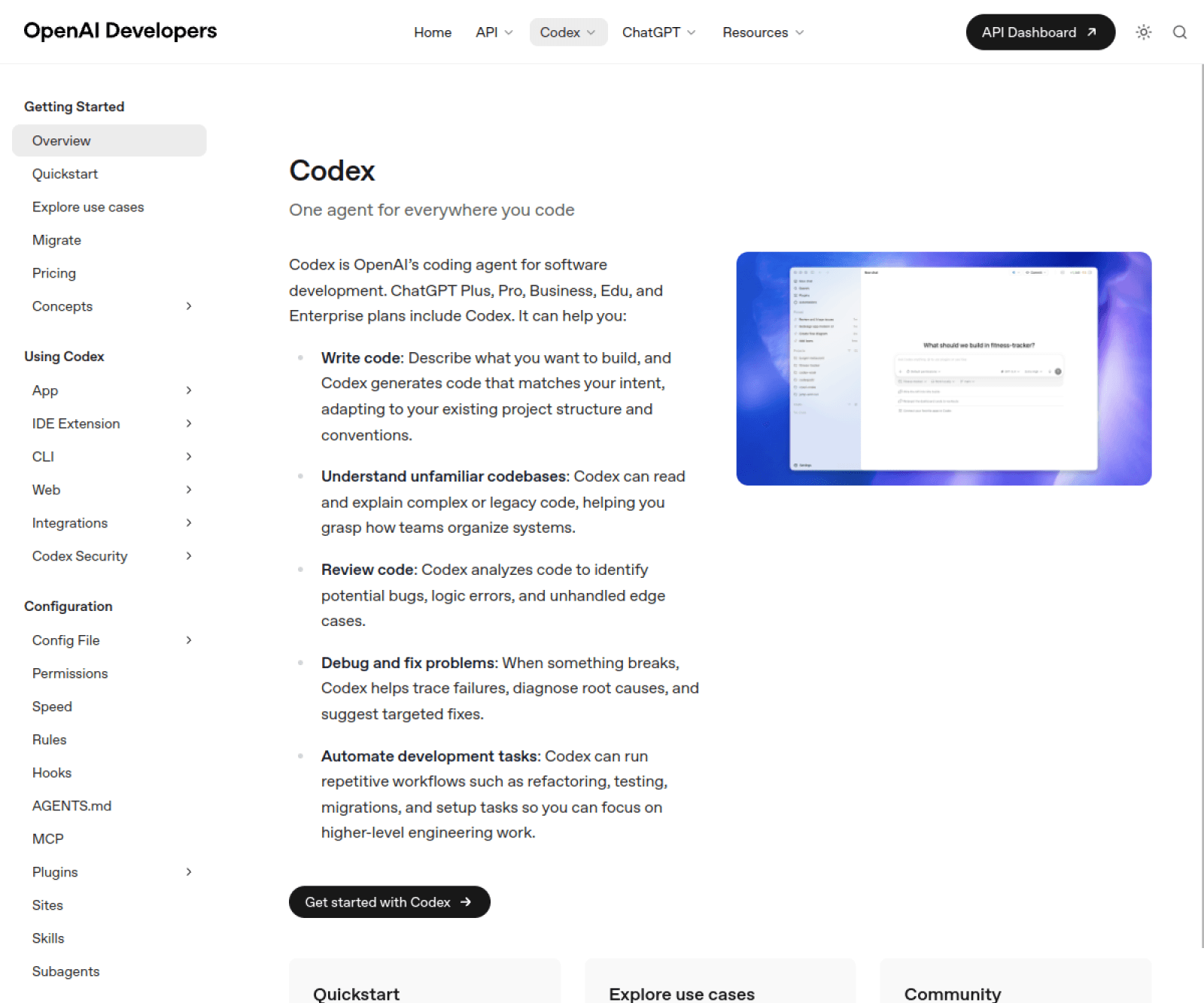
Codex landing page

OpenAI's coding agent. It reads and edits your app's code, runs commands, and in the cloud runs several tasks at once and proposes the changes for review. It runs as a command-line tool, a code editor add-on, in the ChatGPT desktop app, on the web and on iOS, and its command-line tool and developer toolkit are open source. The separate ChatGPT Sites beta hosts websites and web apps created from a prompt.

What you get

  • A coding agent that works in any programming language
  • Command line, code editor, desktop app, web and iOS
  • Cloud tasks in parallel that end in a change for review
  • Automatic code review on GitHub, and Slack integration
  • ChatGPT Sites beta: hosting with a database, storage and sign-in
  • Open-source command-line tool and developer toolkit

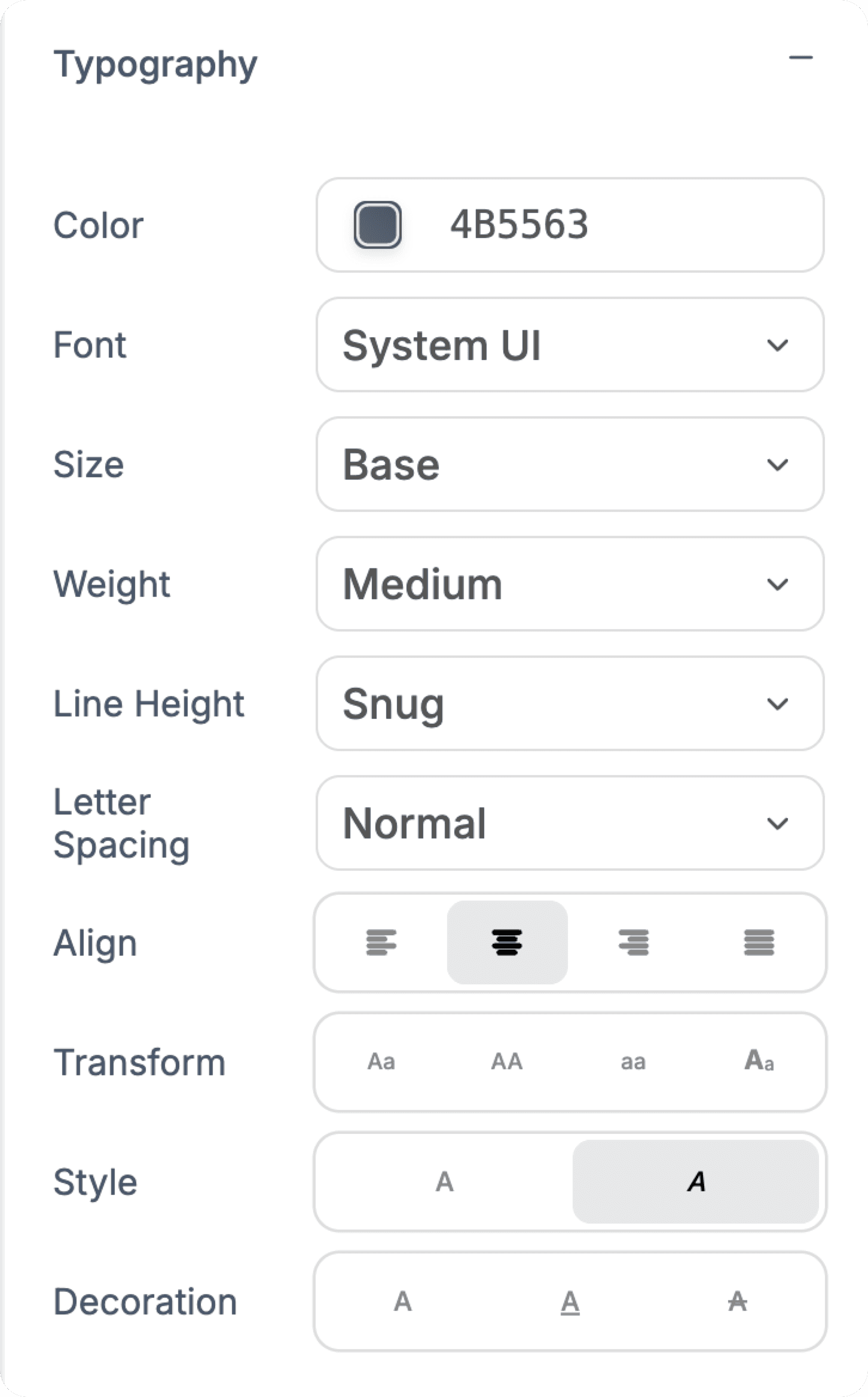
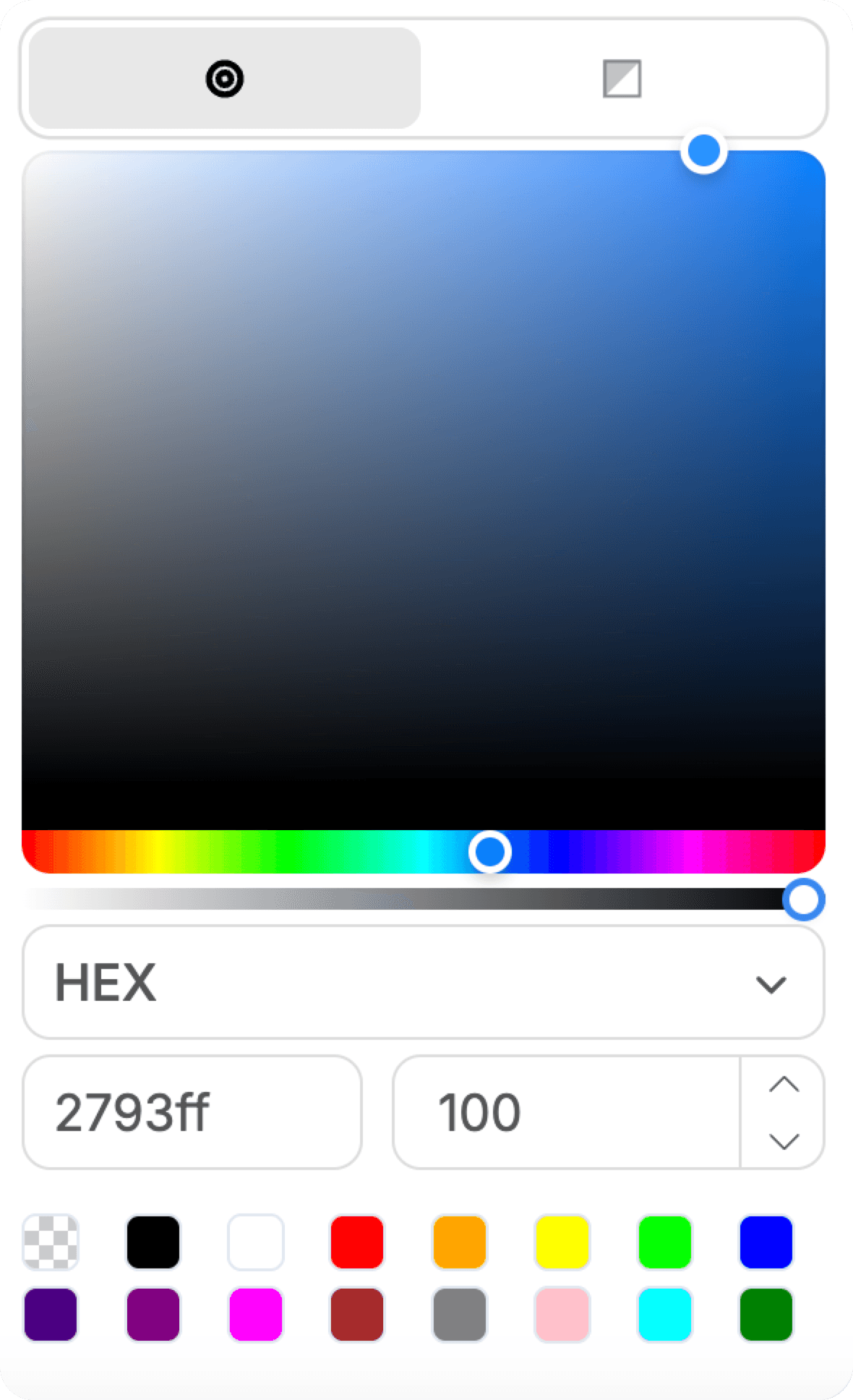
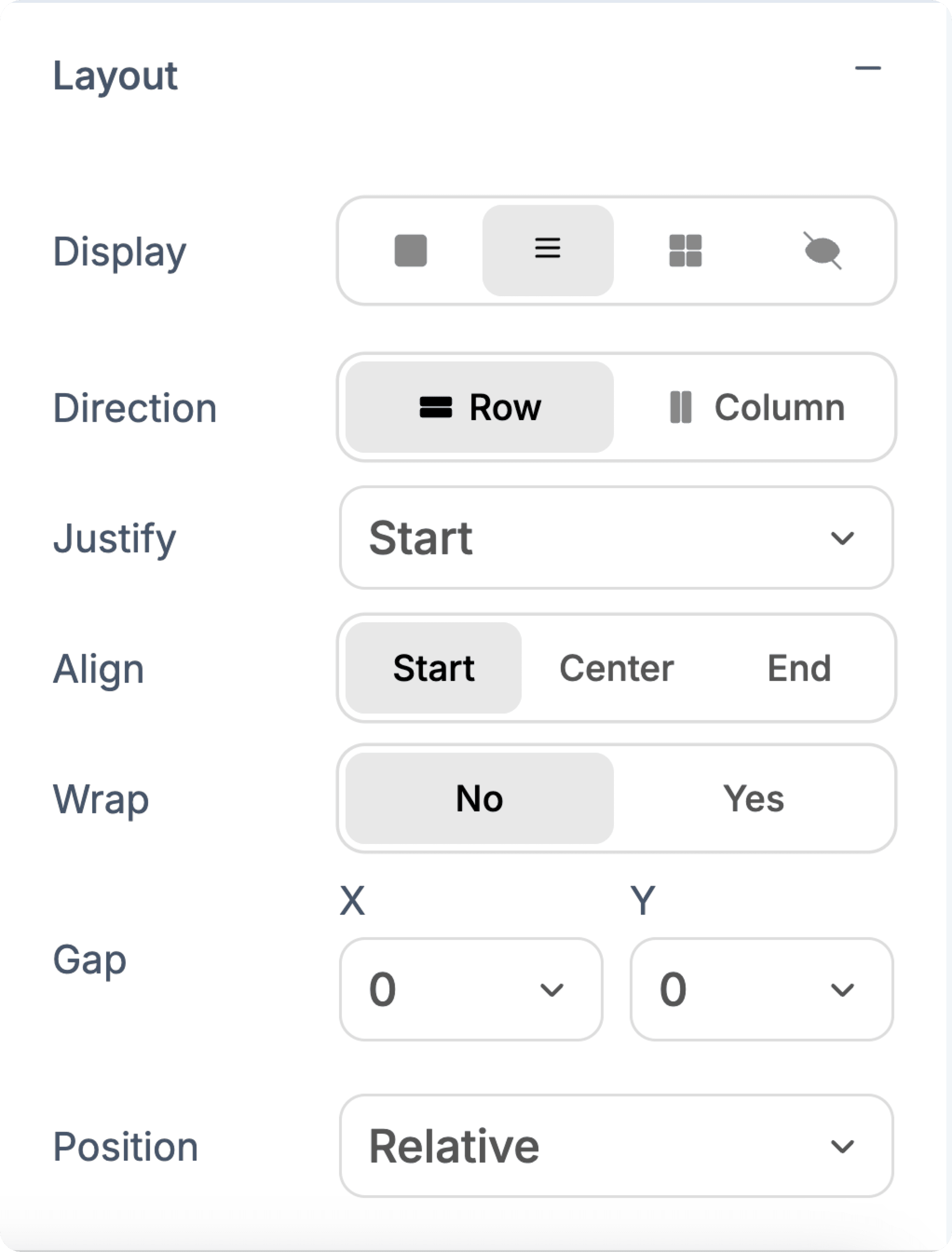
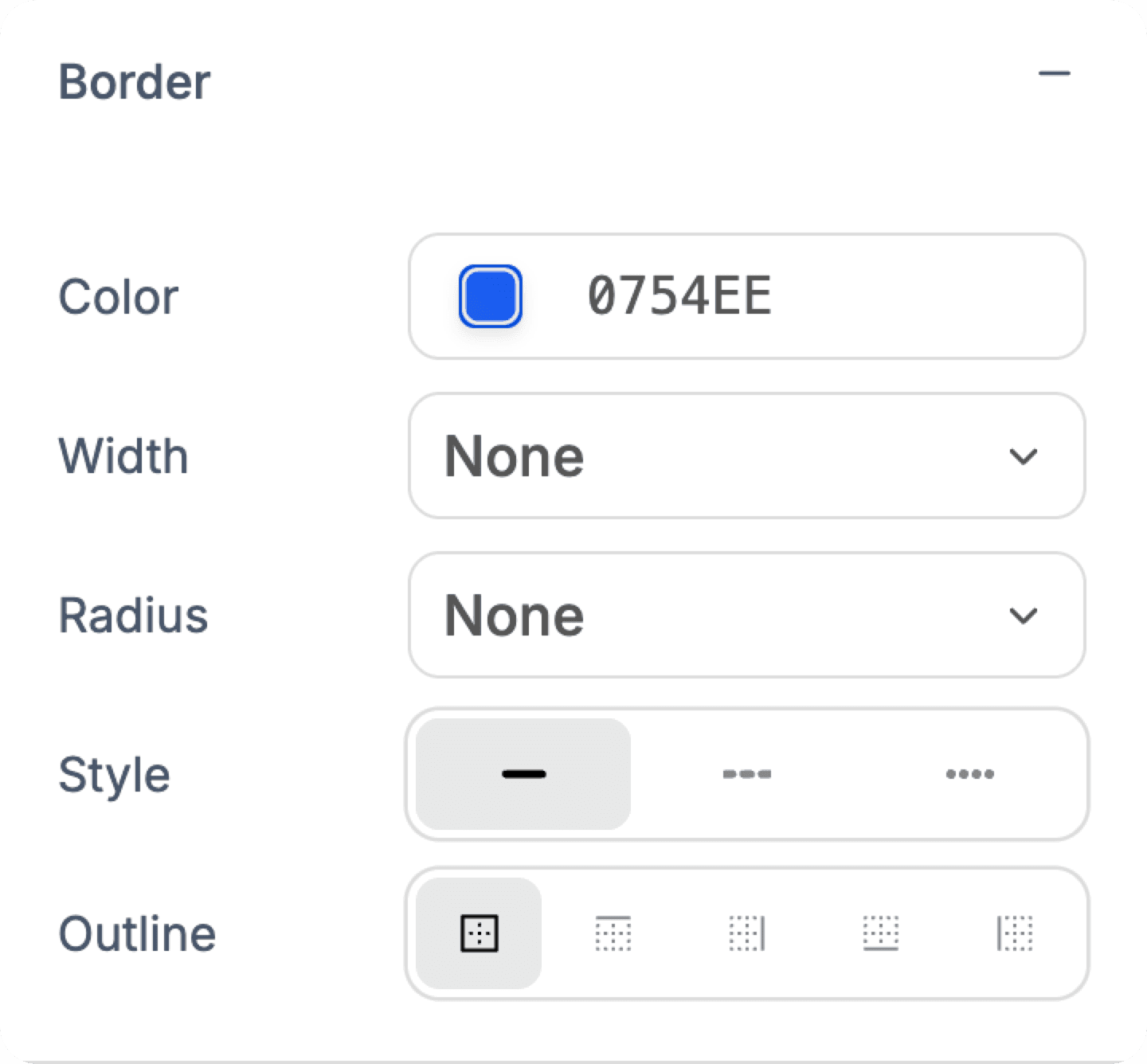
The visual editor

Pixel-perfect control over every detail.

The AI builds your app first. Then you fine-tune typography, colors, spacing, and layouts with precision, and see every change instantly as you design.

Typography controls
Color picker
Layout controls
Border controls
Unsplash integration

02 / Feature comparison

Side by side, no fluff.

Built from the public docs and changelog of both products.

FeatureWebTwizz logoWebTwizzCodex logoCodex
Build an app from a promptYesYes, through the Sites beta
Take payments in the appYes, StripeNot allowed on Sites
Visual editorYes, click-to-editNo, prompt only
Code you getStandard code you own, export on paid plansEdits your own existing code
Works in any programming languageNo, one proven setupYes
Works on existing codeNoYes, that is its main job
Database and loginsWebTwizz Cloud, or Supabase or your own databaseBuilt into Sites, otherwise yours
HostingIncluded in the planSites beta, included in paid ChatGPT plans
Custom domainPaid plansYes on Sites, not in Enterprise workspaces at launch
Reviewing changes on GitHubVia GitHub syncYes, native
Free plan10 credits a day, 100-credit bonusCodex on the free ChatGPT plan; Sites needs a paid plan
Best forA product you can sellDevelopers who already pay for ChatGPT

03 / The honest call

Which one should you actually use?

WebTwizz logo

Pick WebTwizz if…

  • You want to charge customers

    OpenAI's Sites documentation says it must not be used for payment card data or to enable financial transactions. That rules out a paid product. WebTwizz connects your own Stripe account, so subscriptions and one-off payments are part of the app.

  • You want to fix the design without writing a prompt

    Codex and Sites are prompt-only. There is no way to select a heading and change its spacing. WebTwizz has a visual editor for exactly that, with drag-to-reorder sections and a layers panel.

  • You do not write code

    Codex itself works with developer tools: code on GitHub, change reviews and setup scripts. It assumes a developer. WebTwizz is built for describing an app and shaping it visually, with the code available when you want it.

  • You want predictable limits

    Codex usage is shown as estimated messages per five-hour window, with weekly limits on top, and users report them draining faster than expected. OpenAI confirmed an incident in June 2026 in which limits were wrongly depleted. WebTwizz plans are a monthly credit allotment plus daily free credits.

Codex logo

Pick Codex if…

  • You have existing code in any programming language

    This is what Codex is for. It edits code in any programming language across a whole project, runs the tests and proposes the change for review. WebTwizz only builds new projects.

  • You already pay for ChatGPT

    Codex is included in every ChatGPT plan, including Free and the $8 Go plan, so there is nothing extra to buy. For a developer who already subscribes, that is hard to beat on price.

  • You want an internal tool behind a link

    For a dashboard or planning tool your team signs into with ChatGPT, Sites is quick and included in paid plans during the beta, with traffic analytics and access controls built in.

We're not pretending WebTwizz wins everything. Codex is a real tool with real strengths, and the wrong tool for the wrong job is worse than no tool at all.

04 / Pricing

Pricing, side by side.

Both start free. Past that, here's what each tier looks like.

WebTwizz

WebTwizz pricing

Starter

Free

No card required

  • ›10 daily + 100 signup credits
  • ›1 published site
  • ›2 databases with sign-ins
  • ›Full builder + AI
  • ›Visual editor

Most popular

Standard

$25/mo

or $21/mo billed annually

  • ›1,500 credits/mo
  • ›5 published sites
  • ›10 databases with sign-ins
  • ›Code editor access
  • ›Custom domain
  • ›Remove badge

Pro

$50/mo

Up to $100/mo for 9k credits

  • ›4.5k-9k credits/mo
  • ›15 published sites
  • ›30 databases with sign-ins
  • ›Everything in Standard
  • ›Priority support

Custom

Custom

Agencies & teams

  • ›Custom credit limits
  • ›Custom database limits
  • ›Dedicated support
  • ›SLA guarantee
See full pricing →
Codex

Codex pricing

Free

Free

Codex included

  • ›Quick coding tasks
  • ›No Sites access
  • ›No published message limits

Go

$8/mo

Lightweight use

  • ›Codex for light coding
  • ›No Sites access

Most popular

Plus

$20/mo

Most individuals

  • ›Codex on web, command line, code editor and iOS
  • ›ChatGPT Sites beta
  • ›Automatic code review and Slack

Pro

From $100/mo

5x or 20x Plus limits

  • ›Highest usage limits
  • ›ChatGPT Sites beta
  • ›Business and Enterprise also available

From developers.openai.com/codex/pricing and the ChatGPT pricing pages, checked September 2026. There is no separate Codex subscription: usage comes out of your ChatGPT plan as estimated messages per five-hour window, and weekly limits may also apply. Sites is included in eligible paid plans during the public beta.

WebTwizz vs Codex, answered.

The questions people ask before switching. Anything else, our team is one email away.

Sites is a public beta that creates, hosts and shares websites, web apps and games from a prompt. It includes a database, file storage, sign-in with ChatGPT, traffic analytics, access controls and custom domains, and it is included in the Plus, Pro, Business, Enterprise and Edu plans during the beta. It is not available on Free or Go.

OpenAI's documentation says Sites must not be used for protected health information or payment card data, or to enable financial transactions. It also runs in a restricted environment, so some ways of building apps, databases and hosting setups are not supported. For a product that charges customers, you need something else.

Codex is included in every ChatGPT plan, including Free and the $8 Go plan, with lighter allowances on those tiers. There is no separate Codex subscription. Sites needs a paid plan.

For turning an idea into a product you can sell, yes. WebTwizz builds a full app with payments, a database and your own domain, and adds a visual editor. For working on existing code in any programming language, Codex is the right tool and WebTwizz is not a substitute.

Yes, and it is a sensible combination. Build and publish in WebTwizz, connect GitHub, then point Codex at the same code on GitHub for deeper code work. Send changes from Codex to GitHub and ask WebTwizz to pull the latest.

Both have a free entry point. Codex is included in the free ChatGPT plan but Sites is not, so hosting an app means at least $20 a month. WebTwizz is free to start with 10 credits a day plus a 100-credit signup bonus, and includes publishing one site with no card.

Your idea, live in minutes.

Describe what you want. WebTwizz builds the real thing, then you click to change anything. No code needed.

Get started for free, no credit card needed.