
Most application development platforms can produce an impressive first screen. That's the least important part of the decision. A non-technical founder needs to know what happens after the demo: can the platform handle authentication, persistent data, payments, repeated changes, deployment, maintenance, and eventual ownership without forcing you to hire a developer?
That's the lens used here. The list includes AI-first builders, browser-based coding environments, visual no-code platforms, internal-tool systems, and managed delivery services because each solves a different application problem. The right choice depends less on feature count than on the build model, the complexity of your app, the platform's pricing behavior, and whether you can still control the software later.
The low-code category itself has moved well beyond experimentation. One market estimate placed the global low-code application development platform market at USD 24.8 billion in 2023, with a projection of USD 101.68 billion by 2030 and a projected 22.5% CAGR from 2024 to 2030 (market analysis of low-code and no-code statistics). Founders have more credible options than ever, but they also have more ways to choose a platform that looks good on day one and becomes painful on day one hundred.
1. Webtwizz
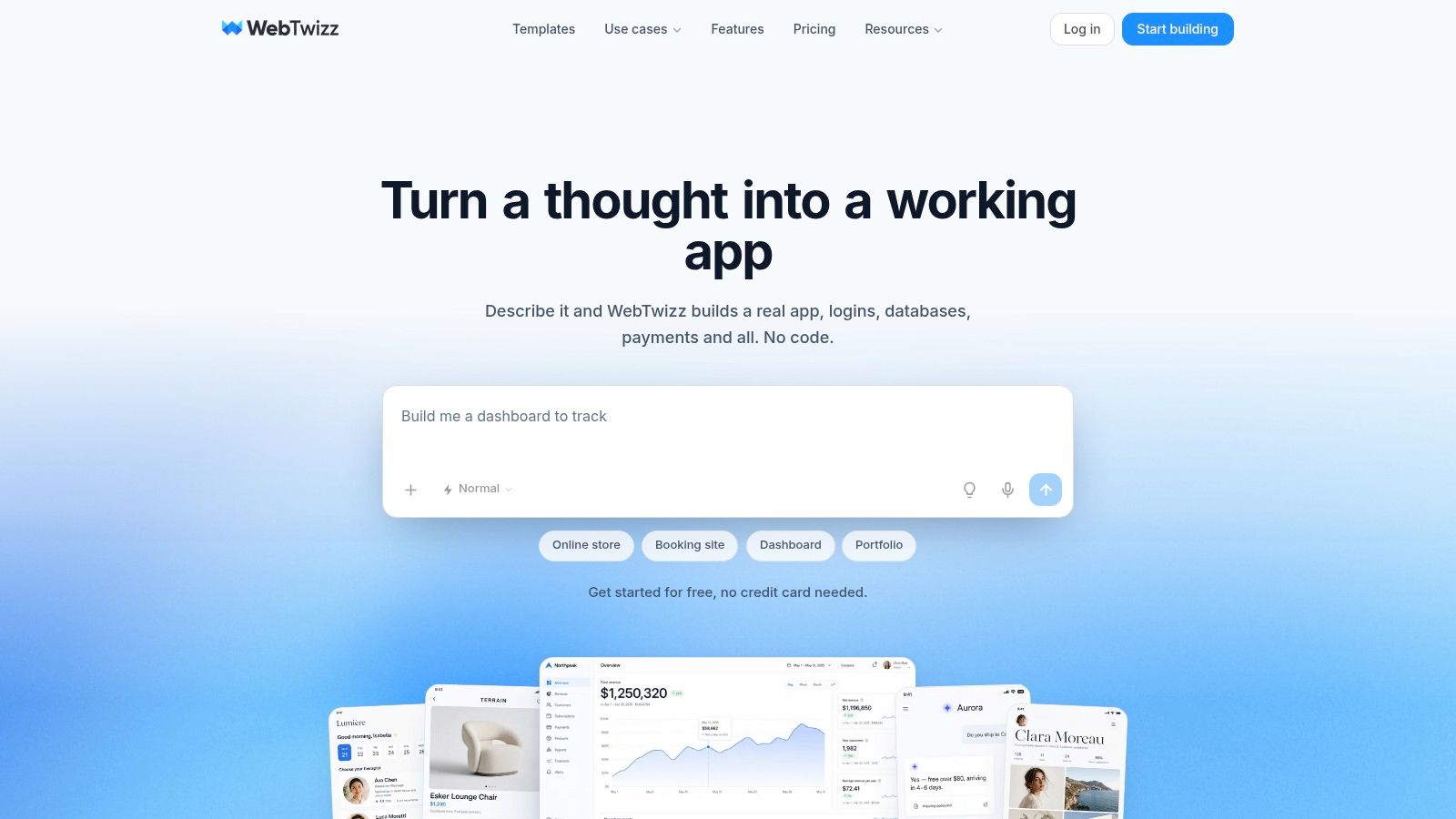
Webtwizz suits a non-technical founder who needs to build, deploy, and eventually control a real full-stack web app. You describe the product in plain language, then refine working pages, authentication, databases, payments, and hosting instead of stopping at a static interface. The platform's value shows up after the first prompt, when the application needs repeated changes and a clear path out.
That build model fits SaaS products, marketplaces, CRMs, dashboards, booking systems, e-commerce workflows, and AI chatbots. Templates include core data, authentication, and payment wiring, which lets you begin with a functioning product structure rather than recreate the backend after approving the interface.
Where Webtwizz works best
The workflow combines conversational AI with a visual builder. Request a change in plain language, adjust fonts and spacing visually, inspect responsive previews, reuse components, or open the code editor for a more technical refinement. Integrations include Supabase, GitHub, Postgres, MySQL, Stripe, analytics tools, and email services.
Deployment is part of the same workflow. You can publish to your own domain with one click and continue iterating on the live application. On paid plans, source code export gives you a practical route to fork the app, hand it to a developer, or move it to infrastructure you control.
The free Starter plan requires no credit card and includes a 100-credit signup bonus plus 10 free credits per day, capped at 50 credits per month; Standard starts around $21 per month on annual billing, while Pro starts around $42 per month on annual billing, with credits, code export, custom domains, and published-site limits varying by plan, so check the Webtwizz pricing and plan options before purchasing.
The ownership test is straightforward: on a paid plan, export should produce a complete project that runs on its own, with its Supabase settings documented in the README. That gives a founder something a developer can inspect, maintain, and deploy independently later.
Practical rule: Test the complete path from prompt to published domain before committing. A polished preview does not prove that you own a deployable application.
Webtwizz becomes a poor fit for unlimited agent experimentation or highly specialized engineering without platform limits. Heavy AI usage can exhaust credits, and deep customization may still require coding knowledge, particularly where the code editor, export, and custom-domain features require a paid plan. For founders building a full SaaS, marketplace, or booking app quickly, the combination of guided generation, deployment, and export makes the platform worth testing.
2. Lovable
Lovable takes the AI engineer approach. You describe a web application in natural language, review the generated result, and continue the conversation to add pages, change behavior, connect services, or fix problems. The platform generates and edits real application code, which makes it more useful than a tool that only assembles visual mockups.
It's approachable for founders who don't want to manage a local development environment. Hosting and centralized project management keep the early workflow compact, and a free tier gives you a way to test the experience before subscribing. For a basic customer portal or early SaaS concept, the speed from prompt to working application can be compelling.
The harder test begins when your requirements stop being linear. Authentication rules, relational data, payment states, email flows, and recurring changes can expose inconsistencies in generated code. Credits may also cover more than the initial generation, including hosted functionality and in-app AI features, so you need to understand what consumes them before the application has real users.
The ownership question
Lovable can be a strong choice when convenience matters more than infrastructure control. It becomes a weaker fit when you need a tightly managed operating budget, a clearly documented exit path, or confidence that the application will run independently of the platform.
Independent portability guidance says that an exported project should build and run on your own machine and infrastructure without requiring you to sign back into the vendor (AI app-builder portability benchmark). Review that test directly rather than assuming that “code ownership” automatically means easy self-hosting. Founders comparing Lovable with an ownership-first alternative can also review this Lovable alternative with code ownership.
Lovable is a good fit for fast full-stack experimentation and founder-led iteration. It becomes a poor fit when unpredictable usage economics or portability concerns outweigh the convenience of managed hosting.
3. Bolt.new by StackBlitz
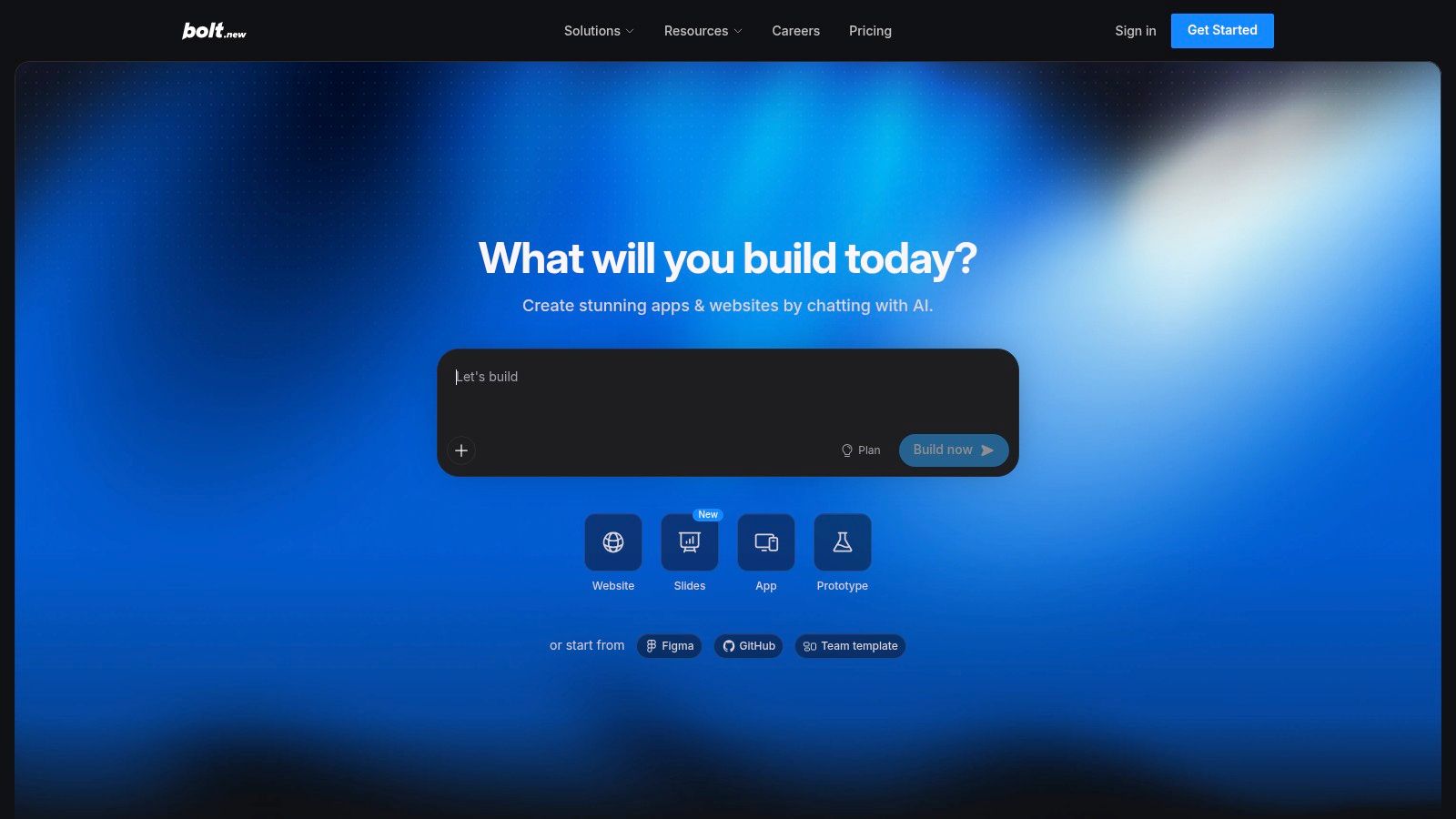
Bolt.new runs the build process in the browser, using StackBlitz WebContainers to provide a working file system, development environment, and preview without requiring local setup. You prompt the system to create an application, inspect the live result, and ask the AI to explain or edit the generated code inline.
That browser-first model removes a common barrier for non-technical founders. You can begin with an idea, see a functioning application, and make changes without installing a framework, configuring a package manager, or setting up a local server. The output is also standard code that you can download and continue working on locally, which gives Bolt.new a stronger handoff story than platforms whose applications only exist inside a proprietary runtime.
The cost of a larger codebase
Bolt.new ties pricing to token usage, and token consumption tends to rise as the project and AI context become more complex. That makes a small prototype easy to start but a long-running application harder to budget without monitoring each session.
The platform works best when you're willing to inspect the generated files and gradually take more responsibility for the code. It's less suitable if you want a highly managed backend, a visual workflow for every business rule, or a fixed monthly cost that stays detached from AI activity.
One independent comparison says that Bolt.new can push code to a GitHub repository you control and download the full source, alongside similar capabilities from Lovable, v0, and Replit (AI app-builder code ownership comparison). Verify the repository, environment variables, database configuration, and deployment instructions before treating the export as production-ready. Bolt.new is a practical bridge between no-code convenience and a browser-based developer workflow, but you'll eventually need to understand how the application runs outside the browser.
4. v0 by Vercel
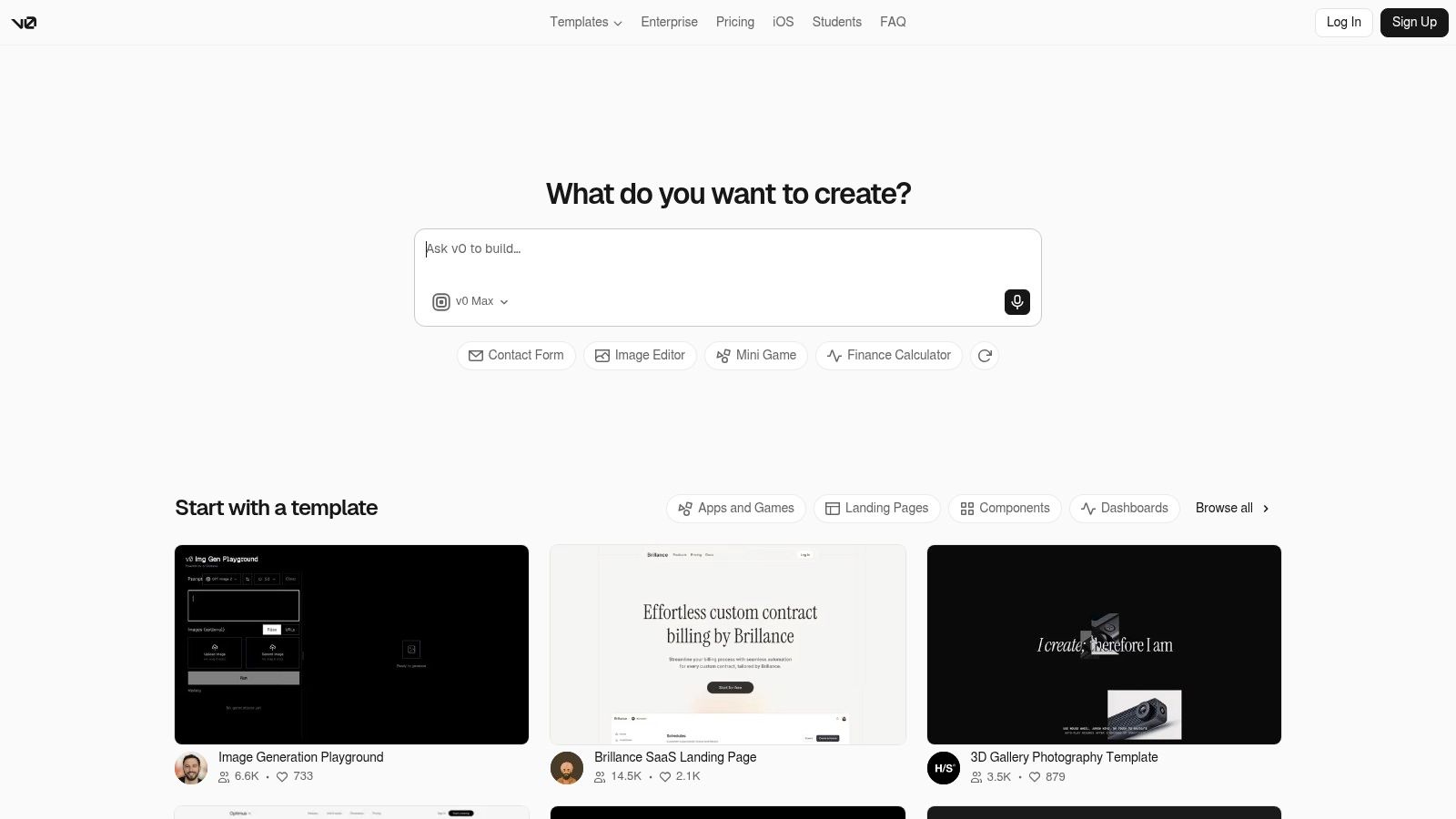
v0 is the most natural choice in this list when your main need is modern React and Next.js interface code. You describe a screen or workflow, and v0 generates React, Tailwind, and shadcn-based output that can be refined through additional prompts. Its one-click deployment path to Vercel makes the transition from generated interface to hosted web experience especially smooth for teams already using that ecosystem.
That strength also defines its limitation. v0 is excellent at producing framework-standard UI and frontend code, but a founder building a complete SaaS still needs to think through authentication, data modeling, payments, background jobs, email, permissions, and operational monitoring. The generated interface may be the visible portion of the product, not the whole product.
When framework standardization wins
Choose v0 when you want code that fits a conventional React or Next.js workflow and you're prepared to connect the remaining services yourself or through another platform. Tutorials and Foundations content can help you move from generated components toward a shipped application, but they don't remove the need to make architectural decisions.
Usage is token-metered, so long sessions and repeated redesigns require active monitoring. A founder who keeps asking for large revisions without checking the generated code can consume resources while making the application harder to reason about.
v0 is a poor fit when you want a complete, backend-wired product from a single prompt and don't want to manage the surrounding stack. It's a strong fit when the product's main bottleneck is building polished, maintainable framework-standard UI and deploying it through Vercel.
5. Replit with Replit Agent
Replit combines a cloud IDE, an AI Agent, databases, deployments, and an integrated run workflow. The Agent can build, fix, and extend applications while you watch the project operate inside a familiar coding environment. For a founder who wants more than a visual builder but doesn't want to configure a local toolchain, this is a useful middle ground.
The key difference from more abstracted AI app builders is visibility. You can inspect files, run the application, review changes, and intervene when the Agent takes the wrong approach. Higher tiers can support parallel agent tasks, while effort-based billing and spending controls give you tools to limit automated work.
Supervision is part of the product
Replit is not a “describe it once and forget it” platform. The Agent may make broad changes across the application, and you need to test authentication, data updates, payment behavior, and deployment after significant tasks. Replit-shaped runtime assumptions can also create additional work when you move the project elsewhere. The Replit comparison for no-code AI agent builders is useful if you're weighing an IDE-based agent against a more managed builder.
Cost control deserves attention. Effort-based billing can make a task's final cost harder to predict than a simple plan with fixed build credits, particularly when an agent retries, explores several implementation paths, or works across a larger codebase. Set spending limits before asking the Agent to make substantial changes.
Replit is a good fit for founders who are comfortable becoming the project's technical operator over time. It becomes a poor fit when the priority is a visual, ownership-first experience with minimal runtime configuration and highly predictable usage economics.
6. Retool
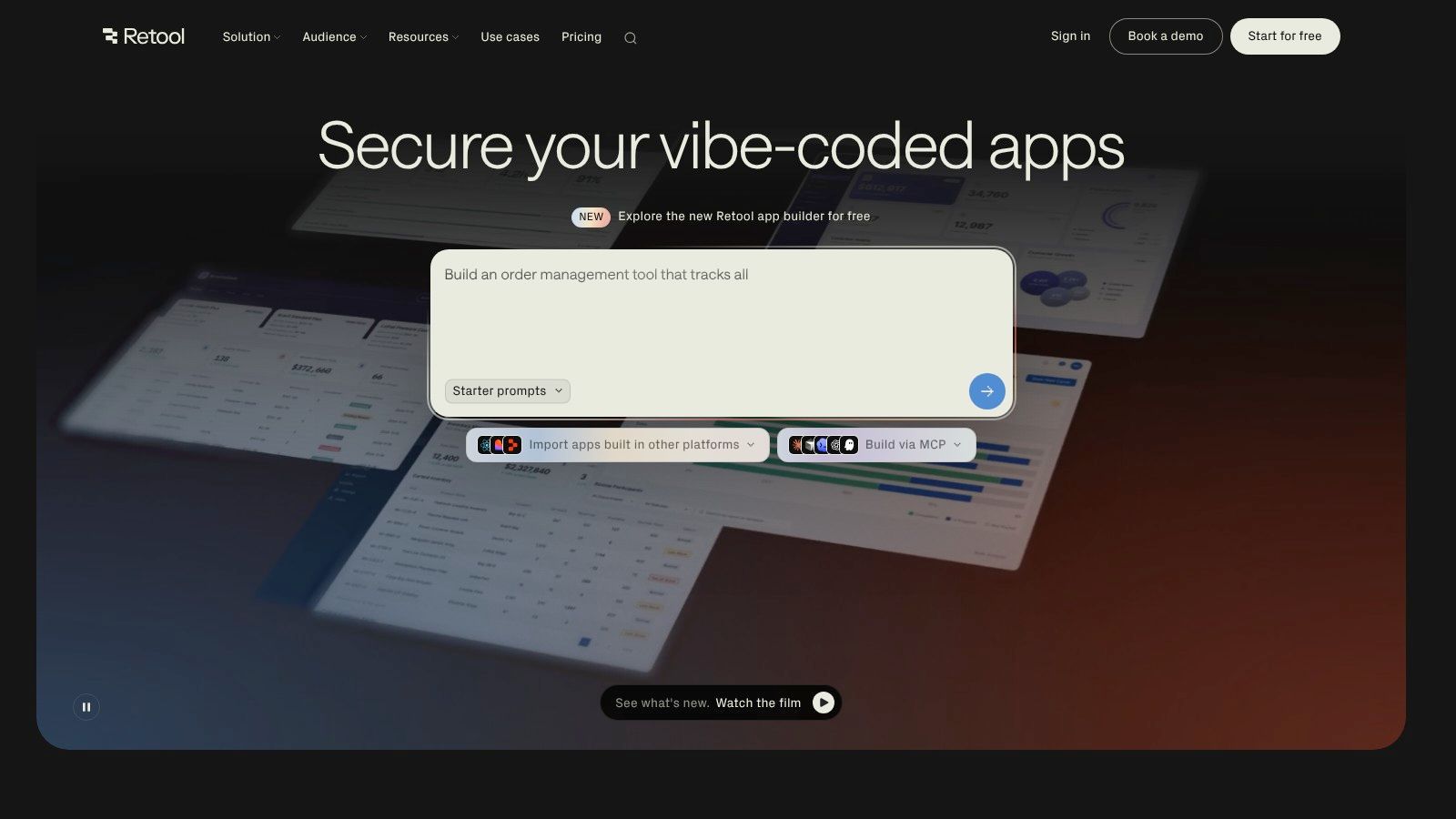
Retool is built primarily for internal tools, operational dashboards, admin interfaces, and workflows connected to business data. Its AI App Generation and React-based AI app builder extend that model, while data-source integrations, permissions, audit logs, environments, and single sign-on support more governed application work.
That makes Retool powerful in a context where a founder needs staff software rather than a public SaaS product. An operations dashboard connected to databases, APIs, and approval processes can be assembled faster than a custom internal application, and role-based access control provides a stronger foundation than a collection of loosely secured spreadsheets.
Strong controls, narrower audience
Retool's advantage is governance. Higher-tier capabilities such as audit logs, environments, and SSO matter when multiple people need controlled access to sensitive operational data. The platform also lets technical users edit generated code, which can help teams move beyond the first AI-generated version.
The trade-off is that Retool isn't designed as the simplest route to a founder-owned public web app. Self-hosting is generally gated to Enterprise customers, and advanced features can make the platform expensive or difficult to evaluate without a direct sales conversation. Its workflow builder guidance helps clarify the kind of process-oriented software Retool suits.
Use Retool for governed business software that connects to systems you already operate. Don't choose it as the default platform for a consumer marketplace or independent SaaS unless its enterprise controls and deployment model directly solve a requirement you already have.
7. Builder.ai
Builder.ai follows a different model from the other application development platforms here. You don't operate an AI builder alone. Instead, you scope the product through feature-based planning, then work with a managed product team that handles delivery of a custom web or mobile application.
Its Build Card approach gives non-technical founders a way to describe features without translating every requirement into technical tickets. A dedicated product lead and human delivery team can handle decisions that an autonomous builder may leave to the customer, including scope definition, implementation coordination, and post-launch support depending on the package.
Managed delivery instead of DIY
Builder.ai makes sense when you want the outcome but don't want to run the build process yourself. A managed service can be valuable when the app has complicated requirements, when you need a human team to interpret ambiguity, or when you don't have the time to review AI-generated changes.
You give up some flexibility in exchange. Change requests follow the managed process, timelines depend on the delivery structure, and you aren't getting the rapid conversational loop of a self-serve AI builder. The feature-and-scope pricing model may be easier to plan than usage-based AI billing, but predictable scope isn't the same as unlimited iteration.
Builder.ai is a poor fit for a founder who wants to test many product directions quickly and personally control the codebase. It's a better fit for someone who wants concierge-style delivery and accepts that software development will operate as a managed project rather than an interactive building session.
8. Bubble
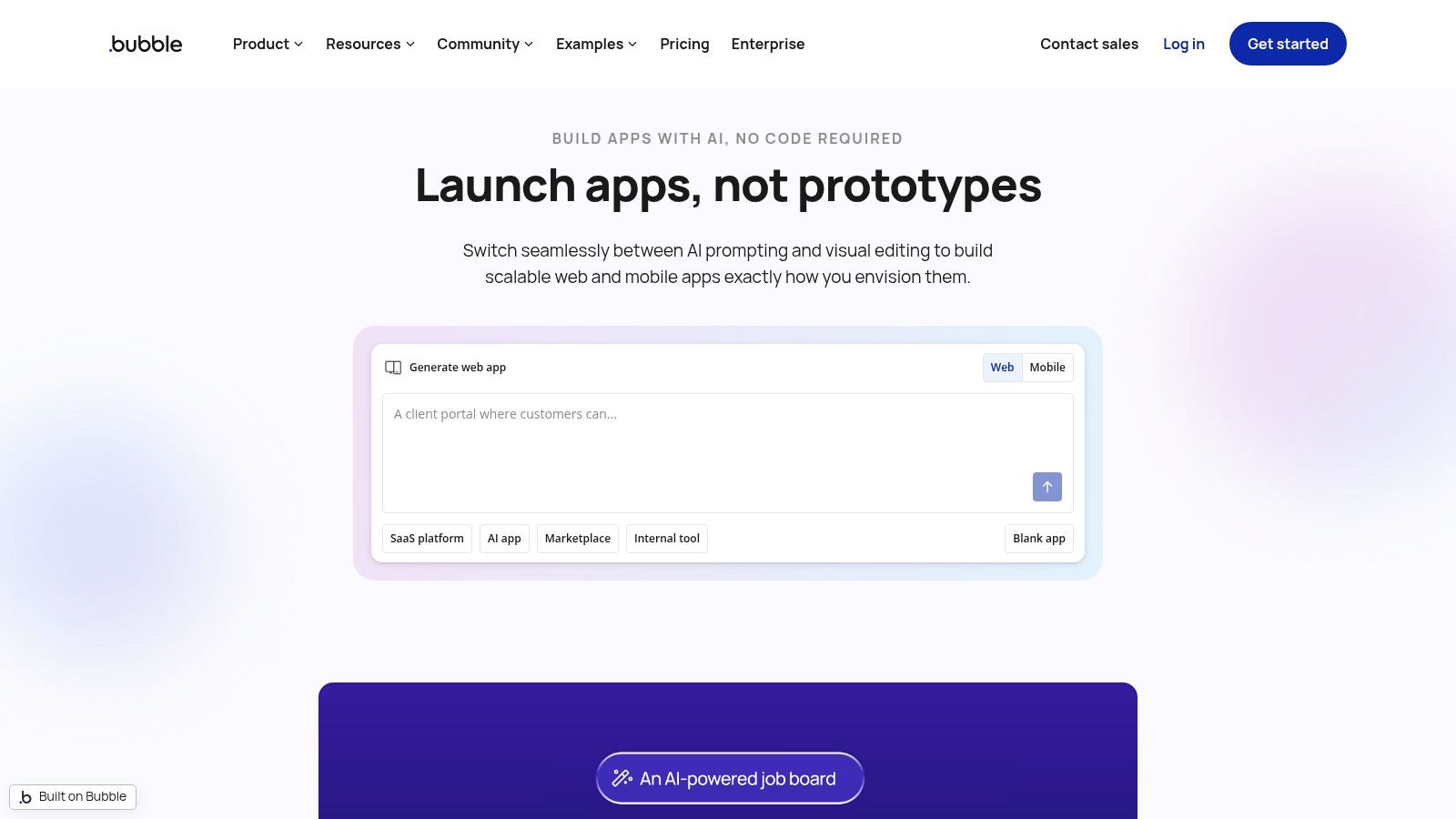
Bubble remains one of the most capable visual no-code platforms for assembling SaaS-style web applications without traditional coding. You design database structures, workflows, pages, permissions, and integrations through a visual interface, then deploy through Bubble's hosted runtime.
The platform's maturity is a genuine advantage. Its plugin and theme marketplace, community knowledge base, tutorials, and large ecosystem give founders more examples to follow than newer builders can offer. You can prototype a product, add workflows, connect services, and iterate without managing servers or a traditional application repository.
The portability trade-off
Bubble's central compromise is that the application stays inside Bubble's platform model. There's no direct code export for the app, so moving elsewhere generally means rebuilding the product or replacing parts of it with another approach. That may be acceptable if hosted delivery and fast visual iteration matter more than owning a conventional codebase.
The decision should be deliberate. Independent ownership guidance distinguishes between owning the output in a platform's terms and having the right to export or self-host real source code (code-export guidance for AI builders). Bubble's value comes from not needing to manage that infrastructure yourself, but the same abstraction becomes a constraint if your product later requires a different runtime or a developer handoff.
Choose Bubble when hosted visual workflows outweigh portability. Avoid it when exportability is a requirement from the beginning, especially for a product you expect to move, sell, or place under an external engineering team later.
9. Appsmith
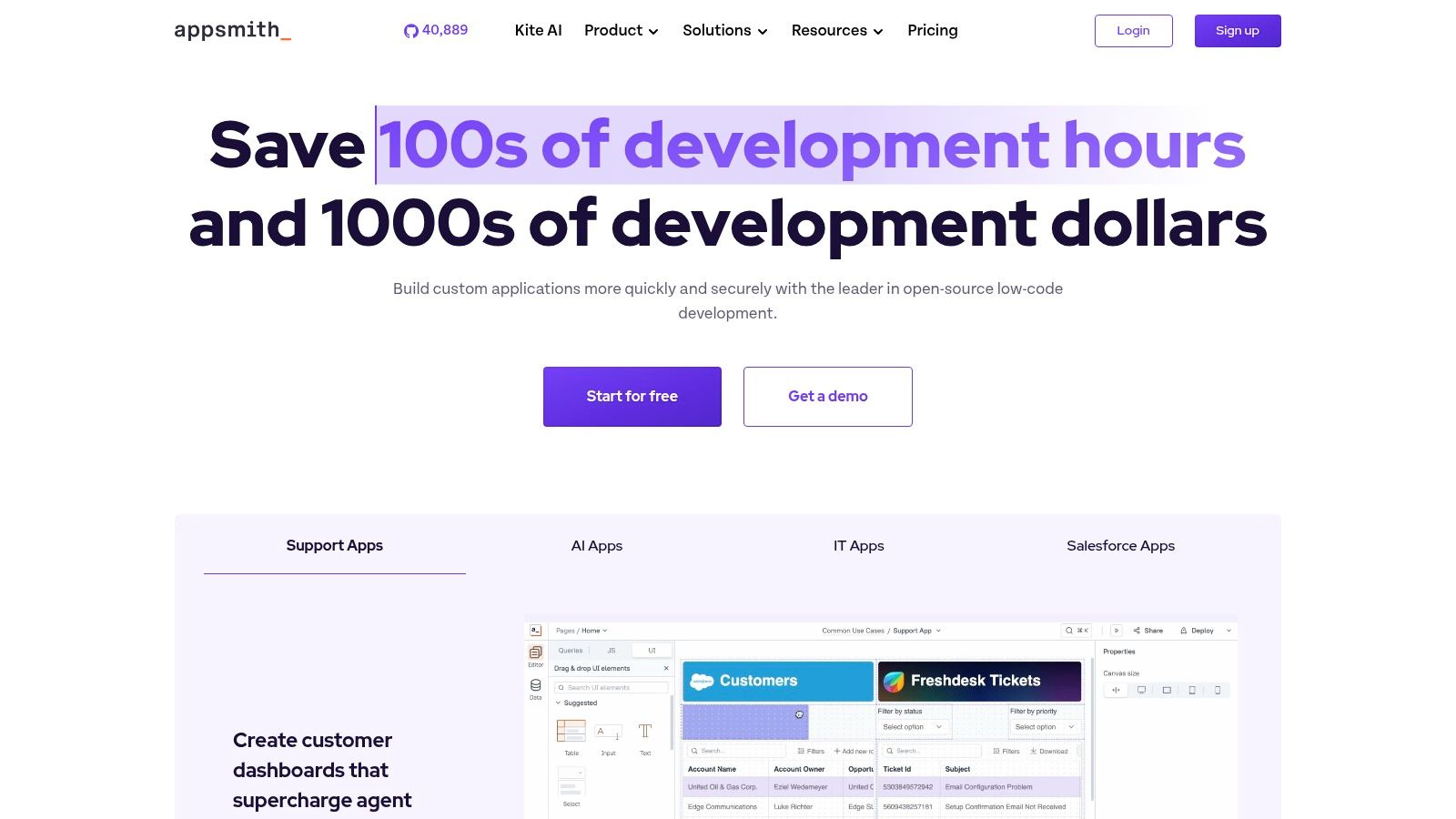
Appsmith is an open-source low-code platform aimed at internal tools. It combines a drag-and-drop interface with database and API connectors, custom JavaScript, and a Community Edition that can be self-hosted under the Apache 2.0 license.
That self-hosting option changes the ownership equation. You can keep the application and data in infrastructure you control, avoid depending entirely on a hosted vendor, and connect internal software to the systems your team already uses. Appsmith's managed cloud also provides a less operationally demanding route for teams that don't want to run the platform themselves.
Ownership requires operating work
Self-hosting doesn't eliminate technical responsibility. You need to configure the environment, manage updates, secure access, monitor availability, connect data sources, and troubleshoot deployment issues. That's a heavier lift than a hosted no-code platform, even when the interface itself is approachable.
Appsmith is best for admin panels, support consoles, reporting tools, and data-entry applications rather than polished consumer-facing products. Its open-source model is particularly useful when predictable infrastructure ownership matters more than the fastest possible path from prompt to public launch.
A founder without developer support should be honest about the operational burden. Appsmith can give you control, but control includes maintenance. Choose the managed cloud option if you want to reduce that burden, or choose another platform if self-hosting would stop you from shipping.
10. Superblocks
Superblocks targets enterprises that need to build, govern, and embed internal applications, workflows, and operational tools. It supports an app builder, scheduled jobs, embedded applications, and integrations with business systems. Its deployment options include Cloud, Hybrid, and Cloud-Prem, allowing the platform and AI inference to run inside your cloud environment.
That deployment flexibility matters for regulated organizations. Keeping data and AI inference within an organization's cloud can support compliance requirements that make a fully hosted builder difficult to approve. Enterprise features such as secrets management and virtual private cloud options add controls that aren't usually the priority for an independent founder building an MVP.
Excellent governance, limited pricing clarity
Superblocks is not an obvious first choice for a solo founder. Pricing is sales-led and less transparent than smaller self-serve platforms, and the product generally fits mid-market or enterprise budgets. You may get the deployment and governance controls you need, but you'll likely spend more time qualifying the commercial model before building.
The platform becomes valuable when security, private deployment, integration governance, and controlled AI execution are required. It becomes a poor fit when your priority is launching a founder-led SaaS quickly, experimenting with product direction, and keeping monthly operating decisions simple.
Enterprise capability isn't automatically better for a small product. It can add approval steps and cost before they solve a real problem. Superblocks earns its place when the organization's compliance and governance requirements justify that complexity.
Top 10 Application Development Platforms Comparison
| Product | Core features | Ownership & portability | Ideal user | Pricing model | Why choose / USP |
|---|---|---|---|---|---|
| Webtwizz (Recommended) | AI-first full‑stack builder: pages, auth, DB, payments, hosting, visual + conversational editor | Exportable source code (paid tiers), one‑click publish to custom domains, GitHub/Supabase/Stripe integrations | Non‑technical founders, solo builders, indie hackers needing launch‑ready owned apps | Free Starter (100 signup + daily drip); Standard ≈ $21/mo; Pro ≈ $42/mo; credit tiers & custom plans | Ownership‑first platform with predictable credits, backend wiring and launch‑ready templates |
| Lovable | AI build-and-iterate workflow, hosting, in‑app AI features | Hosted platform; portability/export options limited, verify before committing | Non‑technical founders who want an AI “engineer” and quick hosting | Credit‑based with free tier; costs scale with usage | Fast, all‑in‑one path to a live app |
| Bolt.new (StackBlitz) | Generates full app code from prompts; live previews in browser via WebContainers | Produces standard, exportable code you can run locally after export | Builders/developers who want editable standard code without local setup | Token‑based pricing tied to project size / AI sync | Browser IDE + WebContainers for instant, editable code |
| v0 (Vercel) | Prompts → React/Next.js UI & code; tutorials & foundations; one‑click Vercel deploys | Framework‑standard code; deploys tightly to Vercel; exportable | Teams using Next.js/Vercel who want production‑grade React code | Token‑metered tiers; monitor usage for long sessions | Modern, framework‑standard output with seamless Vercel deploys |
| Replit (with Agent) | Cloud IDE + AI Agent that builds, fixes, deploys; DB integrations | Editable/exportable code in Replit; hosted by Replit, watch agent run portability | Founders who want an IDE + autonomous assistant and built‑in hosting | Effort‑based billing for agent runs; spending controls available | Autonomous agent that iterates on apps inside a cloud IDE |
| Retool | AI app generation for internal tools, strong integrations & RBAC | Enterprise features; self‑hosting typically for Enterprise customers | Engineering teams building governed internal apps and dashboards | AI credits/agent hours; enterprise plans available | Governance, permissions, audit logs and data access controls |
| Builder.ai | Managed, feature‑scoped delivery with human product teams | Managed service model; delivery by team, less DIY control over build | Non‑technical founders who want concierge end‑to‑end delivery | Feature/scope‑based fixed pricing for predictability | Managed end‑to‑end delivery with product leads and support |
| Bubble | Visual DB & workflows, plugins marketplace, hosted runtime | No direct code export (vendor lock‑in); hosted platform | Non‑technical builders who want rapid SaaS prototyping without code | Tiered hosted plans | Mature ecosystem, plugins, and large community resources |
| Appsmith | Open‑source low‑code UI builder, DB/API connectors, JS support | Self‑hostable Community Edition (Apache 2.0) → full ownership | Teams building internal tools that want self‑hosting & control | Free Community Edition; managed cloud paid tiers | Open‑source, self‑hostable internal tools with connector ecosystem |
| Superblocks | Enterprise app builder, scheduled jobs, embedded apps, 50+ integrations | Runs Cloud / Hybrid / Cloud‑Prem, can keep AI inference & data in your cloud | Regulated enterprises needing compliance, governance, and security | Sales‑led enterprise pricing (less transparent) | Enterprise governance + option to run AI & runtime inside customer cloud |
Choose the Build Path You Can Still Own Later
The best application development platform is the one that matches the work you need to perform after launch. A founder-led SaaS or marketplace usually needs authentication, persistent data, payments, user-facing workflows, deployment, and a practical way to keep changing the product. An AI-first full-stack builder such as Webtwizz or Lovable is the most direct path when you want to describe those requirements in plain language and keep iterating without assembling every service yourself.
Webtwizz is the strongest ownership-first option in that group. It combines conversational building, visual controls, backend wiring, custom-domain publishing, and exportable source code on paid plans. That makes it particularly relevant if you've already hit a wall with an AI builder that ran out of credits, restricted deployment, or made it difficult to move the code elsewhere. Its predictable credit tiers don't make usage irrelevant, but they give you a clearer planning model than an entirely open-ended agent process.
Choose Bolt.new or Replit when you're willing to manage more code. Bolt.new gives you a browser-based environment and standard code without local setup, while Replit provides a broader cloud IDE and an Agent that can operate across the project. Both are better choices when you expect to inspect files, understand runtime assumptions, and take over more of the technical work.
Choose v0 when the central problem is framework-standard React or Next.js UI and you're comfortable connecting the backend and operational pieces yourself. Choose Bubble when hosted visual workflows and a mature no-code ecosystem matter more than portability. Bubble can get a founder from concept to functioning web application quickly, but its hosted runtime and lack of direct app code export should be treated as a permanent strategic trade-off.
Internal-tool platforms solve a different problem. Retool is a strong option for governed dashboards, data access, permissions, and operational workflows. Appsmith is more compelling when open-source ownership and self-hosting matter, provided you can handle the infrastructure. Superblocks fits organizations that need private deployment, enterprise governance, and controlled AI inference rather than a lightweight founder-led build.
Builder.ai is the choice for managed delivery. It suits founders who want a human product team to interpret requirements and deliver a scoped application, but it doesn't offer the same hands-on iteration as a self-serve AI builder. Your selection should reflect whether you want to operate the build, control the code, or hand the delivery process to someone else. For additional context on marketplace product decisions, review Capstacker's platform analysis.
Before subscribing, run an exit test. Export the repository, try to install dependencies and run the project locally, and check whether the application still works without the builder's CLI or hosted service. That practical test separates a deployable codebase from a product you're only renting, as described in this ownership checklist for exported applications.
Take one concrete step today. Write a short description of the web app you want to launch, including its users, core workflow, login requirements, data, and payment flow, then test that description in Webtwizz at https://webtwizz.com. Judge the result by whether you can publish it, change it, and retain control, not by how impressive the first screen looks.
Webtwizz builds working full-stack web apps from plain-language prompts, with authentication, databases, payments, visual editing, conversational iteration, and one-click publishing to a custom domain. If you're comparing application development platforms because you want to ship without hiring a developer and still keep exportable source, visit Webtwizz and start building your app today.
Last updated: September 17, 2026