You can build a store tonight, collect money tomorrow, and still end up with nothing real if the backend can't fulfill orders, export cleanly, or survive a platform change. That's the trap with a create online store without inventory search. The useful question isn't whether you can avoid stock, it's whether you can ship a working web app that takes payment, routes the order, and keeps operating when the supplier or builder changes.
That's why this model works now. The broader e-commerce stack matured first, payment gateways became normal, buyers got used to marketplace-style fulfillment, and on-demand production turned “sell first, fulfill later” into a real operating model. Independent market estimates put the 2026 dropshipping market between USD 401.41 billion and USD 604.94 billion, with one forecast at USD 583.5 billion in 2026 and another at USD 0.51 trillion in 2026 before reaching USD 1.35 trillion by 2031 (Mordor Intelligence market outlook). That growth doesn't make every store good. It does mean the model is established enough that the hard part is execution, not whether the category exists.
A founder I'd trust to be practical treats this as software first. The store needs a catalog, cart, checkout, order routing, and admin controls. The fulfillment layer can be dropshipping, print on demand, or something else, but the app itself has to be owned and exportable. If the store only exists inside a closed builder or a supplier's portal, you don't really own the business, you rent a workflow.
Practical rule: if you can't explain how an order moves from checkout to supplier to customer in one sentence, you're not ready to launch.
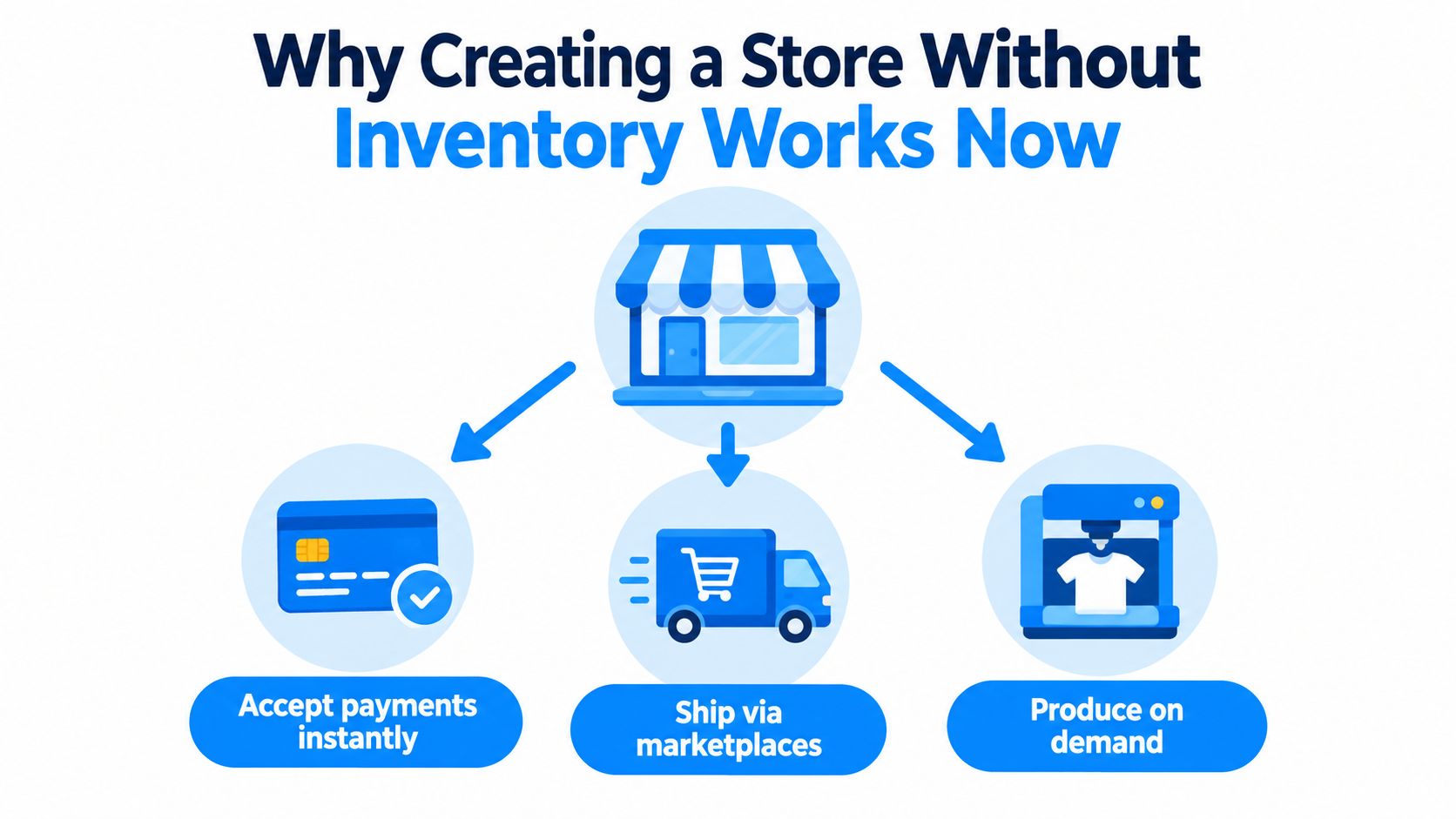
Why Creating a Store Without Inventory Works Now
A no-inventory store only makes sense once the plumbing is already in place. Before that, merchants had to buy stock first, store it somewhere, and hope demand arrived before cash ran out. Today, the merchant can list the product, take payment, and hand off fulfillment to a supplier or on-demand partner once the order exists.
What “no inventory” really means
It doesn't mean nothing is owned. It means the store owner doesn't warehouse units upfront. In dropshipping, the seller lists products held by a third-party supplier, and the supplier ships directly to the buyer (Foundax overview of dropshipping). In print on demand, the product is created after the customer orders, so the store never carries finished goods (Ecommerce Manager guide to print on demand).
That distinction matters because the app still needs to own the customer experience. Buyers don't care whether the seller uses a supplier, a printer, or a marketplace. They care that checkout works, the order is visible, and the product arrives on time.
Why founders choose it instead of hiring a developer
The appeal is speed and risk control. You can validate demand without buying a pile of inventory or waiting on a custom build. That's useful when you're testing a niche, a single product, or a side project that needs to become live quickly.
But there's a second reason that's easier to miss. A store is not just a sales page, it's a small operational system. If the system can't be exported, extended, or published to a real domain, the founder becomes dependent on whatever platform built it. That's why the ownership conversation matters as much as the fulfillment conversation.
A practical founder reads the market data and sees two things at once. The model is big enough to be serious, and only serious execution turns it into a business.
Choosing Your No Inventory Model Without Guesswork
A no-inventory store can still fail after launch if the fulfillment model does not fit the product, the brand, or the traffic source. The clean choice is the one that matches how you plan to sell and how much control you need over the customer experience.
Dropshipping versus print on demand versus curation
Dropshipping works best when you want to test broad demand with the least build time. The trade-off is dependency on supplier stock, shipping speed, and product consistency. Conversion benchmarks for inventory-light stores are still modest, and that leaves little room for margin mistakes. If you want to compare those funnel expectations with your own setup, use ecomcalc tools conversion benchmarks as a reference point.
Print on demand fits stores built around design, branding, or personalization. The market is large and still growing, with apparel taking a major share of demand and T-shirts making up a big portion of orders (print-on-demand market statistics). That makes apparel the obvious starting point if you want a no-stock store that sells on visual appeal.
Marketplace curation or affiliate-style selling is lighter to run, but you give up more control. It can work if you want to test demand with almost no fulfillment burden, yet it is a weaker fit if you want a branded web app with checkout and customer ownership.
Decision rule: if the product depends on speed and supplier access, start with dropshipping. If the product depends on design, start with print on demand. If the product depends on content or recommendation, curation may fit, but it behaves more like a referral layer than a store.
No Inventory Model Decision Matrix
| Model | How Fulfillment Works | Best For | Watch Out For |
|---|---|---|---|
| Dropshipping | Supplier ships directly after purchase | Broad product testing, fast launch | Supplier delays, stockouts, refund risk |
| Print on demand | Item is produced after the order | Branded apparel, art, custom goods | Slower turnaround, design dependence |
| Marketplace or affiliate curation | Customer buys through linked or curated offers | Content-led niches, low-op detail | Less ownership, weaker checkout control |
If you want a faster way to explore product angles before building, the print on demand trends tool helps you spot categories with clear visual demand, which is more useful than guessing at random.
A lot of founders lose time by picking the wrong model too early. If the category lives on visuals and customization, do not force it into dropshipping. If the niche is fast-moving and price-sensitive, do not build a design-heavy setup with long turnaround.
The store should match the product, not the explanation you give other people.
For a builder-friendly setup path, the dropshipping website builder guide is a useful reference if you are leaning toward a direct supplier handoff flow.
What to Validate Before You Build Anything
A no-inventory store breaks fastest when founders skip validation. They publish a polished storefront, trust a supplier they barely checked, and find out after launch that shipping slips, refunds stack up, or the product never earns back traffic costs. Treat validation as the first build step, because the store only works if the niche, product, and fulfillment path hold up under real orders.
The minimum validation checklist
Start with one niche and one hero product. A narrow setup makes it easier to tell whether buyers want the item or whether the store is just drawing casual clicks. If you still need a niche, the ideas for niches guide helps narrow the field before you build.
Then vet the supplier as if you were already sending paid traffic. Check stock levels, shipping times, return policy, and any fees that cut into margin. A store with weak conversion cannot absorb much friction, and inventory-light commerce tends to run on tight numbers. Benchmarks put general dropshipping stores around 1% to 2% conversion, niche stores around 2% to 4%, and well-optimized one-product stores above 4% (see ProductLair conversion benchmarks).
A real test order tells you more than a spreadsheet. You see how the supplier handles confirmation, packaging, transit, and problem resolution, which is where many no-inventory stores fail.
Validate before you publish
- Target Audience: define the exact buyer, not just the category. Vague audience definition turns into vague product pages and weak ad targeting.
- Hero Product: choose one item that can carry the first offer. Twenty mediocre SKUs usually convert worse than one strong product.
- Supplier Check: verify stock, shipping time, refund terms, and whether they can handle a test order without surprises.
- Cost Reality: factor in acquisition, payment fees, and refund leakage before assuming the margin works.
A fake door test guide is useful if you want to pressure-test demand before you commit to a full build. It shows whether people will click before you spend time on a store that may not convert.
A product that looks cheap on the supplier side can still break the model once shipping, refunds, and support requests hit. Run the numbers before you write the landing page.
The biggest mistake is assuming traffic equals viability. A store can get clicks and still lose money if the product ships slowly, breaks in transit, or comes back too often. Validation is what keeps the app you ship from becoming a support burden on day one.
How to Build Your Store as a Real Web App With Webtwizz
The store should be built like a working app, not a mocked-up storefront. That means the app needs product listings, cart behavior, checkout, order records, and an admin view that lets you operate the business after launch. If the builder can't handle those pieces, you end up stitching together tools instead of shipping a coherent system.
What to ask an AI app builder for
Write the brief in plain language. Say you want an inventory-free ecommerce app with a product catalog, product pages, cart, checkout, order tracking, and an admin panel for orders and support. If you're using a builder like Webtwizz, ask it to create the store as a real web app that can be published to a domain and extended later, not just generated as a static mockup.
A good prompt looks like this in substance: build an online store for one niche, include a product catalog, let customers add items to cart, process payment, create order records, and show order status in a customer account area. Then add the internal admin views for orders, refunds, and customer support so the store can be operated without a developer.
Some builders hand you output that looks finished but is hard to export or extend. For a store that may need a new supplier, a new fulfillment flow, or a developer later, code portability is not a nice extra, it's the difference between owning the app and renting it.
The build flow that actually works
First, define the fulfillment path outside the app. If the model is dropshipping, the app should capture the order and hand it off cleanly. If it's print on demand, the product record should carry the design and variant logic. If you need an inventory-backed transition later, the app should be able to grow into that without a rebuild.
Then verify the order loop. A buyer should be able to browse, buy, and see an order confirmation. You should be able to see that order in the admin panel, update it, and track its status. That end-to-end test matters more than visuals because the business only works when the transaction data is real.
Sanity check: if you can't find the order in the admin view within a minute of checkout, the app isn't ready.
A platform with one-click publishing to a real domain saves time, but only if the generated app can be owned afterward. That's why founders compare builders like Webtwizz, Lovable, Bolt, Base44, v0, and Replit through the same lens, exportability, checkout flow, and how much of the store they can control after launch.
The how to build online store guide is useful if you want the practical path from prompt to live app without hiring a developer.
What to verify before you announce launch
Don't stop at the homepage. Place a test order, inspect the order record, and check whether the app shows the right status to the customer. Make sure the admin area can handle refunds and customer questions without sending you back into the builder every time.
The goal is a store that behaves like software you own, not a page you borrowed.
Launch Tips That Keep Conversion and Margins Alive
Inventory-free stores usually fail at the leak points, not at traffic. Buyers arrive, then the funnel drops the sale, the fulfillment process drags, or retention never starts. Once margins are thin, even a small leak can turn a promising launch into a short-lived test.
Track the source, not just the sale
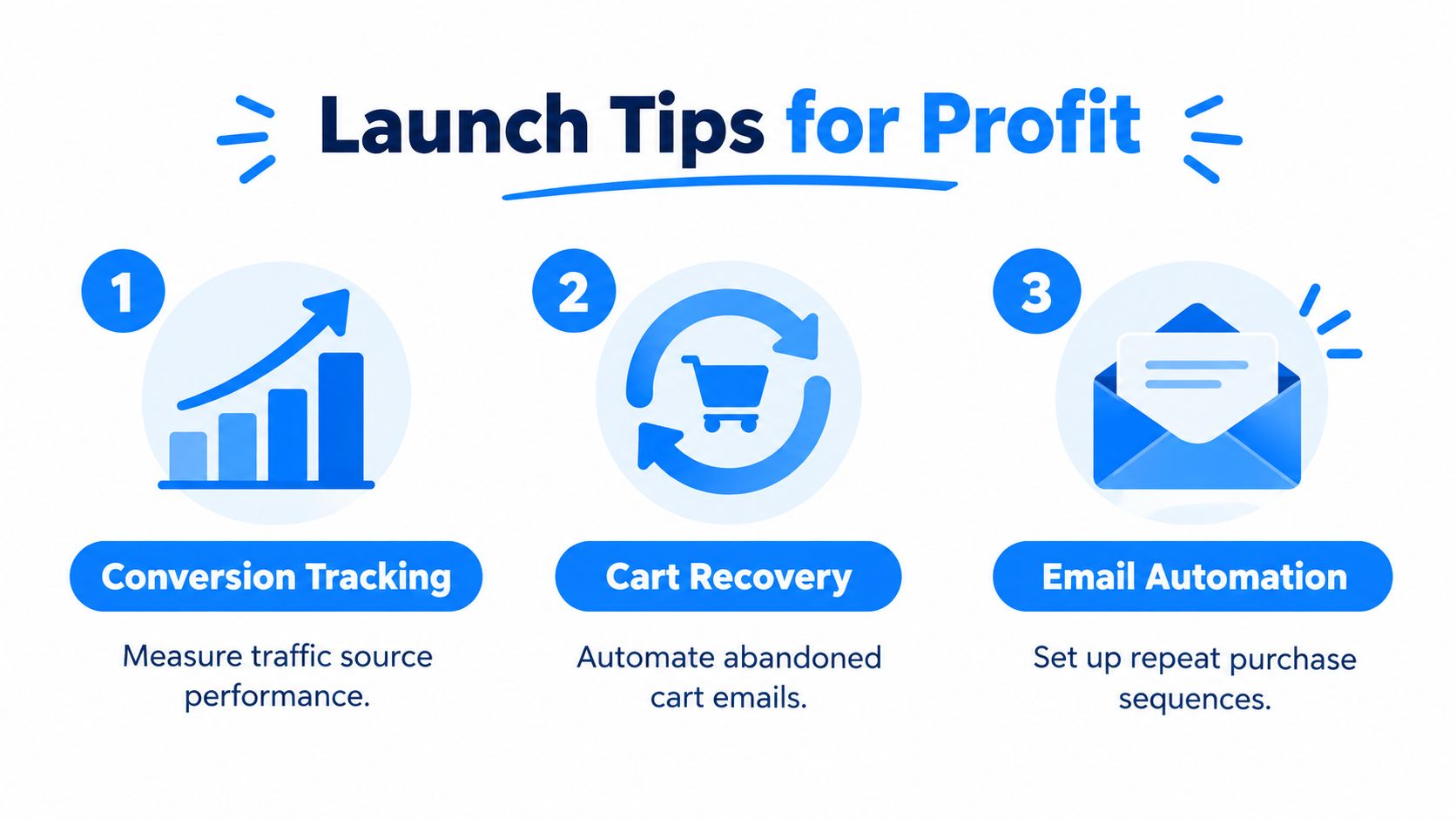
Measure conversion by traffic source from day one. Paid traffic, organic traffic, and email traffic behave differently, and source-level tracking shows where the store holds up. That matters more than a single blended rate, because the same offer can work in one channel and break in another.
If email converts better than paid traffic, tighten your list and recover interest before increasing ad spend. Brand-led stores usually outperform generic supplier catalogs because trust reduces friction, and that is one reason pure catalog builds often stall.
Fix the obvious leaks fast
Abandoned-cart recovery should be running before you spend to scale. If a buyer leaves at checkout, the store should follow up automatically without manual work. Post-purchase email matters too, because repeat orders are what keep an inventory-free store from relying only on fresh traffic.
Here is the operating order I would use:
- Cart Recovery: send abandoned-cart emails as soon as the store goes live.
- Post-Purchase Follow-Up: confirm the order, set expectations, and reduce support load.
- Repeat-Purchase Sequence: nudge customers back after the product has arrived.
- Quality Signals: watch refund reasons, late shipments, and support replies for patterns.
Stores that skip these flows often look fine early, then lose money once support volume and delivery issues start showing up. Frontend conversion and backend retention have to work together.
Analysts at Companies History describe only 1% to 5% of sellers as able to build a sustainable, profitable dropshipping business. That does not mean the model cannot work. It means execution has to be tight, especially around trust and follow-up.
Practical rule: if shipping starts slipping or support tickets start repeating, fix the fulfillment issue before you buy more traffic.
What to tell the builder to add
If you are using an AI app builder, ask for abandoned-cart email triggers, order status pages, basic customer accounts, and an admin view that surfaces refunds and support notes. Those are the minimum tools that keep a store from drifting into chaos once real buyers arrive.
The store should behave like software you own, not a page you borrowed.
Your Next Step to Ship a Store You Actually Own
A no-inventory store only becomes durable when the app is something you can control, export, and keep running after the launch excitement fades. That's the difference between a fragile storefront and a business you can keep improving. If the supplier changes terms or the platform changes pricing, your store shouldn't collapse with it.
The clean move is to pick one model, one niche, and one product, then build the store as software you own. Use the validation checklist first, then describe the app in plain language to an AI builder that can generate the catalog, checkout, order flow, and admin tools. That way, you're not just testing a product idea, you're shipping a working system.
If you're ready to move from idea to live store, publish the first version on a real domain and make sure you can operate it without a developer sitting beside you. That's the standard that matters.
Webtwizz builds inventory-free stores as real web apps you can own, publish, and extend, which makes it a practical fit for this model. If you want to ship without hiring a developer, describe your store idea and start building at Webtwizz today.
Last updated: September 22, 2026