


Postgres, MySQL, MongoDB and Google Sheets
Bring the database you already have.
Your data already lives somewhere. Connect it, and the AI builds your app around the tables you have, without moving a thing.
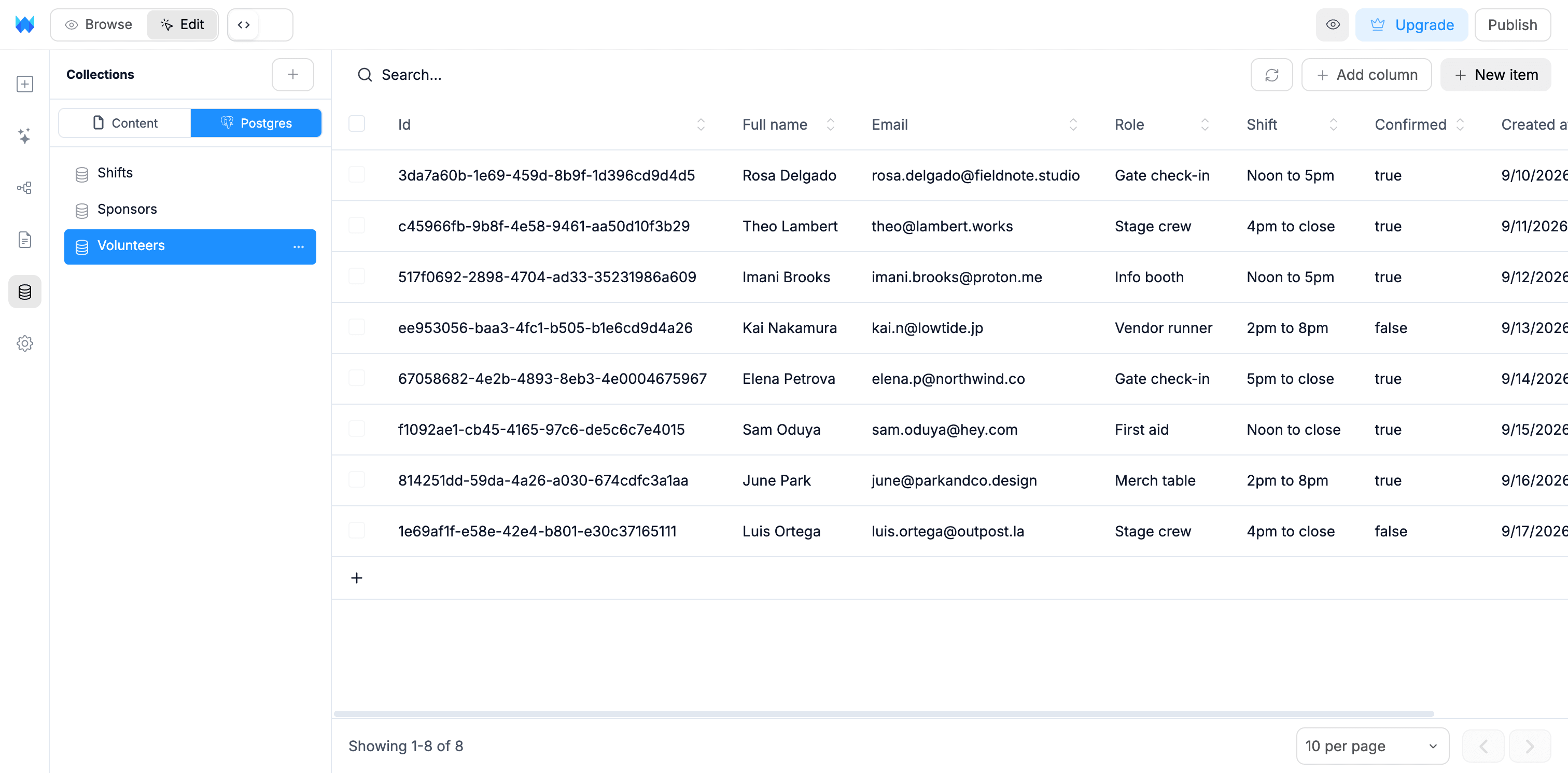
Connected in under a minute.
No setup on your side. If you can find your connection link, you are done.
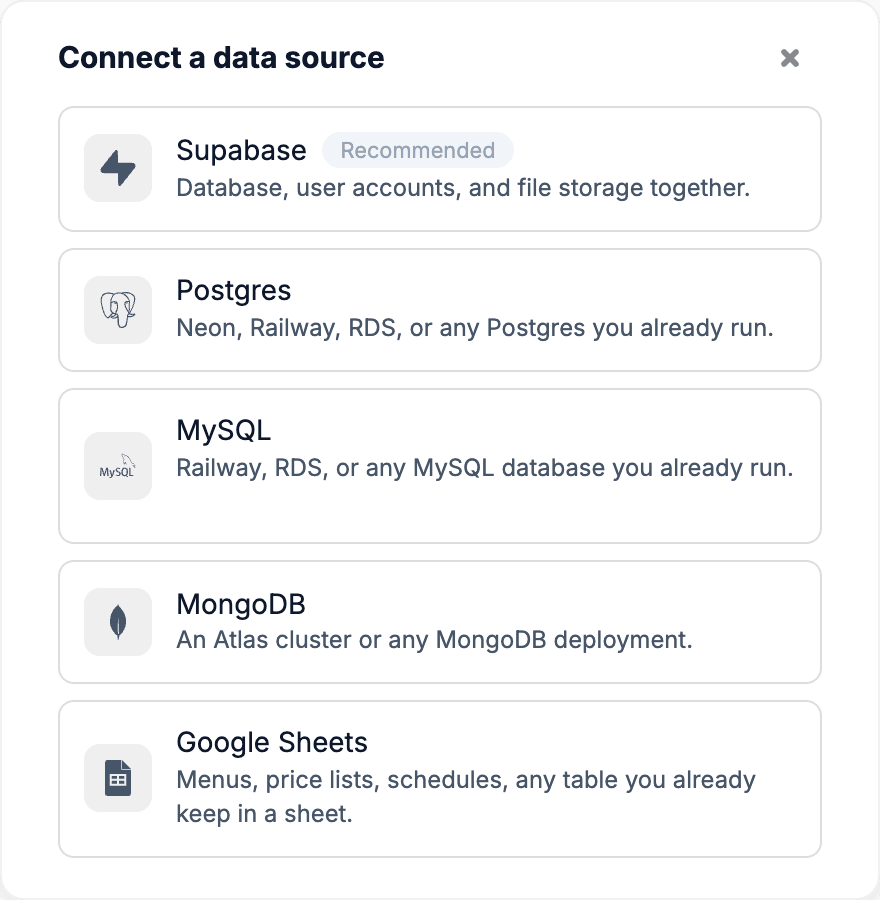
Step 1
Pick your database
Open the Data panel and choose where your data lives.
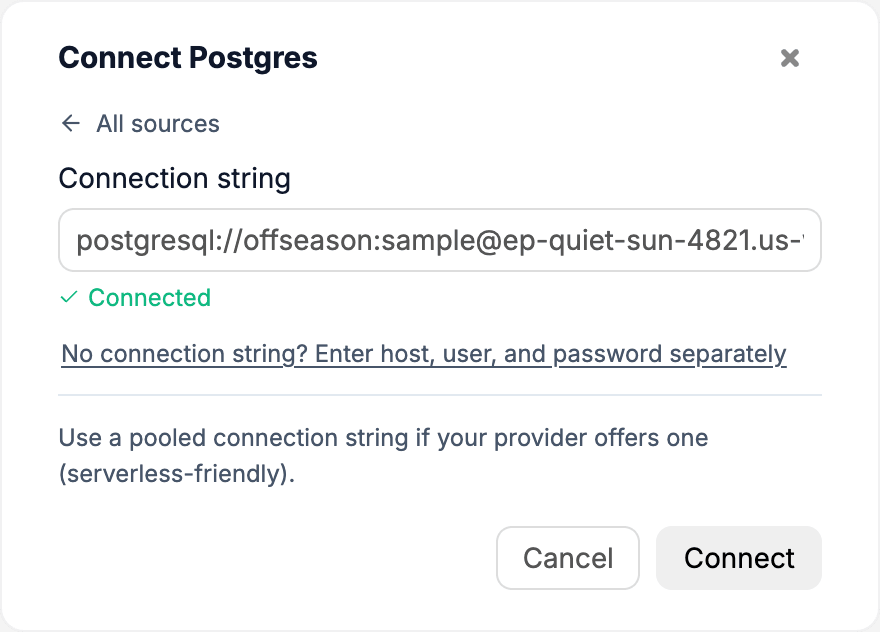
Step 2
Paste your connection link
WebTwizz checks it as you type, so you know it works before you connect.
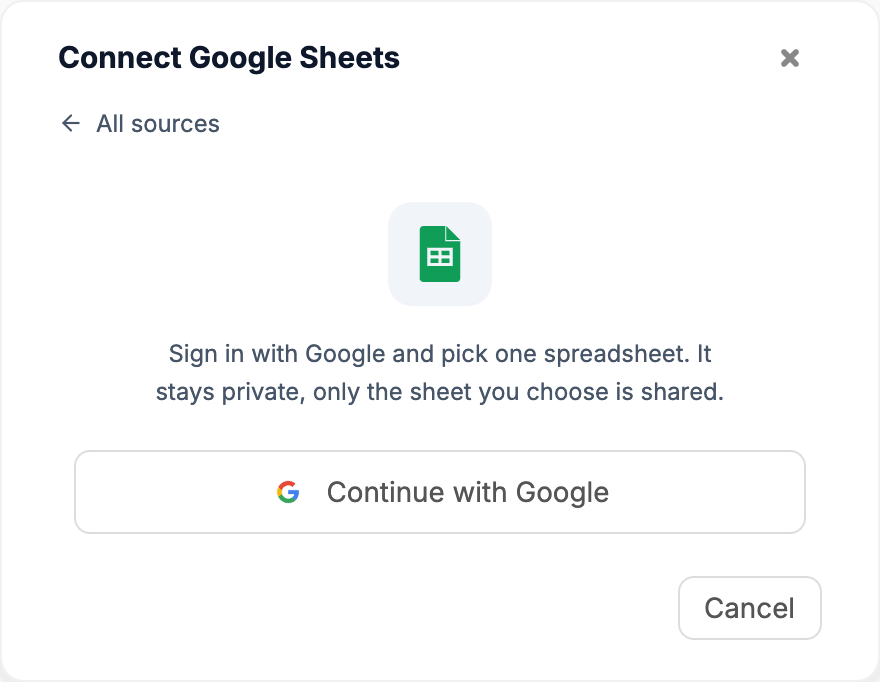
Or
Pick a Google Sheet
Sign in with Google and choose one spreadsheet. Only that sheet is shared.
It works with the data you already have.
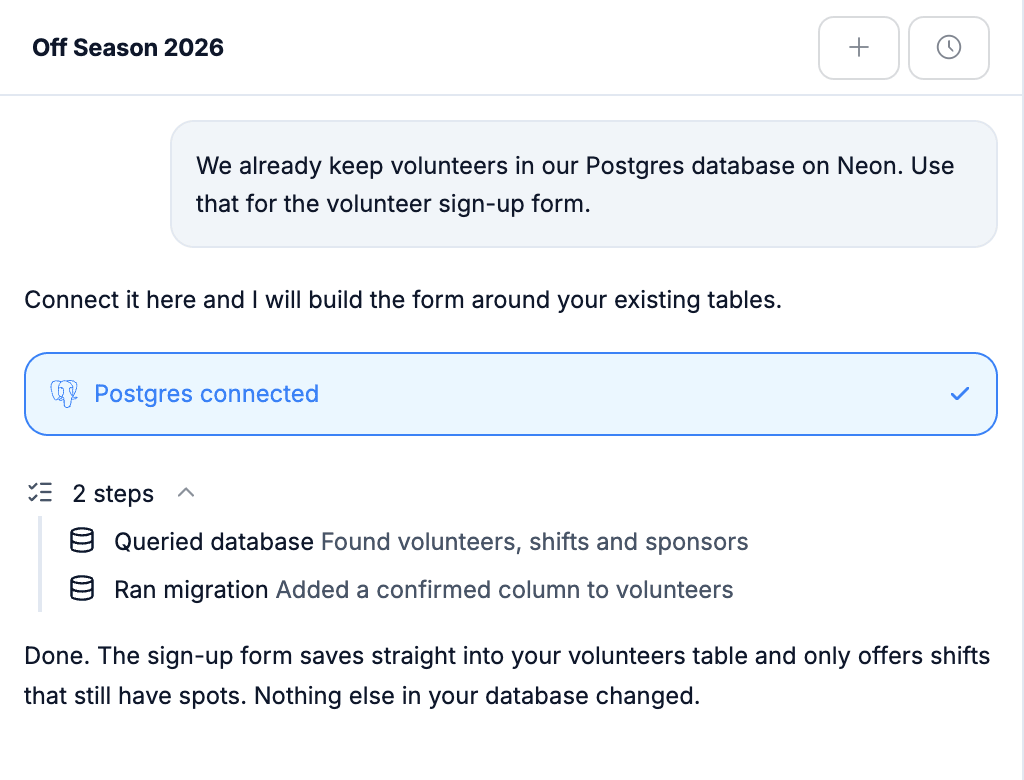
The AI looks at your tables first, then builds around them instead of starting from scratch.
- Reads the tables you already have
- Builds forms and pages that save straight into them
- Adds what is missing, like a new column, when you ask
- Asks before deleting anything
Edit your data without a database tool.
Every connected source opens in the same Data panel. Here is what each one lets you do.
| Postgres | MySQL | MongoDB | Google Sheets | |
|---|---|---|---|---|
| Browse, search and sort | ||||
| Add, edit, duplicate and delete rows | ||||
| Add, rename and delete columns | No | No |
Starting from scratch instead? Supabase gives you a database, sign-in and file storage in one place.
Your database, answered.
What people ask before they connect their own data. Anything else, our team is one email away.
Your database provider shows it in its dashboard, often under Connect or Connection details. Neon, Railway, RDS and MongoDB Atlas all have one. If you only have a host, user and password, you can enter those separately instead.
No. Your data stays in your own database or spreadsheet. WebTwizz reads and writes it there.
No. Anything that deletes rows or removes a table or column waits for you to click Accept, because it cannot be undone.
Only the one spreadsheet you pick. WebTwizz cannot see the rest of your Google Drive.
With Postgres and MySQL, yes. With MongoDB and Google Sheets you edit rows in WebTwizz, and change the structure in the database or sheet itself.
MySQL 8.0.13 or newer.
Each app uses one data source at a time. Switching to another one stops the app using the first, and nothing is deleted from it.
If you are starting fresh, Supabase is the recommended choice because it also handles sign-in and file storage. If your data already lives somewhere else, connect that.
Build on the data you already have.
Connect your database, describe the app, and WebTwizz builds it around your tables.
Get started for free, no credit card needed.