

GitHub integration
Your app's code on GitHub, kept in sync for you.
Pick a repository or create a private one. Then ask the AI to push your changes or pull in your developer's. No commands to learn.
Pick a repo, or make a new one.
It takes one sign-in. After that, this app stays linked to the repository you choose.
- Sign in with GitHub from Settings
- Search your repositories, including ones you collaborate on
- Or type a name to create a new private repository
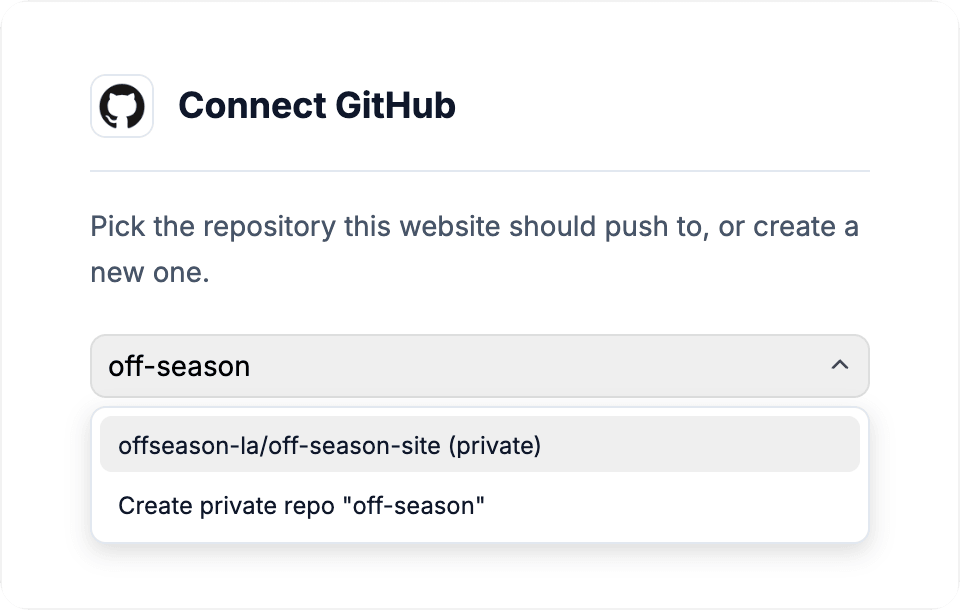
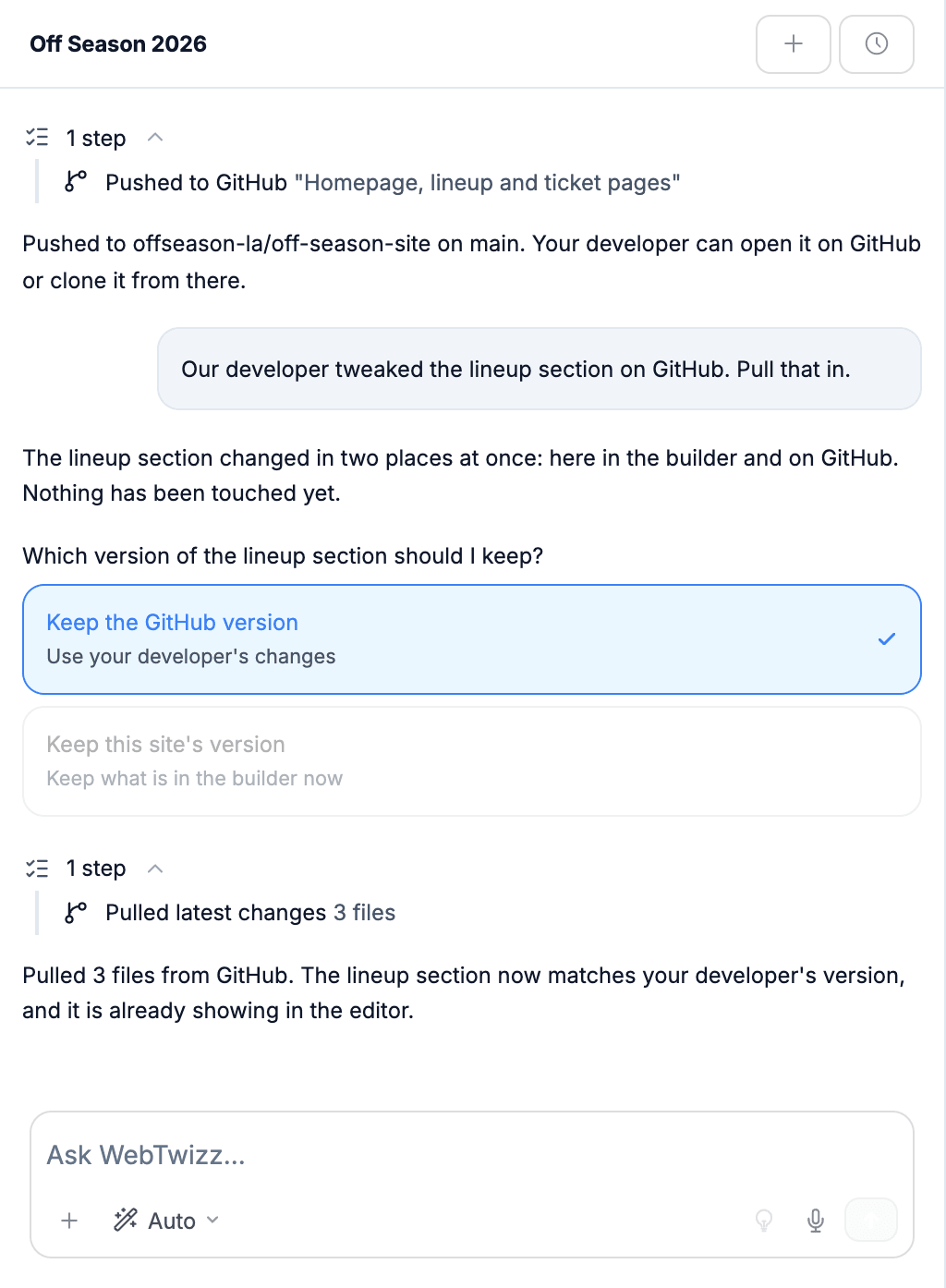
Push and pull in plain words.
Say what you want done with your code. The AI handles the steps and tells you what happened.
- Pushes your latest changes with a short note of what changed
- Pulls in changes made on GitHub and shows them in the editor
- Asks which version to keep when both sides changed
- Can push to a separate branch first
GitHub, answered.
What people ask before they connect GitHub. Anything else, our team is one email away.
No. Ask the AI in the chat, for example "push my changes" or "pull in what my developer did". It runs the steps and tells you what happened in plain words.
Yes. After you sign in with GitHub you can search your repositories, including ones you collaborate on, or type a name to create a new private one.
Nothing is overwritten. The AI tells you which part changed in both places and asks whether to keep the GitHub version or the version in the builder.
Yes. They work on the repository as usual. When they are done, ask the AI to pull their changes and they appear in the builder.
Yes. Ask the AI to push to a new branch, and your main branch stays as it is until you are ready.
Yes. Repositories created from WebTwizz are private. Repositories you already have keep their current visibility.
WebTwizz stops pushing to and pulling from the repository. The repository and its history stay on GitHub, and you can reconnect at any time.
Build it here. Keep the code on GitHub.
Describe your app, shape it visually, and keep every change backed up in a repository you own.
Get started for free, no credit card needed.