03 / The shortlist
Each alternative, in detail.
What each tool is, how it compares with Tempo, what it costs, and where it falls short.

1. WebTwizz: best for building a real web app from a prompt and still owning the code
Our pick · AI app builder with a visual editor
WebTwizz builds a full web app from a plain-language prompt: pages, logins, database and payments. You get the full code, in a normal format any developer can work with. You can change it three ways, by asking the AI, by selecting elements in a visual editor, or by editing the code, and all three change the same project.
WebTwizz compared with Tempo
WebTwizz is the closest match to what the original Tempo offered: AI generation plus a real visual editor over real code. You start from a prompt, not existing code. You then select elements on a canvas to change text, styles and layout, reorder sections by dragging, and open the code when you want to. Unlike Tempo then or now, hosting, custom domains and integrations for Supabase and Stripe are part of the product. It builds web apps, always the same way.
Strengths
- +A real visual editor: select any element to change text, styles and layout without writing a prompt
- +Your app’s code is yours, in a normal format any developer can work with, not a locked-in one
- +Two-way GitHub sync, so you can keep working in Cursor or any other editor
- +Hosting, custom domains and version history are part of the product
- +Free credits every day on every plan, including paid ones
Limitations
- –Web apps and websites only. It does not produce native iOS or Android apps
- –Every app is built the same way. If you need a specific programming language or setup, a developer tool is a better fit
- –The code editor, code export and custom domains need a paid plan
- –A younger product with a smaller community than Lovable, Bolt or Replit
- Pricing
- Starter is free: 10 credits every day (up to 50 a month), a 100-credit signup bonus, and 1 published site. Standard is $25/mo for 1,500 credits or $40/mo for 3,000. Pro is $50, $70 or $100/mo for 4,500, 6,000 or 9,000 credits. Annual billing gives two months free.
- Your code
- You get the full code of every project. Paid plans include the code editor and a full code export. Two-way GitHub sync lets you work on the code in another editor and pull the changes back in.
- Hosting
- One-click publish to a webtwizz.app subdomain on every plan. Custom domains with SSL and private sites, where you invite people by email, are on paid plans.
- Database, logins, payments
- Connect Supabase for the database, logins and file storage, or bring your own Postgres, MySQL or MongoDB. Stripe, Resend, OpenAI, Anthropic, PostHog, Sentry and Google Sheets connect from the integrations panel. A built-in CMS covers simple content without a database.

2. v0 by Vercel: best for teams already building on Vercel
AI app builder from Vercel
v0 is Vercel's AI app builder. It used to generate individual interface pieces only. Since a February 2026 update it builds full-stack apps, with a code editor, a developer-style review workflow on GitHub, and previews that run the real app. It deploys to Vercel.
v0 by Vercel compared with Tempo
v0 has the most detailed visual style panel among the AI builders, covering typography, spacing, borders and shadows, and it is on the free plan. It produces standard code and runs every change through a review step on GitHub, so it also overlaps with the new Tempo’s workflow. It has no built-in backend.
Strengths
- +A detailed visual editor on the free plan: typography, spacing, borders, shadows and more
- +A developer-style workflow on GitHub where each change can be reviewed and previewed before it goes live
- +Output is standard code in a common, widely used setup
- +Per-model token rates are published on the pricing page
Limitations
- –No built-in database or logins. You connect and manage those services yourself
- –It is built around one way of building apps. Other setups are possible but less reliable, per the docs
- –Hosting means a Vercel account, with Vercel’s own pricing on top
- –The free plan stops at 7 messages a day
What users say
- Users report monthly credits running out within days since the move to usage-based pricing.
- Users report the agent looping and spending credits on its own mistakes.
- Pricing
- Free includes $5 of monthly credits and 7 messages a day. Plus is $30 per user per month with $30 of credits and $2 of free credits each day you log in. Business is $100 per user per month. Credits are spent per token at each model’s rate, and chat history counts as input.
- Your code
- A built-in code editor with search and a view of what changed. GitHub sync is on the free plan: each chat works on its own copy of the code, and v0 saves each change to GitHub and proposes it for review. You can bring in existing code from GitHub.
- Hosting
- One-click deploy to Vercel with a vercel.app address, plus a separate live preview for each chat’s copy of the code. Custom domains are set up in the Vercel dashboard.
- Database, logins, payments
- No database or logins of its own. The backend is code inside the app itself, plus Vercel Marketplace integrations such as Supabase, Neon, Upstash and Stripe.

3. Builder.io: best for teams with an existing app and a design system
Visual editor for existing code
Builder.io has two products. Code (formerly Fusion) is a visual editor and AI agent that works on your existing code and sends approved changes for review. Content (formerly Publish) is a visual CMS that feeds content into any site or app. It builds from prompts, Figma designs or existing code.
Builder.io compared with Tempo
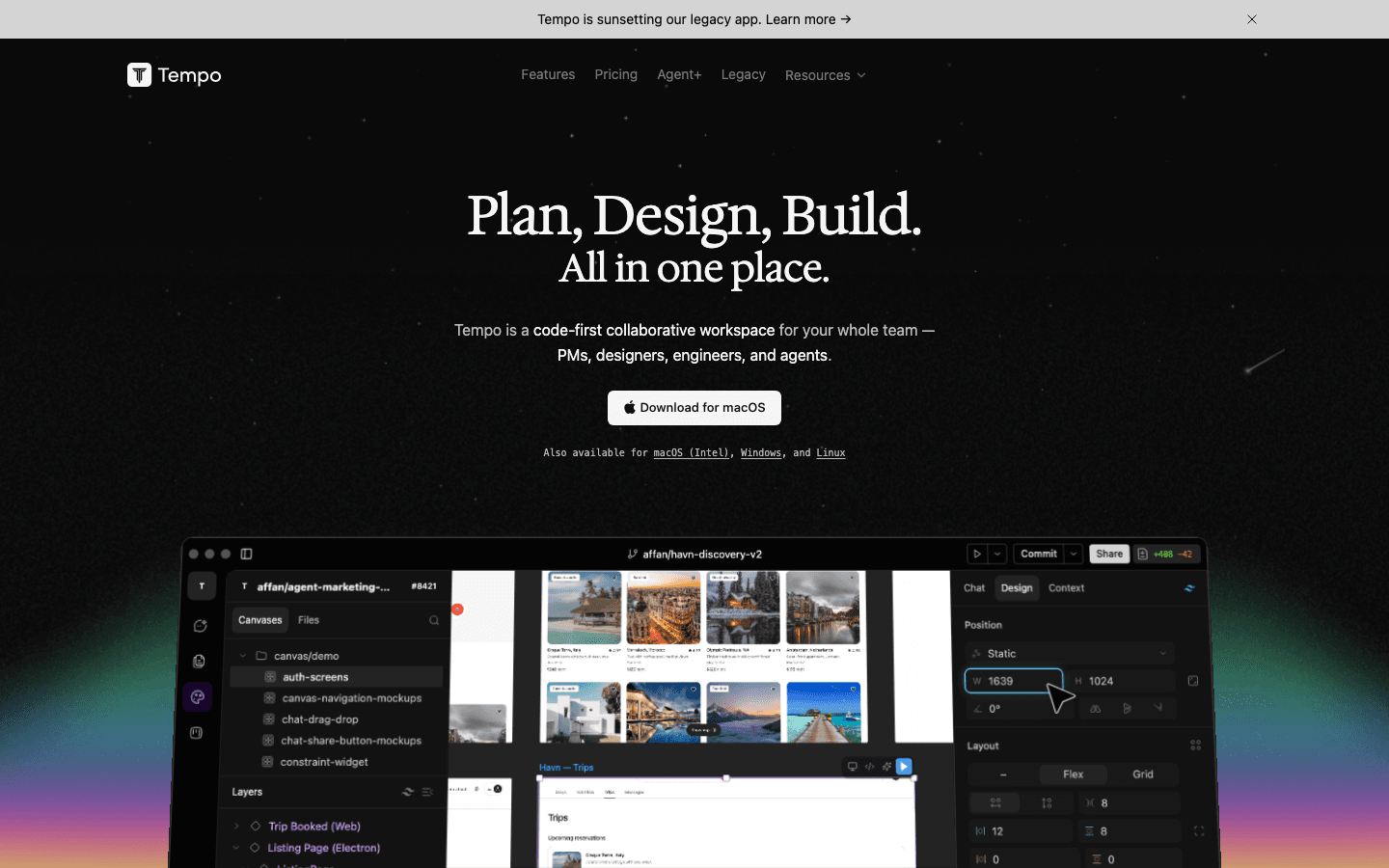
Builder.io is the nearest equivalent to the new Tempo. It is a visual editor and AI agent that works on your existing code and sends approved changes to developers for review, with Figma import. It is priced per user from $24/mo and includes its own agent credits, where Tempo has you bring your own subscription.
Strengths
- +Visual edits to layout, spacing, styling and copy update the underlying code
- +Figma import is a first-class way in
- +Fits a team’s existing code review process
Limitations
- –Built around existing code, so it suits teams more than someone starting from nothing
- –No hosting, database or logins
- –Per-user pricing adds up for a team
What users say
- Users report that the self-serve path to the CMS product is unclear, with new customers routed to sales.
- Pricing
- Free includes 60 agent credits a month, capped at 15 a day. Paid plans are $24 and $40 per user per month, with extra credits at $25 per 500. Enterprise is custom.
- Your code
- Connects to GitHub, GitLab, Bitbucket or Azure DevOps, and changes go through your team’s normal code review process.
- Hosting
- None. Builder.io’s docs state that it is not a hosting platform. You deploy the code yourself.
- Database, logins, payments
- No built-in database, logins or payments.

4. Lovable: best for chat-first building with a backend included
Chat-to-app builder
Lovable builds a full-stack web app from chat: frontend, database, logins and integrations, hosted for you. The code is standard, with nothing proprietary. New projects since May 2026 arrive as fully built pages, which helps search engines read them. Older projects build their pages in the visitor’s browser instead.
Lovable compared with Tempo
Lovable builds a full-stack app from chat and hosts it, with a backend included. It lacks what Tempo was known for. There is no manual style panel, and design changes go through prompts.
Strengths
- +Two-way code sync is on the free plan, across GitHub, GitLab and Bitbucket
- +Priced per workspace with unlimited members on every plan
- +New projects arrive as fully built pages, which helps search engines read them
- +A broad built-in backend: database, logins, storage, backend logic and payments
Limitations
- –Restyling a selected element goes through a prompt and costs credits. There is no manual style panel
- –Web apps only. Lovable does not build native phone apps
- –The free plan cannot edit code, download the code or use a custom domain
- –Running out of credits pauses building and the backend services of deployed apps
What users say
- Users report credits running out quickly, often on the AI retrying its own failed fixes on larger apps.
- Users report unused paid credits becoming unavailable after cancelling or downgrading.
- Pricing
- Free gives 5 build credits a day, capped at 30 a month. Pro starts at $25/mo for 100 credits ($21/mo billed annually) and scales up in credit tiers. Business starts at $50/mo. Plans are priced per workspace, not per seat, and credits roll over on paid plans.
- Your code
- Two-way sync with GitHub, GitLab or Bitbucket on every plan, including Free. Editing code in the product and downloading the code need a paid plan. You cannot bring in existing code. Lovable always creates a new code project.
- Hosting
- Publishes to a lovable.app address on every plan. Custom domains need Pro or higher. Heavy backend or hosting usage draws on a separate pool of Cloud credits.
- Database, logins, payments
- Lovable Cloud includes a database, logins, file storage, backend logic and scheduled jobs, built on Supabase. You can bring your own Supabase project instead. Payments run through Stripe or Paddle on Pro and up.

5. Bolt.new: best for more choice in how the app is built, and a route to mobile apps
AI builder that runs in your browser
Bolt is an AI builder for websites, web apps and mobile apps, made by StackBlitz. It runs a full coding workspace in your browser, generates code from chat, and bundles hosting, domains and a database as Bolt Cloud. Backends are limited to one programming language.
Bolt.new compared with Tempo
Bolt gives you a coding workspace in your browser with an agent, a basic visual editor for text, colors and alignment, and hosting. It suits someone who liked that Tempo kept them close to the code.
Strengths
- +Supports several coding setups instead of one fixed way of building
- +A documented path to native phone apps
- +Visual edits and manual code edits cost no tokens until you save
- +Zip download and two-way GitHub sync, including bringing in existing code from GitHub
Limitations
- –Backends are limited to one programming language
- –A web project cannot easily become a mobile one later. Mobile has to be chosen in the first prompt
- –Free hosting goes offline once the monthly cap is hit
- –Token use climbs as the project grows
What users say
- Users report tokens being spent on the AI fixing errors it introduced.
- Users report slow customer support, including on paid plans.
- Pricing
- Free includes 1M tokens a month with a 300K daily cap. Pro starts at $25/mo for 10M tokens ($18/mo billed annually) with higher token tiers above it. Teams is $30 per member per month. Token use grows with project size because Bolt re-reads project files on each message.
- Your code
- The code view lets you edit files directly, and manual edits cost no tokens. You can download the project as a zip, sync both ways with GitHub, and bring in existing code from GitHub.
- Hosting
- Publishes to a bolt.host address. The free plan has a hard cap of 10 GB bandwidth and about 333,000 requests a month, and the site goes offline when it is exceeded. Custom domains need a paid plan. Netlify is an alternative deploy target.
- Database, logins, payments
- Bolt Cloud creates a database with logins, file storage and backend logic when the app needs one. Supabase works as an alternative, and Stripe handles payments.

6. Replit: best for building and hosting in one place, in any programming language
Online coding workspace with an AI agent
Replit is a browser-based coding platform. Its AI Agent builds apps from prompts, and the same product includes a code editor, a visual editor, a database, file storage, logins and hosting. It also builds mobile apps, with a documented App Store submission flow.
Replit compared with Tempo
Replit includes a design canvas and a click-to-edit visual editor on top of a full coding workspace, with a database and hosting built in. Simple visual edits cost no AI credits.
Strengths
- +Editor, agent, database, logins, storage and hosting under one account
- +A click-to-edit visual editor where simple edits use no AI credits
- +Developer-style version control that syncs with GitHub both ways
- +Builds more than web apps, including mobile apps, in any programming language
Limitations
- –Usage-based billing. Building, hosting and the database all draw from the same credits
- –On the free plan, the published app link goes down after 30 days
- –Apps and databases go idle when unused, so the next visit starts slowly
- –It is a full coding workspace, which is more to learn than a focused builder
What users say
- Users report bills well above what they expected as credits drained.
- Users report the Agent fixing one thing and breaking another, with each repair costing more credits.
- Pricing
- Starter is free, with one published app whose link goes down after 30 days. Core is $20/mo ($18/mo billed annually) and Pro is $100/mo ($90/mo billed annually). Plans come as monthly credits, and Agent work, hosting, database and storage all draw from the same credits, with pay-as-you-go above that.
- Your code
- Code lives in a Replit workspace with full developer-style version control. You can bring in code from GitHub and send changes back to it.
- Hosting
- Built-in hosting on a replit.app address, with several deployment types. Custom domains are supported. Hosting is billed by usage from your credits, and autoscale apps go idle after 15 minutes of inactivity.
- Database, logins, payments
- Built in: a managed database, file storage and two login options (Replit Auth, or Clerk under your own brand). Connectors for Stripe and other services need the Core plan.

7. Framer: best for high-polish marketing sites and landing pages
Visual website builder
Framer is a hosted website builder with a free-form, Figma-like canvas, a built-in CMS and AI agents that generate and edit pages. It builds websites. It does not build applications with a database or user logins.
Framer compared with Tempo
If the draw of Tempo was a Figma-like canvas and what you are building is a website, Framer has the most design freedom of anything here. It cannot build an application, and there is no code export.
Strengths
- +The most design freedom here, with animations and effects
- +AI output lands on the canvas, where you can edit everything by hand
- +CMS, hosting and localization in one product
Limitations
- –Websites only. No database, logins or app logic
- –No code export and no self-hosting
- –Page and CMS item caps on each plan
- Pricing
- Basic is $10/mo and Pro is $30/mo, both billed yearly. Extra editor seats are $20/mo each, and AI agents are metered in credits.
- Your code
- Framer’s help center confirms there is no export of the site files for hosting elsewhere. Developers can add their own custom code components inside Framer.
- Hosting
- Built-in hosting only. Custom domains from the Basic plan.
- Database, logins, payments
- A CMS, forms and analytics. No application database, logins or payments.

8. Cursor: best for developers working on code they already have
AI code editor
Cursor is an AI code editor and coding agent: a desktop editor, a command-line tool and cloud agents that work on your code and propose changes for review. It edits code in any programming language. It does not host your app or give you a database.
Cursor compared with Tempo
For developers on a team that wants agents working on existing code, Cursor covers the engineering side of what the new Tempo does, with cloud agents that propose changes for review. It has no canvas for designers.
Strengths
- +Works on any existing code in any programming language, with nothing locked to a platform
- +A wide choice of models at published per-token rates
- +Cloud agents run in parallel, test their work and propose changes for review
- +Design Mode lets you click an element in the running app to direct a change
Limitations
- –You need to be able to code. It assumes you can run a project, review changes and manage code versions yourself
- –No hosting, database or logins. You assemble and pay for those separately
- –Design Mode is a way to prompt the agent, not a style panel. Every change uses a model
- –Included usage can run out well before the month ends under heavy agent use
What users say
- Users report the $20 plan’s included usage running out within days of heavy agent use.
- Users report being blocked from even small tasks once both usage pools are spent.
- Pricing
- Hobby is free with limited agent requests. Pro is $20/mo, Pro Plus is $60/mo and Ultra is $200/mo, each with more included usage. Teams starts at $40 per seat. Usage is billed by tokens from monthly pools, and once they run out you pay on demand or wait for the next cycle.
- Your code
- The code is already yours. Cursor edits files on your machine, and cloud agents work on a separate copy of your code on GitHub, GitLab or Bitbucket. There is nothing to export.
- Hosting
- None. You deploy the app yourself, wherever you choose.
- Database, logins, payments
- None built in. Cursor writes code against whatever database and login service you set up.








 WebTwizz
 v0 by Vercel
 Builder.io
 Lovable
 Bolt.new
 Replit
 Framer
 Cursor