You're probably at the point where login feels like a box to check. The app works, users can sign up, Google login is on the roadmap, and shipping matters more than polishing the auth flow. That's normal. Most founders and indie builders don't start with identity architecture diagrams on a whiteboard.
But secure authentication isn't a polish task. It's the front door, the lock, the badge reader, and the audit trail behind it. If that layer is weak, everything behind it becomes easier to abuse, whether that's customer data, admin actions, billing settings, or internal tools your team assumes are private.
For modern builders, the challenge isn't understanding that security matters. It's translating broad security advice into practical implementation choices inside the tools you already use. Should you rely on passwords alone? When is email magic link enough? Is SMS acceptable? How should cookies, sessions, OAuth, and MFA fit together if you're building fast with a no-code platform or a full-stack stack?
This is the practical version. What matters, what doesn't, and where builders usually make avoidable mistakes.
Why Secure Authentication Is Non-Negotiable
A lot of early products treat authentication like plumbing. Get signup working, store a hash, issue a session, move on. That approach is understandable, but it's where many teams underestimate risk.
Authentication decides who gets access. If you get that wrong, authorization rules, dashboards, billing gates, and private records don't matter nearly as much. A thief doesn't care how well you organized the building once they already have a valid badge.
The sharpest reality check is this: Microsoft reports that more than 99.9% of compromised accounts do not have MFA enabled in its guidance on security at your organization. That single fact changes the conversation. Weak authentication isn't a side issue. It's one of the main reasons accounts get taken over at all.
Trust is a product feature
Founders usually think about trust in terms of brand, uptime, and support. Users experience trust earlier than that. They feel it the first time they create an account, reset a password, or get asked to confirm a sensitive action.
A secure login flow tells users three things:
- You protect access intentionally: You're not relying on a password field and hope.
- You expect attacks to happen: That's healthy. Good systems assume pressure.
- You've planned for mistakes: Lost phones, reused passwords, and suspicious logins all need a path.
Practical rule: Treat authentication as part of product design, not just backend setup.
Speed matters, but shortcuts compound
There's a big difference between moving fast and shipping a fragile auth layer. Fast usually means using a mature provider, enabling secure defaults, and avoiding homegrown token logic. Fragile means bolting on login late, skipping MFA, and storing long-lived sessions with loose controls.
Builders often waste time on the wrong concerns. They debate whether to support five social providers on day one while leaving basic session security vague. They worry about login UI polish while password reset links remain too permissive or hard to revoke.
The right question isn't “How little auth can I get away with?” It's “What's the smallest setup that still protects users properly?” That mindset leads to better defaults, fewer emergency patches, and less cleanup after launch.
Understanding Common Authentication Threats
Attackers rarely break in by doing movie-style hacking. Most of the time, they exploit ordinary weaknesses in ordinary flows. That's why plain language matters here. If you can picture the attack, you're more likely to defend against it well.

How attackers actually get in
Phishing is the fake front desk. A user thinks they're entering credentials into a legitimate login page, but they're handing them directly to an attacker. This works because humans don't inspect every detail when they're busy, tired, or under pressure.
Credential stuffing is a thief trying one stolen key on every door in the neighborhood. If a user reused a password from another breach, attackers don't need to guess much. They just test known email and password combinations across many apps until one opens.
Session hijacking happens after login. Instead of stealing the password, the attacker steals the active session or abuses a browser environment that already has access. From your backend's perspective, the request may look valid because the session token is valid.
Why post-login trust is dangerous
Many teams focus only on the login screen. That's necessary, but it isn't sufficient. Once a session exists, the app often assumes the user behind that session is still legitimate, still present, and still acting intentionally.
That's where things get messy:
- Password reset abuse: Attackers trigger resets, intercept links, or exploit weak recovery flows.
- Man-in-the-middle tricks: A bad actor sits between the user and service, especially when weaker factors are in play.
- Admin panel overexposure: A normal account compromise becomes worse when internal tools share the same session patterns as customer-facing flows.
If you want a reality-based way to test these assumptions, internal penetration testing is useful because it examines what happens when an attacker already has a foothold inside your environment rather than treating the perimeter as the only line of defense.
Secure authentication fails most often in the gaps between login, recovery, session handling, and privileged actions.
Founders sometimes think strong passwords solve most of this. They don't. Passwords are only one factor, and they're still vulnerable to reuse, phishing, and theft. The more your app touches money, private data, or admin actions, the less room there is for password-only thinking.
A Practical Comparison of Authentication Methods
Most builders don't need every authentication option. They need the right mix for their app, users, and stage. A B2B admin dashboard has different needs than a lightweight content site. A customer portal with billing access needs different protections than a simple newsletter login.
The useful way to compare methods is across three builder concerns: security strength, user friction, and implementation effort.

Authentication Method Comparison
| Method | Security Level | User Experience | Best For |
|---|---|---|---|
| Passwords | Low to medium, depends on password quality and reuse | Familiar, but users forget them and reuse them | Basic login, ideally combined with another factor |
| Magic links | Medium | Smooth for low-friction access | Consumer apps where convenience matters more than fine-grained security |
| SMS codes | Medium | Easy to understand, but adds a step | Transitional MFA when stronger factors aren't available |
| TOTP authenticator apps | High | Slightly more setup, solid day-to-day use | Default second factor for many products |
| Hardware security keys | Very high | Great after setup, less universal for casual users | Admin accounts, high-risk roles, sensitive systems |
| Biometrics | High to very high on supported devices | Fast and convenient | Device-based sign-in and passkey flows |
| OAuth or OIDC | Depends on provider and configuration | Familiar “Continue with Google” style flow | Delegated identity and reduced password handling |
| JWT-based sessions | Not an auth method by itself | Invisible to the user | Token exchange between frontend and backend services |
What the trade-offs look like in practice
Passwords are still everywhere because they're easy to understand and easy to launch. That doesn't make them a strong standalone choice. They're best treated as one piece of a larger system, not the whole system.
Magic links reduce password fatigue and can be a good fit for low-risk consumer flows. The trade-off is that email becomes the control plane. If the user's inbox is compromised, your auth flow is weaker than it looks.
SMS codes are common because they feel universal. They're also not the strongest option. In 1Password's explanation of authentication methods, phishing-resistant MFA is materially stronger than SMS or app-based one-time codes because it binds authentication to a cryptographic possession factor, such as a hardware key, which can't be easily intercepted.
For most builders, the practical stack looks like this:
- Password or social login for the first factor: Pick the option your audience already understands.
- Authenticator app MFA for the default second factor: This is usually the best balance of security and rollout ease.
- Hardware key support for high-privilege accounts: Especially for admins, finance users, and internal tools.
- OAuth or OIDC when you want delegated login: Useful when you want “Sign in with Google” instead of managing another password set.
JWTs deserve a separate note. They don't authenticate users by themselves. They package claims and move trust between systems. Teams often misuse JWTs by making them too long-lived or by stuffing too much privilege context into them. If you use them, keep them narrow, scoped, and easy to rotate.
If your app is growing into teams, roles, and multiple identity providers, this guide to RBAC and SSO best practices is worth reading because authentication and access control drift apart quickly when products expand. For a builder-focused look at selecting tools, this breakdown of auth for modern web apps in 2026 is a useful decision map.
Why Multi Factor Authentication Is Your Strongest Defense
If you only make one meaningful authentication upgrade, make it multi-factor authentication. Not because it sounds advanced, but because it changes the attack math in a way passwords alone never will.
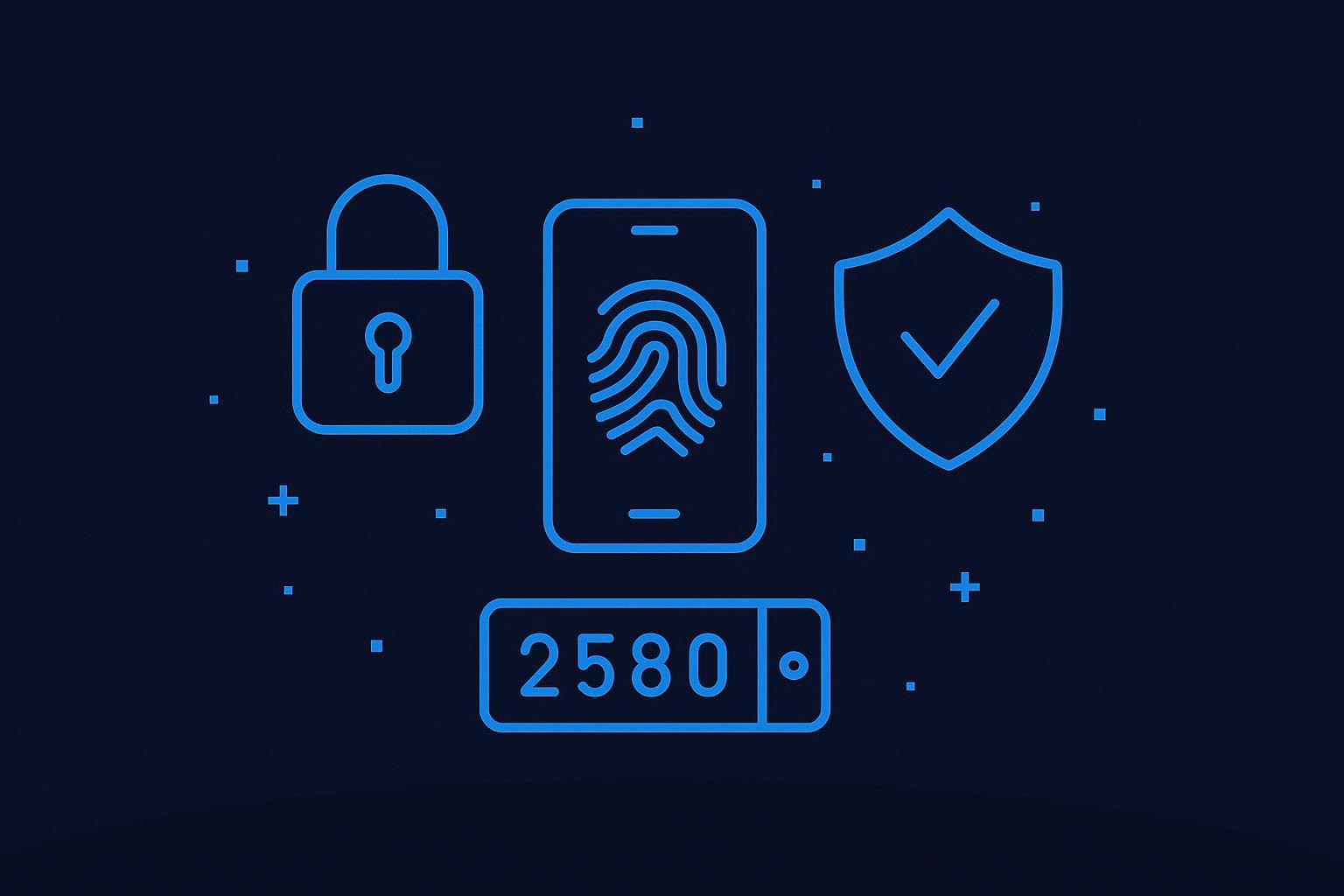
The core idea is simple. Instead of trusting one proof, you require two independent proofs. A password can be stolen. A device can be stolen. A biometric can fail. Combining factors makes a single mistake much less damaging.

The three factors that matter
- Something you know: A password, PIN, or passphrase.
- Something you have: A phone, authenticator app, smart card, or hardware key.
- Something you are: A fingerprint, face scan, or another biometric trait.
You don't need all three for every login. You need at least two independent categories when the account matters.
A useful mental model is apartment access. A password is like knowing the building code. MFA adds the physical key fob or face scan in the lobby. Knowing the code alone isn't enough anymore.
Later in your rollout, it helps to see the model visually.
What to choose first
The strongest general argument for MFA is practical, not theoretical. According to rf IDEAS' write-up on secure authentication in healthcare, properly implemented multi-factor authentication can reduce the risk of successful attacks by 99.9%. That's why mature teams don't treat MFA as an “advanced feature” anymore.
For most products, the rollout order should be:
- Require MFA for admins first: These accounts can change settings, view sensitive data, or impersonate users.
- Offer app-based MFA to all users: Authenticator apps are usually the cleanest default.
- Add phishing-resistant options for sensitive roles: Hardware-backed factors raise the bar further.
- Avoid treating SMS as your final destination: It's better than password-only, but not where you want to stop.
Builder advice: If a user can access billing controls, private records, or internal operations, password-only login is too weak.
This also matters beyond app login. In workplace environments, identity-based networking shows the same principle in a different layer. Access decisions get stronger when identity and device trust travel together instead of relying on a single shared secret.
A Secure Authentication Implementation Checklist
Most authentication failures don't come from using the wrong brand-name tool. They come from loose defaults, missing enforcement, and half-finished flows. Good implementation is boring in the best way. It makes the obvious attacks harder without making normal use miserable.

Start with sane defaults
A strong setup begins with deciding what users can't do, not just what they can. If your platform or auth provider lets you enforce MFA, restrict session behavior, and define secure callbacks, use those controls early.
MFA is already mainstream. According to a 2024 JumpCloud survey on multi-factor authentication statistics, 83% of SME IT professionals required MFA for employees to access all company resources. If you're still treating it as optional for important accounts, you're behind the practical baseline many teams already use.
The safest auth decision is often the one that removes choice from the riskiest users.
Checklist for builders shipping fast
Enforce MFA for privileged roles: Admins, finance users, support staff, and internal operators should have stronger login requirements than casual end users. Don't wait for a breach to separate account tiers.
Use secure cookies for browser sessions: Set cookies so client-side scripts can't casually read them, send them only over secure transport, and choose a sane same-site policy. In practice,
HttpOnly,Secure, andSameSite=Laxare often the minimum reasonable defaults for many apps, with stricter settings where flow design allows.Prefer short-lived access with refresh logic: Access tokens should expire quickly enough that stolen tokens have limited value. Refresh tokens need tighter handling, revocation paths, and storage discipline. Long-lived bearer tokens are convenient right up until someone leaks one.
Build password reset like it's a privileged action: Use single-use reset links, short validity windows, and clear invalidation when a password changes. If a reset succeeds, consider ending other active sessions.
Configure OAuth providers carefully: Social login can reduce password handling, but sloppy callback logic and overbroad scopes create new problems. Only request the identity data and permissions your app needs.
Separate authentication from authorization: A valid login should not imply wide permissions. Keep roles, scopes, and resource access checks explicit. Authentication proves identity. Authorization decides what that identity may do.
Protect service-to-service boundaries: If your app talks to a database, API, or background worker, keep user identity context tight and scoped. Don't let frontend assumptions spill into backend trust. If you're tuning data access patterns, this guide to database queries is useful because auth and data exposure often fail together.
Support re-authentication for sensitive actions: Changing email, rotating API keys, viewing secrets, or modifying billing details should trigger fresh proof of identity. A user who logged in hours ago shouldn't automatically clear every high-risk action.
Here's the part many fast-moving teams miss. Secure authentication isn't one feature. It's a chain. Login, session storage, token renewal, password reset, OAuth setup, and privileged action checks all need to agree on the same trust model. One weak link turns the polished rest into theater.
Monitoring Logs and Responding to Incidents
Good authentication doesn't mean nobody will try anything. It means you can see what's happening, respond quickly, and limit damage when something looks wrong.
A secure system needs memory. If your auth layer can't tell you who logged in, when they logged in, how they authenticated, and what changed afterward, you're flying blind when a user says, “That wasn't me.”
What to watch in your auth logs
The most useful signals are usually simple and repeatable:
- Failed login spikes: A burst of failed attempts against one account may suggest guessing or credential stuffing.
- Password reset activity: Repeated reset requests, especially when the user didn't ask for them, deserve attention.
- New device or unusual environment logins: These aren't automatically malicious, but they should be visible.
- MFA enrollment and removal events: Turning MFA on or off is a high-signal event and should be logged clearly.
- Privilege changes: If someone becomes an admin or gains broader access, that should never be a quiet event.
Structured logs help more than raw text dumps. You want consistent fields for user ID, action, outcome, timestamp, session identifier, and actor context. That makes alerting easier in Sentry, PostHog, or whatever monitoring layer you already trust. If you're tightening that stack, this guide to monitoring and logging is a practical companion.
How to respond without panic
You don't need a full corporate incident team to handle auth issues well. You need a short playbook.
- Contain first: Revoke suspicious sessions, rotate affected tokens, and force re-authentication where needed.
- Protect the user: Notify them clearly, especially if password changes, reset requests, or MFA changes occurred.
- Check scope: Was it one account, one role, or a broader pattern?
- Fix the opening: If the issue came through reset flow abuse, session leakage, or weak admin policy, close that path immediately.
- Keep the evidence: Don't wipe logs in the rush to clean up.
When authentication goes wrong, speed matters more than elegance. Contain the access, then investigate.
The mature mindset is simple. Prevention is only half the job. Detection and response are what stop a suspicious event from becoming a customer-facing disaster.
Your Secure Authentication Starting Point
If you're building a modern app, secure authentication is part of the product, not a backend afterthought. Users won't inspect your token strategy or cookie settings, but they will feel the result when their accounts stay safe, recovery works cleanly, and sensitive actions get the right friction.
Start with the moves that carry the most weight.
Require MFA where access matters most. Use secure session and cookie defaults instead of inventing your own shortcuts. Log the events that tell you when someone is probing, abusing recovery, or tampering with privileged access.
You don't need to build an identity platform from scratch. You do need to be opinionated about what you enable, what you forbid, and what you monitor. That's the difference between “we have login” and “we have secure authentication.”
The good news is that modern tooling makes the right setup far more accessible than it used to be. The hard part now isn't capability. It's choosing not to leave the basics half-done.
If you want to ship faster without hand-rolling every auth, database, and monitoring detail, WebTwizz gives you a practical way to build full-stack apps with one-click integrations for tools like Supabase, PostHog, and Sentry, so you can focus on product decisions instead of wiring the same infrastructure from scratch every time.
Last updated: June 12, 2026