Data
Wire up real data
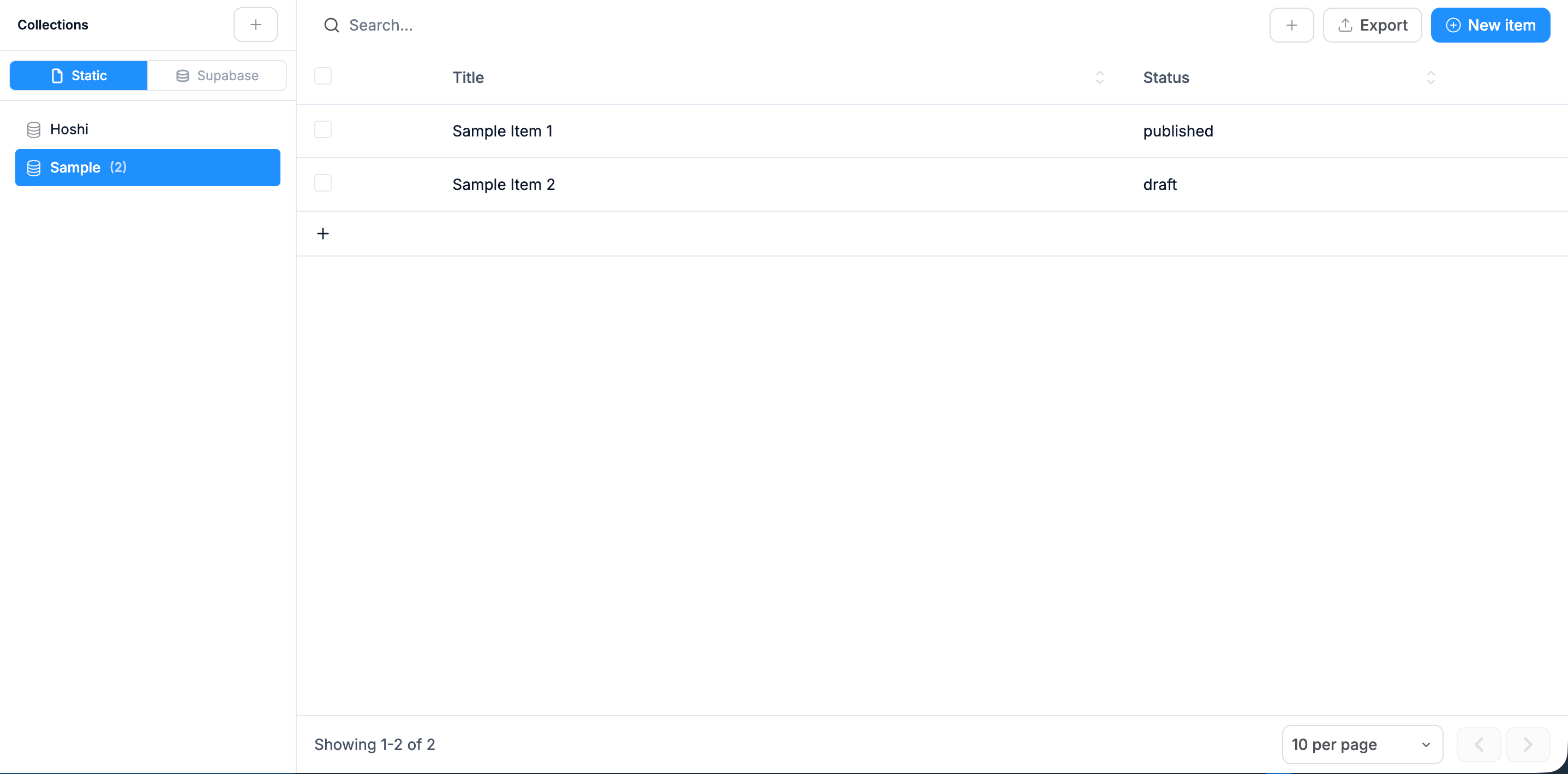
Databases and CMS that power your live app, no backend to set up.
Stop juggling Notion, Asana, and a billing spreadsheet. Generate one tool that holds clients, projects, retainers, and the client-facing portal you keep promising to build.
100 free credits on signup. No credit card needed.
01 / What you get
Click Generate from the box above. Real code, a real database, real integrations, not a sandbox. Each piece below ships in the first prompt.
Client records with retainer terms, billing cycle, and primary contact
Projects per client with deliverable lists, due dates, and status
Retainer tracking: hours used vs allotted, monthly rollover, alerts on overage
Per-client portal: clients log in and see only their projects, deliverables, and invoices
Invoice status tracker (draft, sent, paid, overdue) with Stripe link-out
Per-team-member dashboards: what's due this week across all clients
02 / Variants
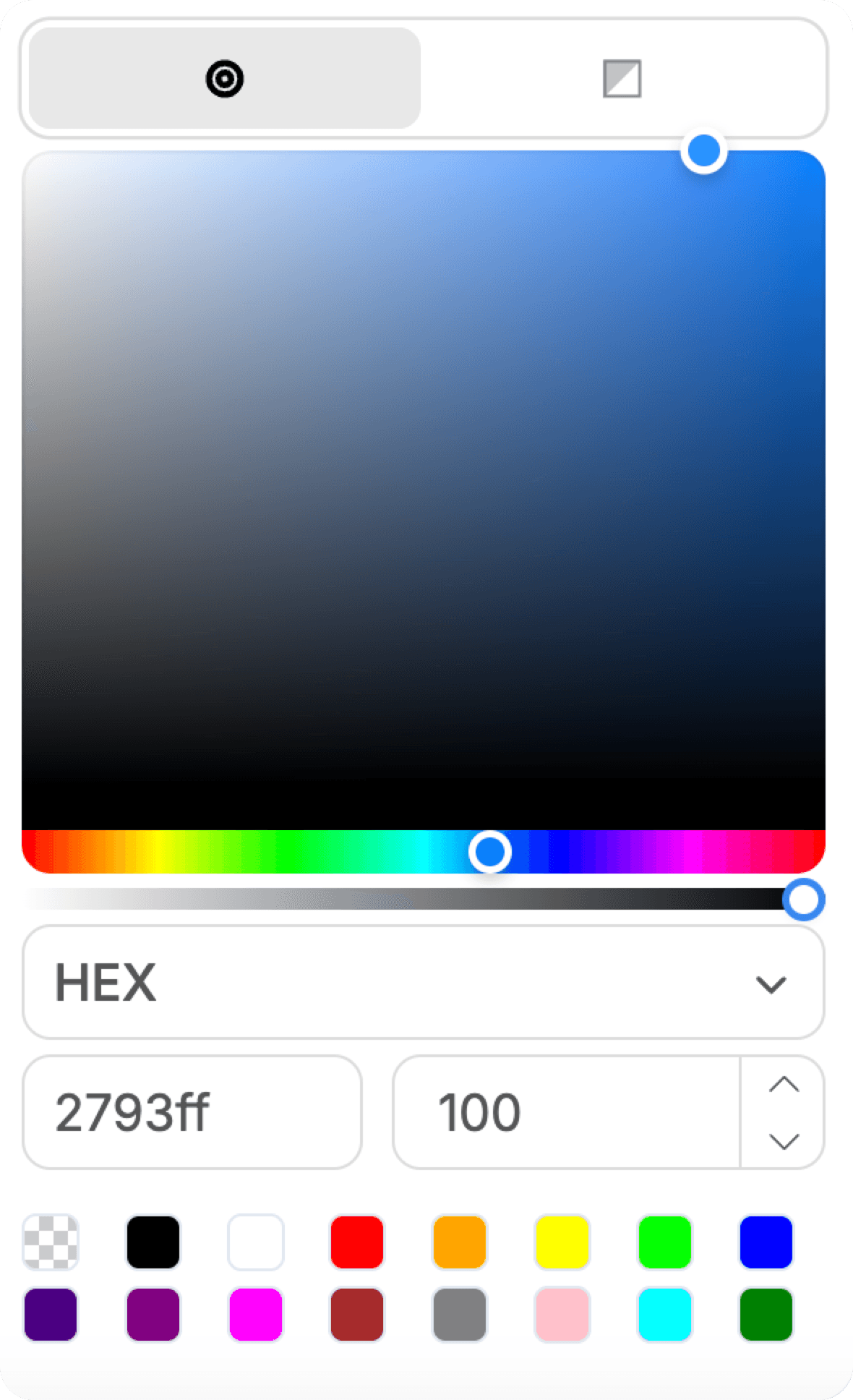
From data to design
Databases and CMS that power your live app, no backend to set up.
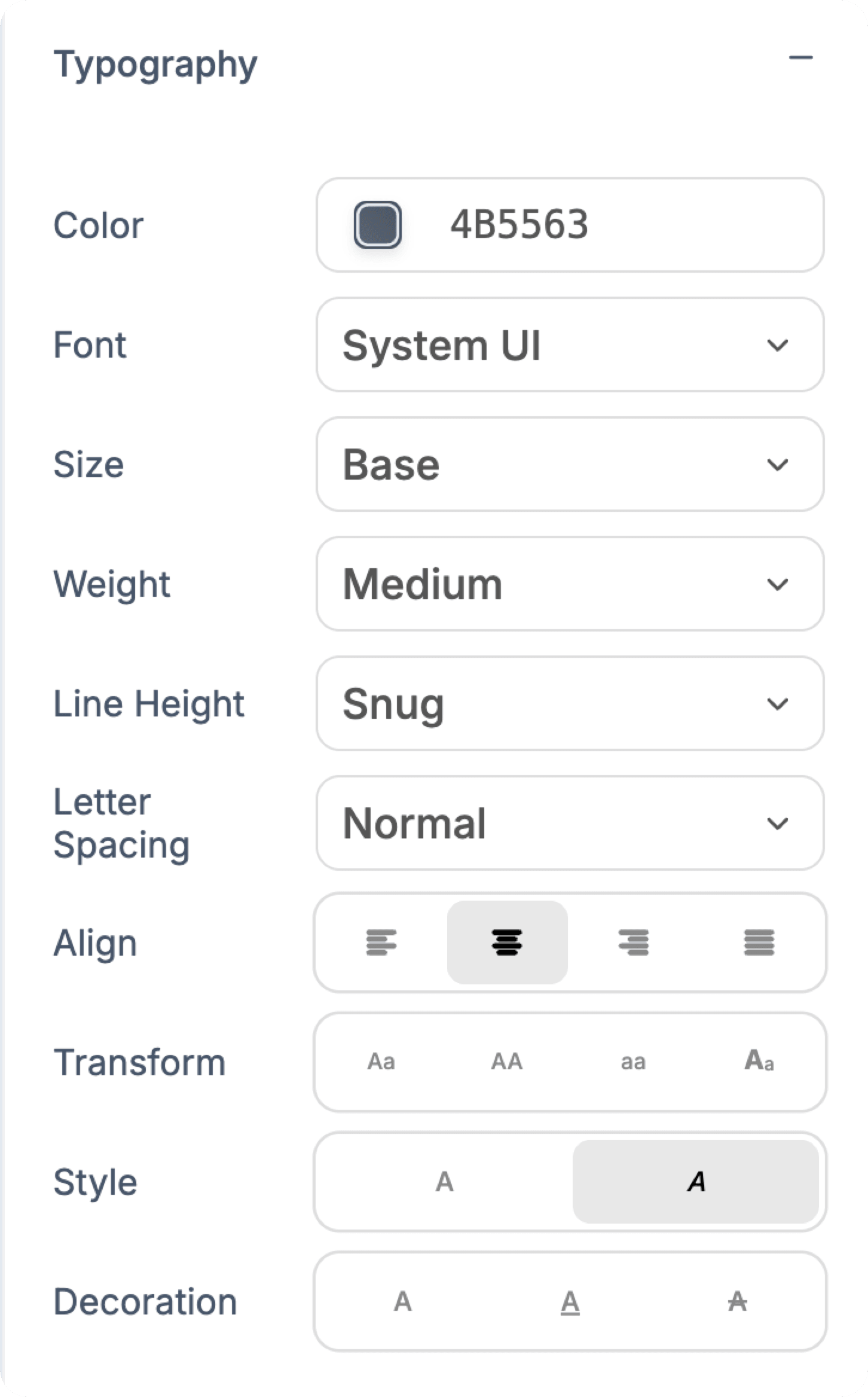
Font, size, weight, leading and spacing, all by hand.
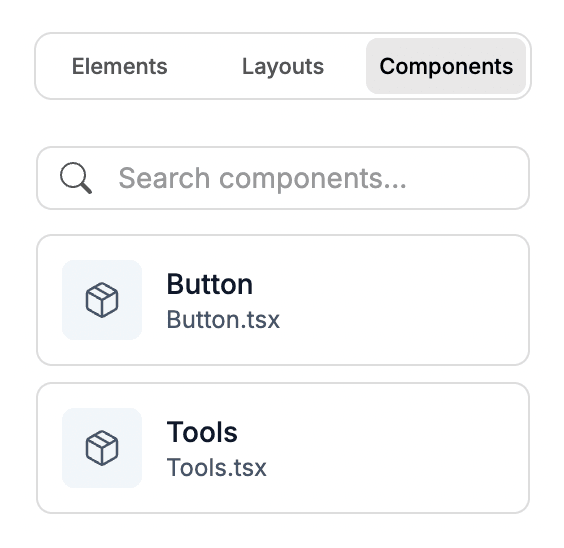
Save any section and drop it in anywhere.
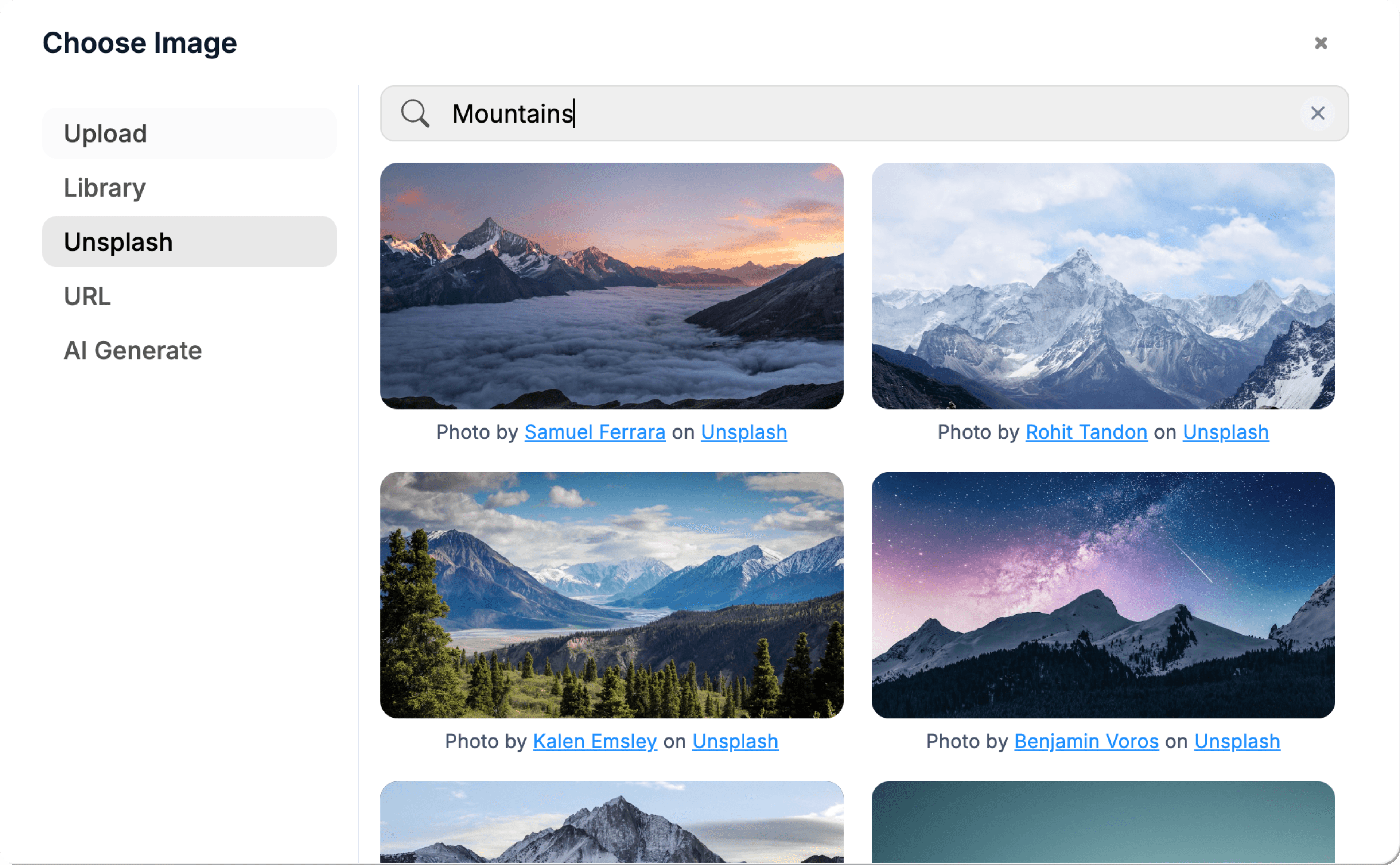
Pull in free imagery without leaving the canvas.
03 / Who it's for
Works with the tools you already use.
Payments, data, email, analytics, booking, messaging and AI. Connect an account once and every project can use it.
See all connectors











04 / Why generate it
Tools like Productive, Float, or HoneyBook charge per seat and lock features behind agency-tier plans. Generate something that fits your workflow exactly, not a generic agency template.
The client portal is the killer feature most agencies never build because the off-the-shelf options are clunky. Generate it once, customise per-client, charge it as a value-add.
FAQ
Everything you need to know before you generate it. Anything else, our team is one email away.
Yes. Add Supabase logins with sign-in links sent by email, then database rules so each client only sees their own projects. Clients can't see other agency clients; the database enforces it, not just the screens.
Add a time-entry table that links entries to a project and the team member who logged them. Compute monthly usage against the retainer's allotted hours. Alert when a client crosses 80% mid-month so you can flag overages before they happen.
Yes. Click the Stripe integration and sign in to connect your account. Invoices stay in Stripe (don't reinvent invoicing); the CRM just keeps a reference to each Stripe invoice and pulls its status. You see "paid / sent / overdue" without leaving the dashboard.
Yes. Each client record can hold a brand colour and logo URL. The portal renders with those when the matching client is logged in. For a full subdomain per client (clienta.youragency.com), turn on a catch-all domain setting (wildcard DNS) and WebTwizz can set up the rest.
Export your existing client/project data to CSV. Add a one-time admin import page (the AI builds it when you ask) that loads the CSV into the right tables. For Notion specifically, export databases as CSV first, same import path.
Keep building
Describe what you want. WebTwizz builds the real thing, then you click to change anything.
100 free credits on signup. No credit card needed.