Data
Wire up real data
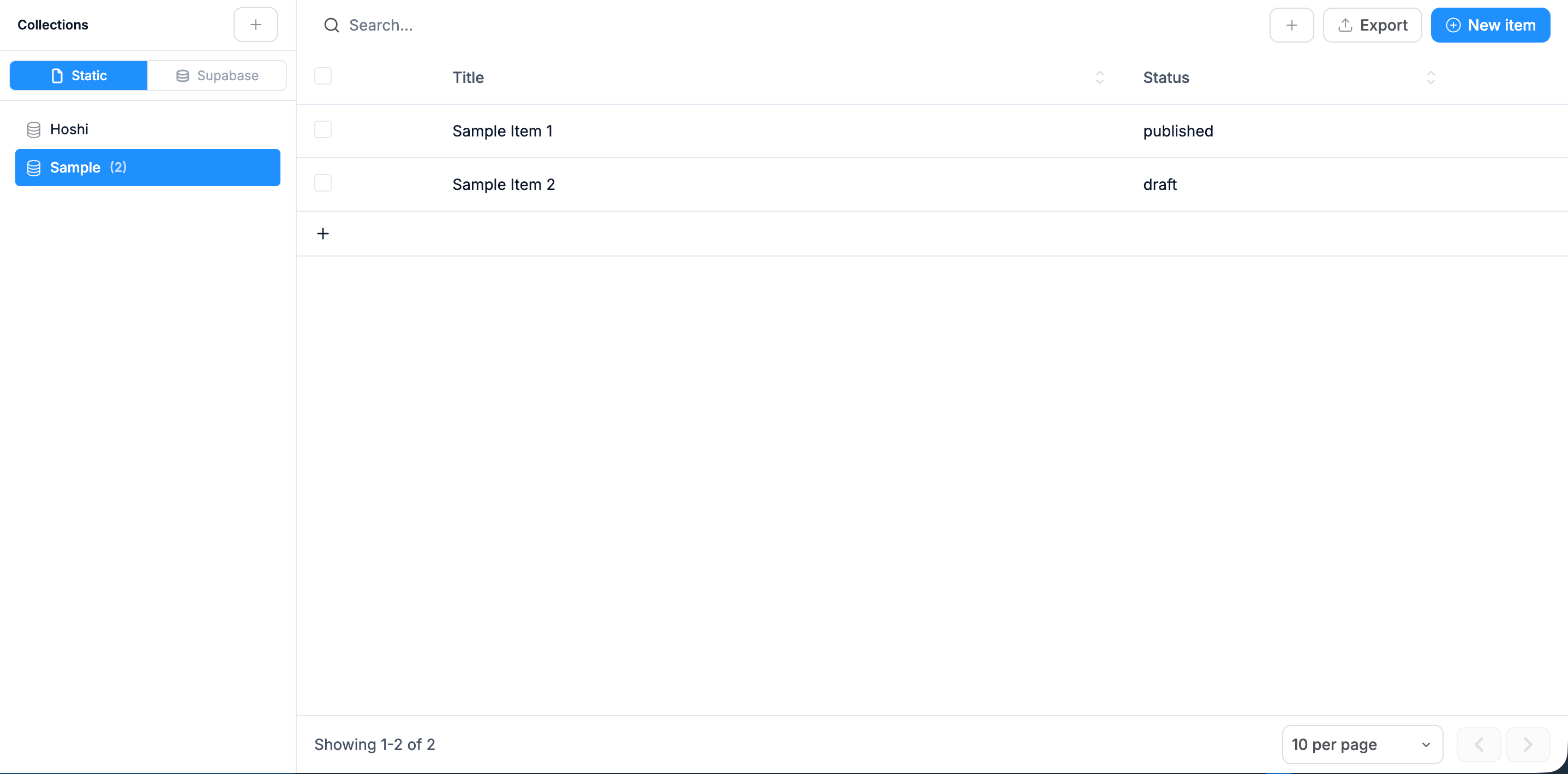
Databases and CMS that power your live app, no backend to set up.
Login, Stripe Checkout, plan limits, customer portal, the four pieces every paid SaaS needs, generated and wired up. Skip the setup work, ship the actual product.
100 free credits on signup. No credit card needed.
01 / What you get
Click Generate from the box above. Real code, a real database, real integrations, not a sandbox. Each piece below ships in the first prompt.
Logins via Supabase: email/password + Google sign-in, password reset, email verification
Stripe Checkout for subscriptions with Free, Pro, and Team tiers
Stripe notifications handled for completed checkouts, plan changes and cancellations
Features locked by plan on the server, not just hidden on screen
Stripe customer portal so users self-serve cancellations and plan changes
Per-user usage tracking so paid features can have monthly quotas
02 / Variants
From data to design
Databases and CMS that power your live app, no backend to set up.
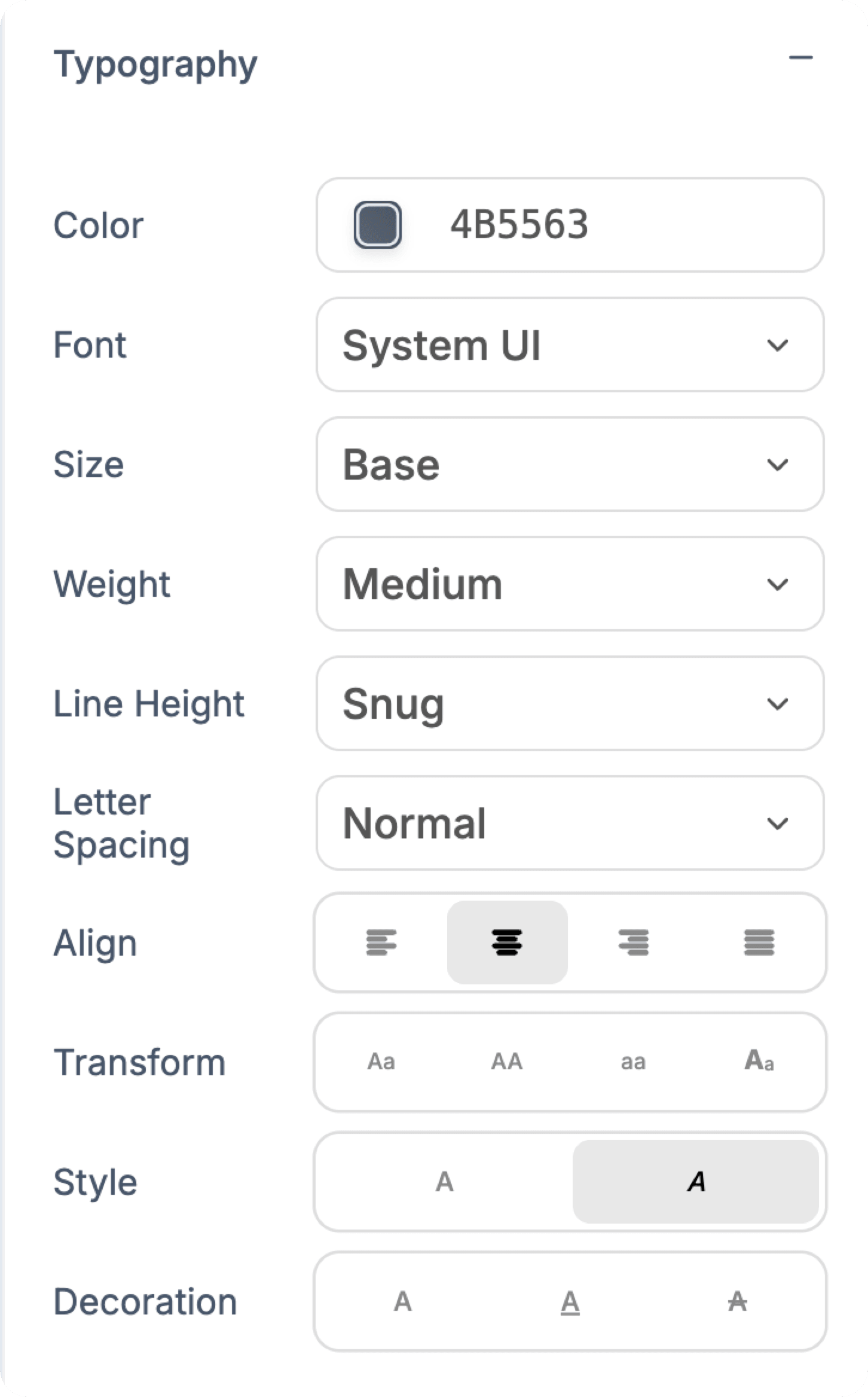
Font, size, weight, leading and spacing, all by hand.
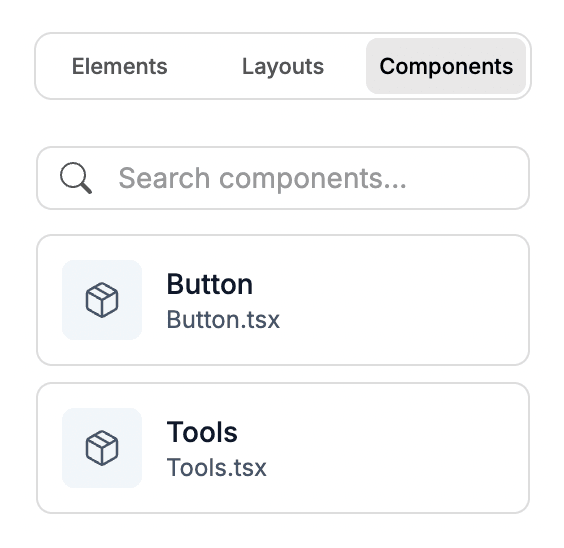
Save any section and drop it in anywhere.
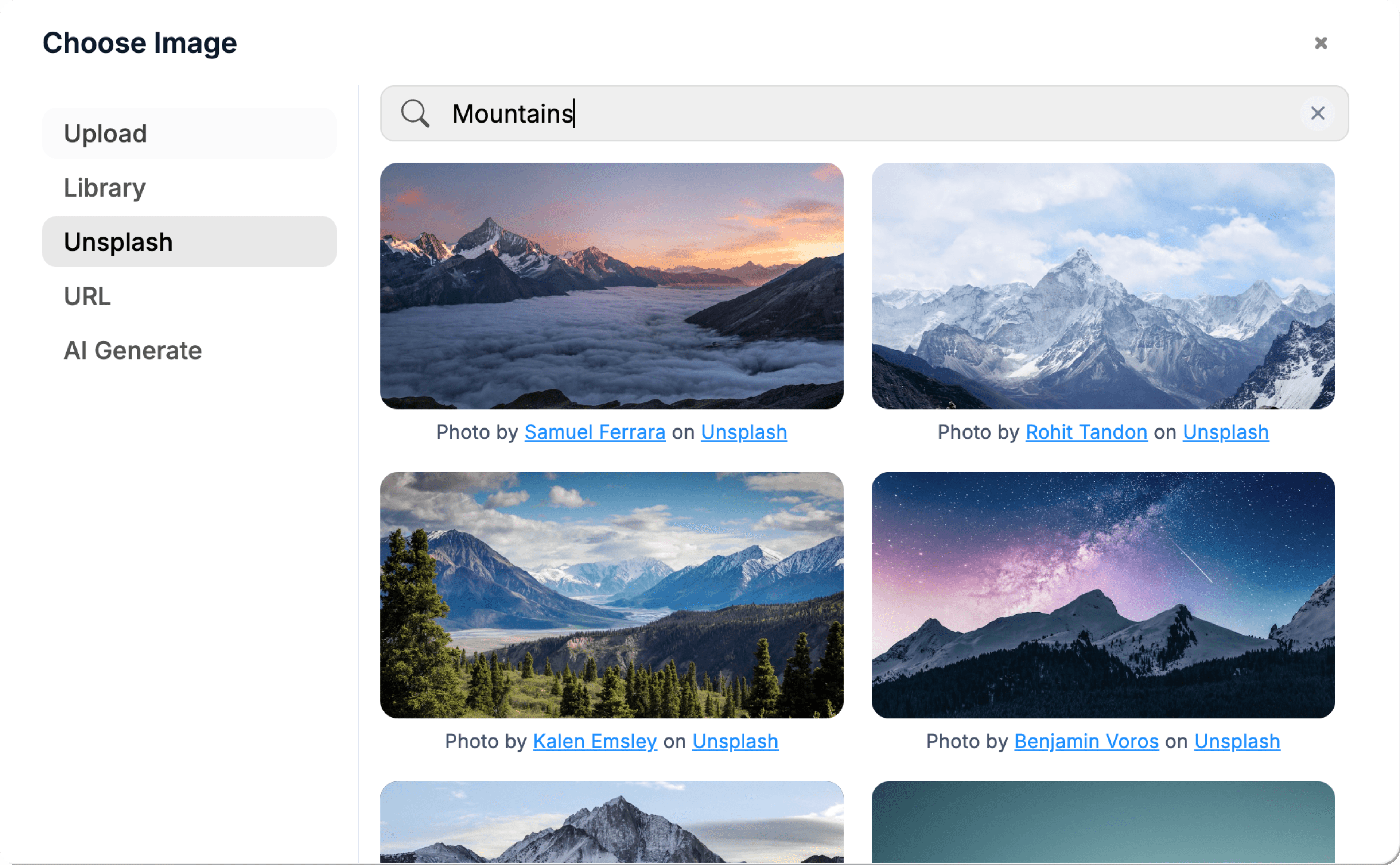
Pull in free imagery without leaving the canvas.
03 / Who it's for
Works with the tools you already use.
Payments, data, email, analytics, booking, messaging and AI. Connect an account once and every project can use it.
See all connectors











04 / Why generate it
The wiring is what takes the time, not the product. Logins, Stripe payment notifications, plan limits, and the customer portal eat a weekend even with a starter template. Generate them in two hours and spend the saved time on the thing users actually pay for.
You own all of the code. When you outgrow the starting setup (custom pricing experiments, enterprise quotes, usage-based billing), you extend the same code instead of fighting a SaaS-builder platform's limits.
FAQ
Everything you need to know before you generate it. Anything else, our team is one email away.
Click the Stripe integration and sign in. Create your products in the Stripe dashboard (Free, Pro, Team), grab the price IDs, and prompt: "Wire up subscription checkout with these three price IDs." The AI builds the checkout, the code that keeps payments in sync with Stripe, and the link to the customer portal.
Plan limits have to be checked on the server, not just on screen. Every paid action checks the user's current plan before it runs. Hiding the button is a courtesy; without the server check, anyone could get around it.
Listen for customer.subscription.updated (cancellation scheduled) and customer.subscription.deleted (period ended). Don't downgrade on the first event, they paid through the period. The Stripe customer portal handles cancellation UX so you don't build it.
Add a "delete my account" button that triggers a cascading delete across profiles, usage, and any user-owned records. Real deletion in Postgres, not soft-delete. Schedule a job to also delete user data N days after subscription cancellation if you want to be aggressive about retention.
Two to three hours from blank to a working flow: signup, upgrade to Pro via Stripe Checkout, hit a usage limit on Free, see the customer portal work. Production-polish (custom emails, analytics, onboarding) is a weekend.
Keep building
Describe what you want. WebTwizz builds the real thing, then you click to change anything.
100 free credits on signup. No credit card needed.